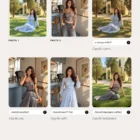
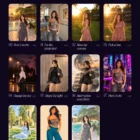
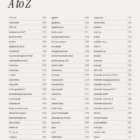
Description
For ChatGPT · GPT Image
Type a word.
Get a new photograph.
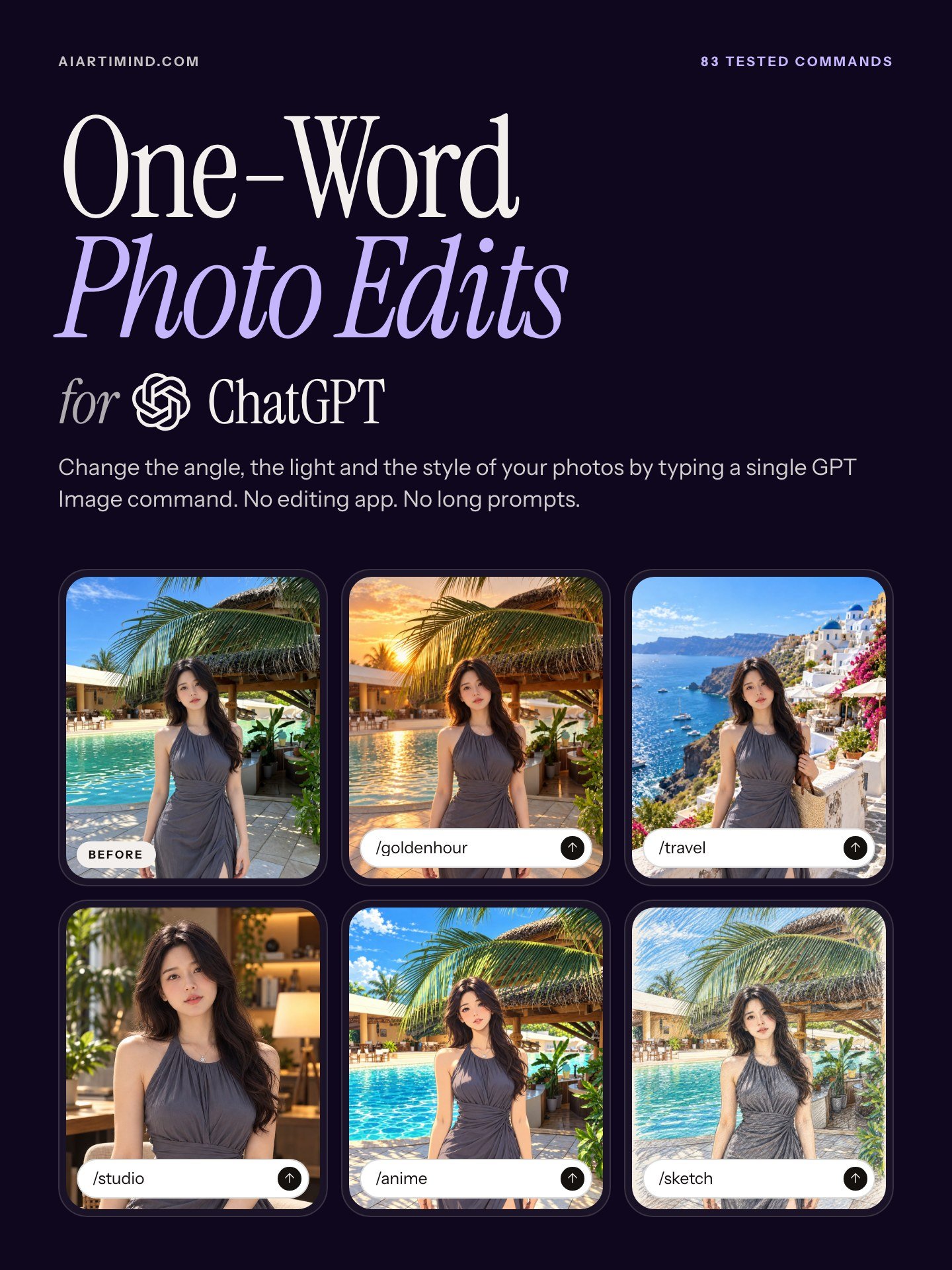
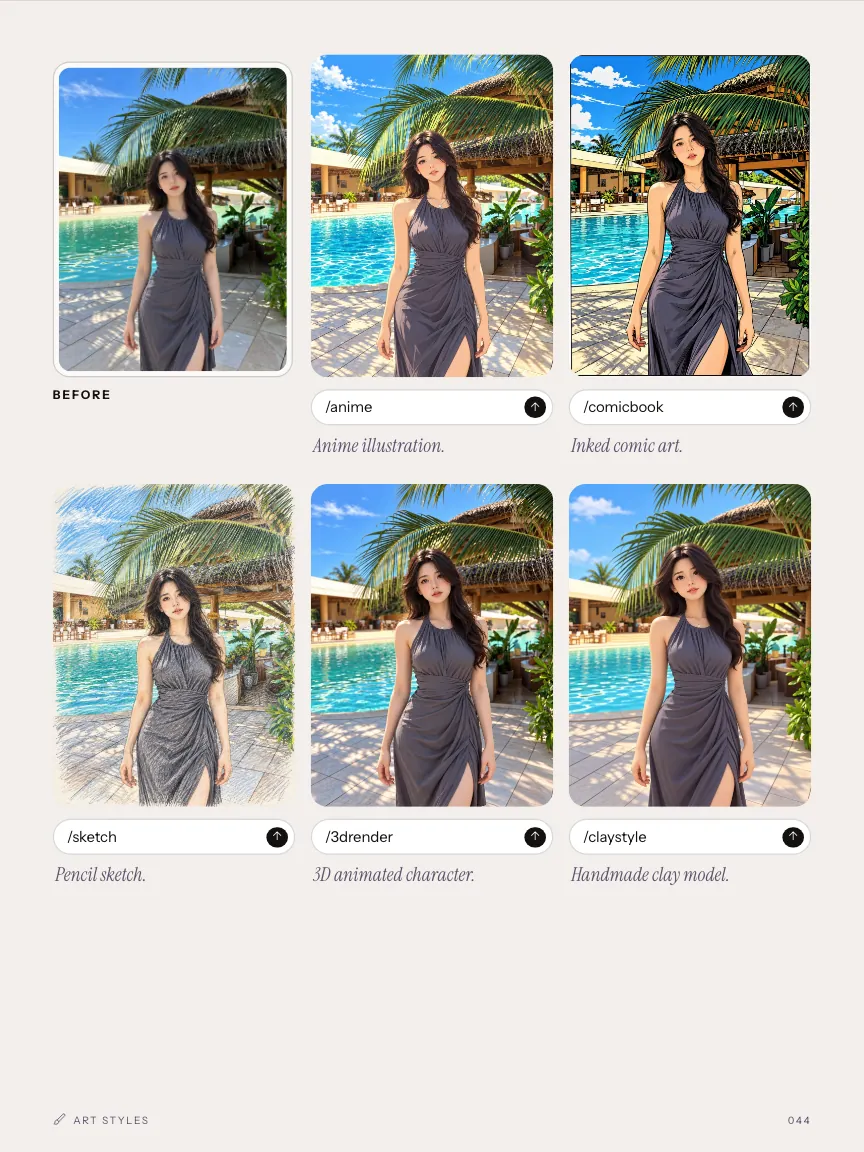
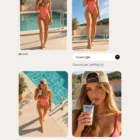
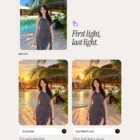
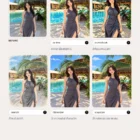
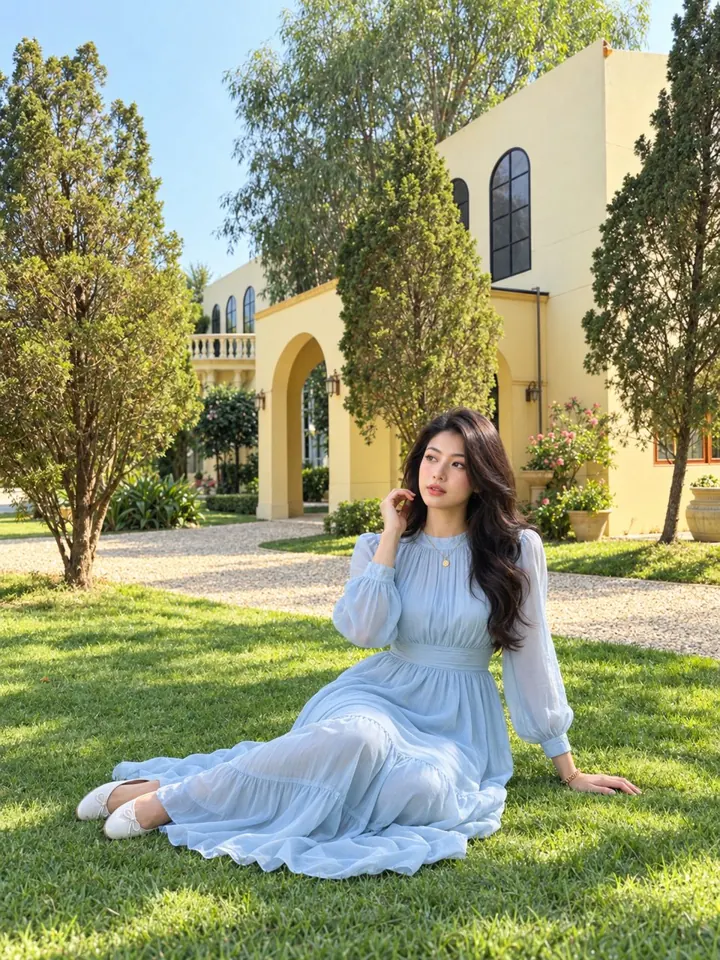
One photo, five commands, five results. Every command in the book is shown this way: the photo before, the word you type, the photo after.
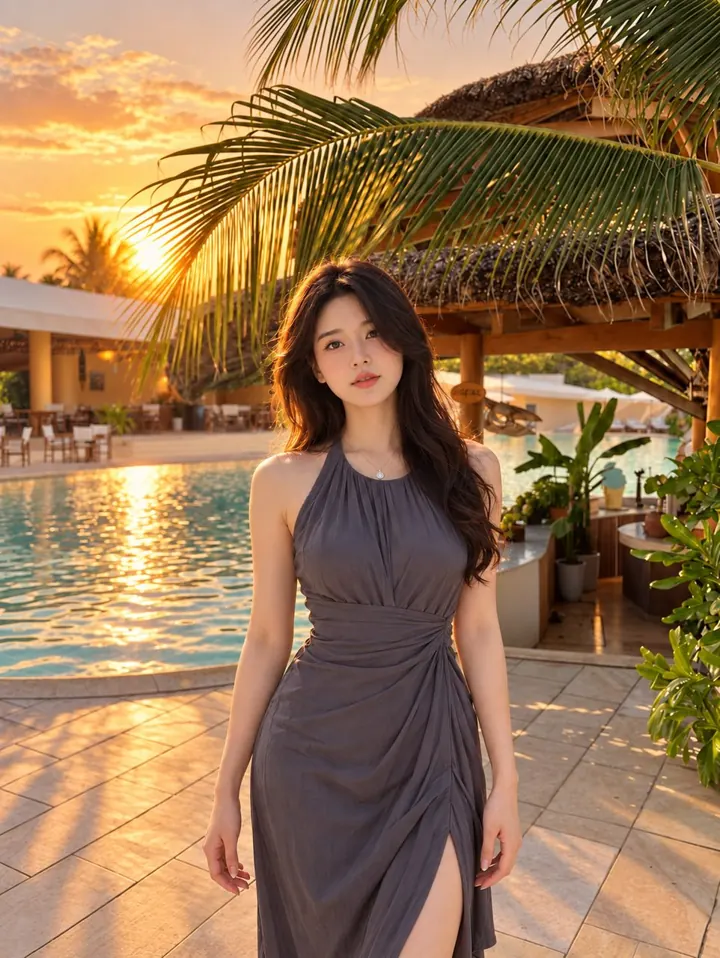
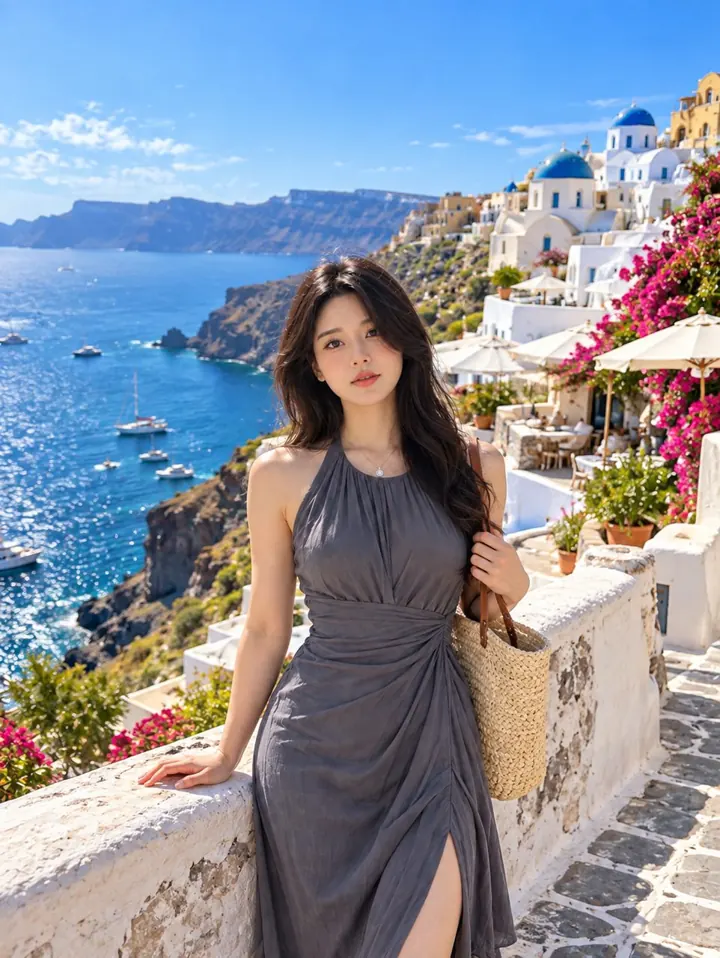
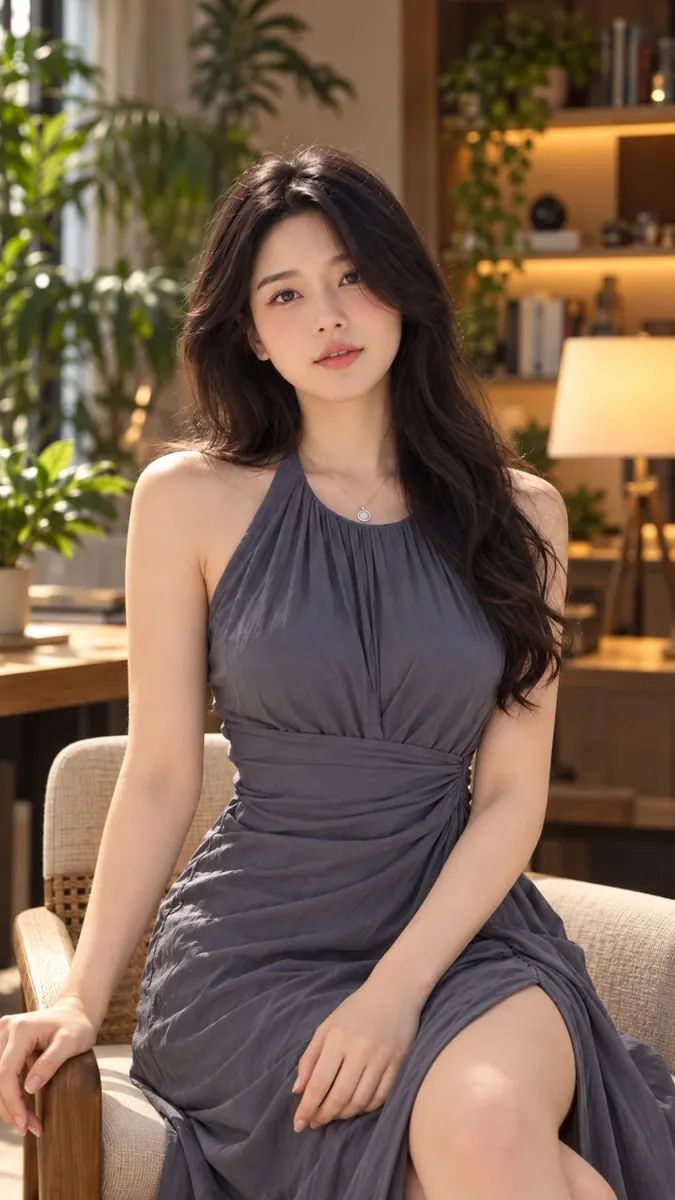
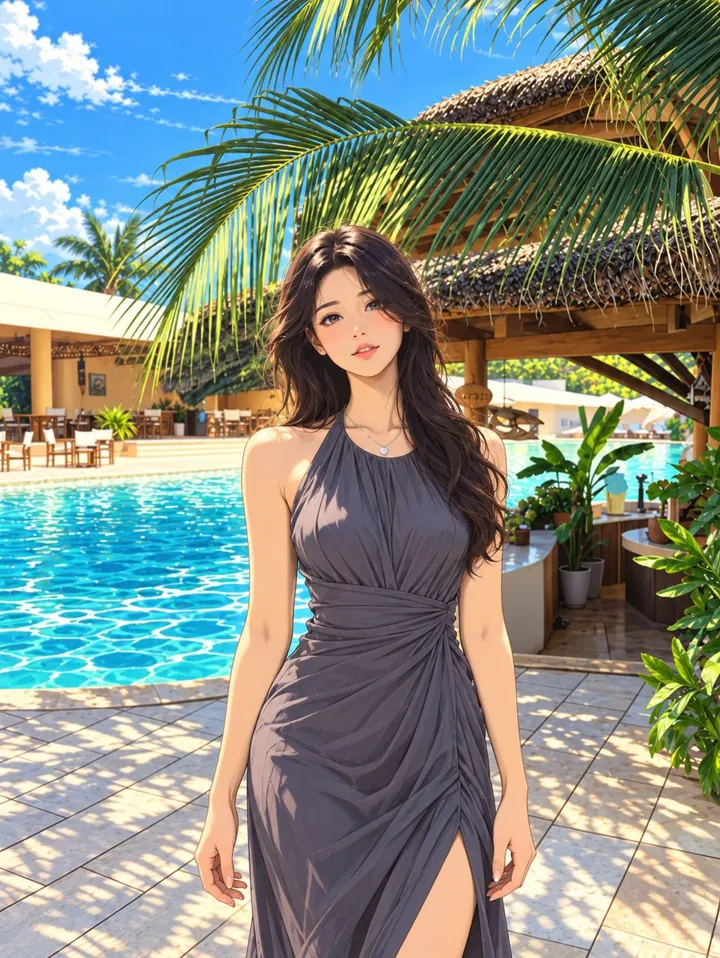
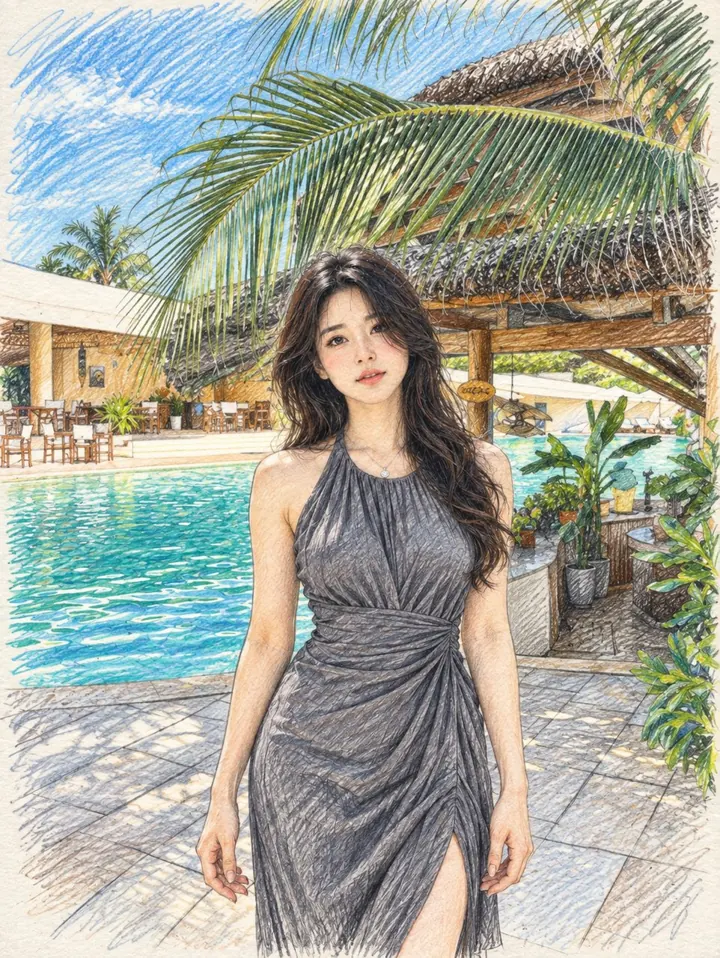
How it works
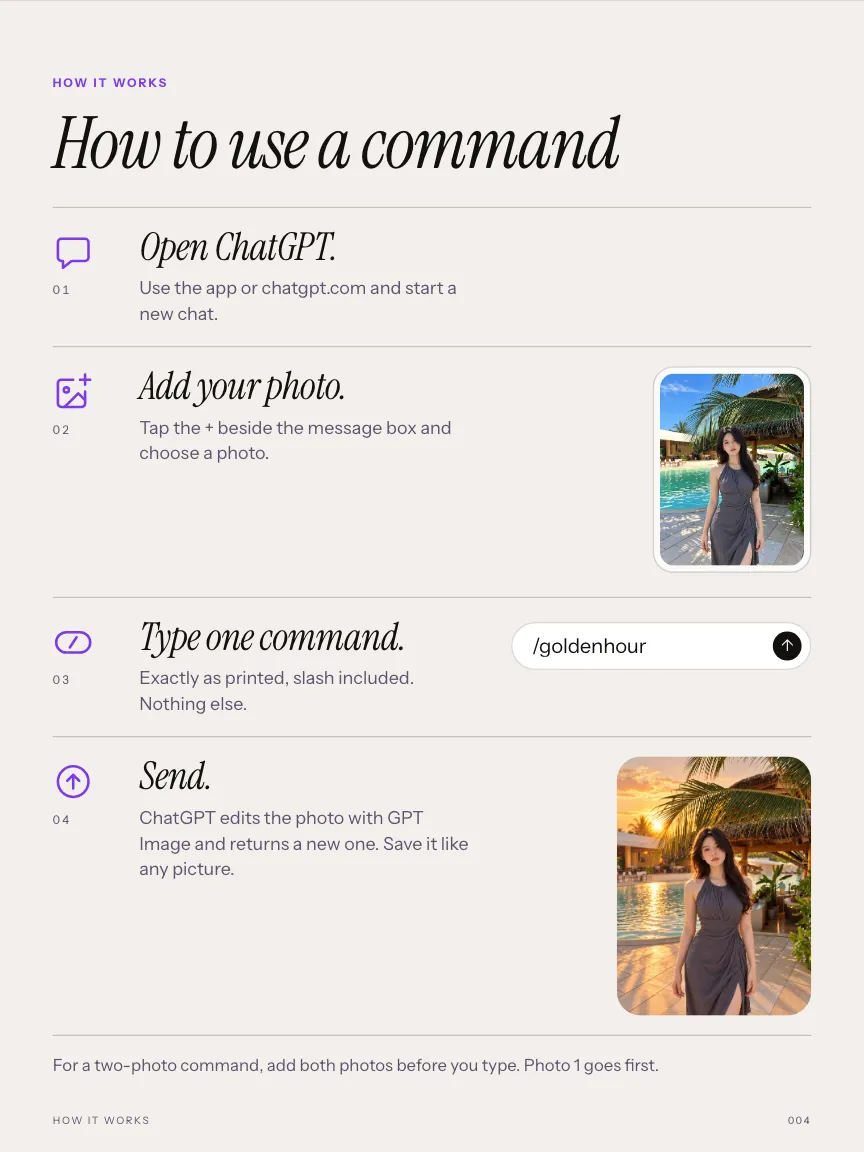
How to use a command
Open ChatGPT.
Use the app or chatgpt.com and start a new chat.
Add your photo.
Tap the + beside the message box and choose a photo.
Type one command.
Exactly as printed, slash included. Nothing else.
Send.
ChatGPT edits the photo with GPT Image and returns a new one. Save it like any picture.
For a two-photo command, add both photos before you type. Photo 1 goes first.
What is inside
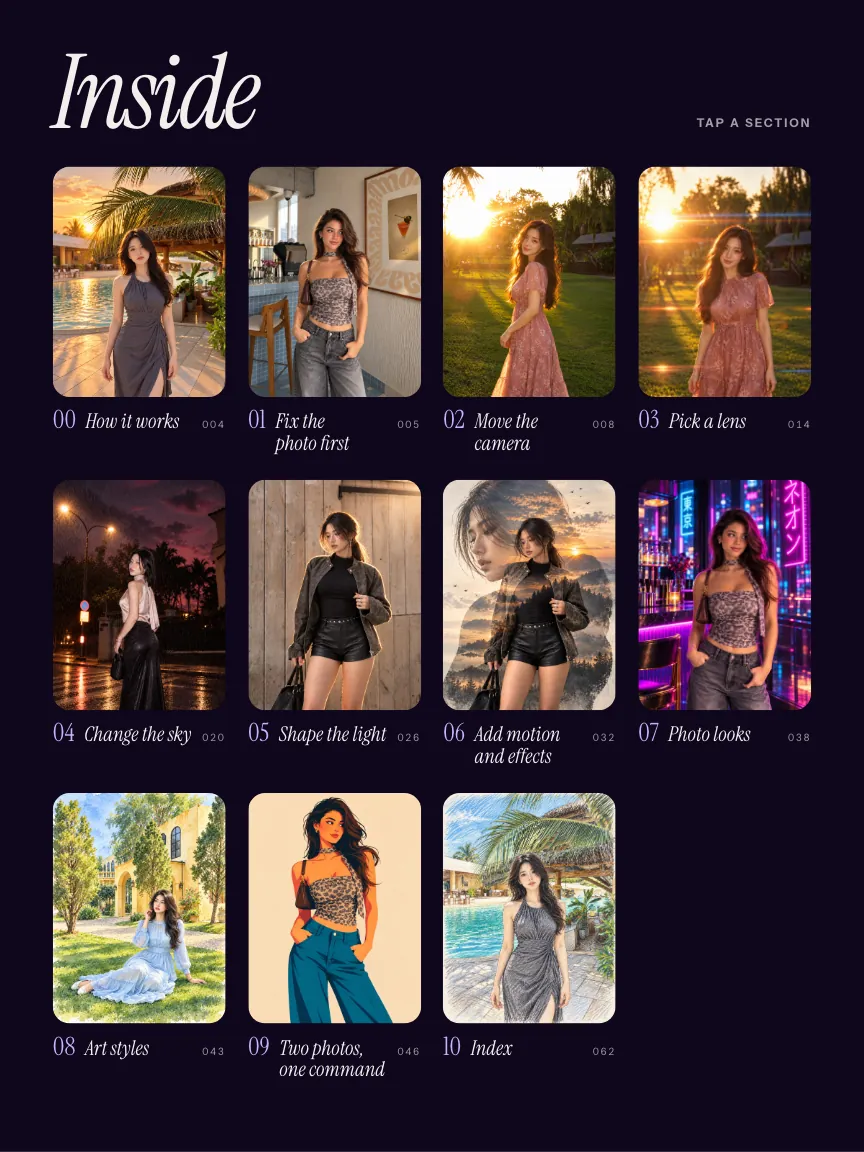
9 chapters, in the order you would use them.
-
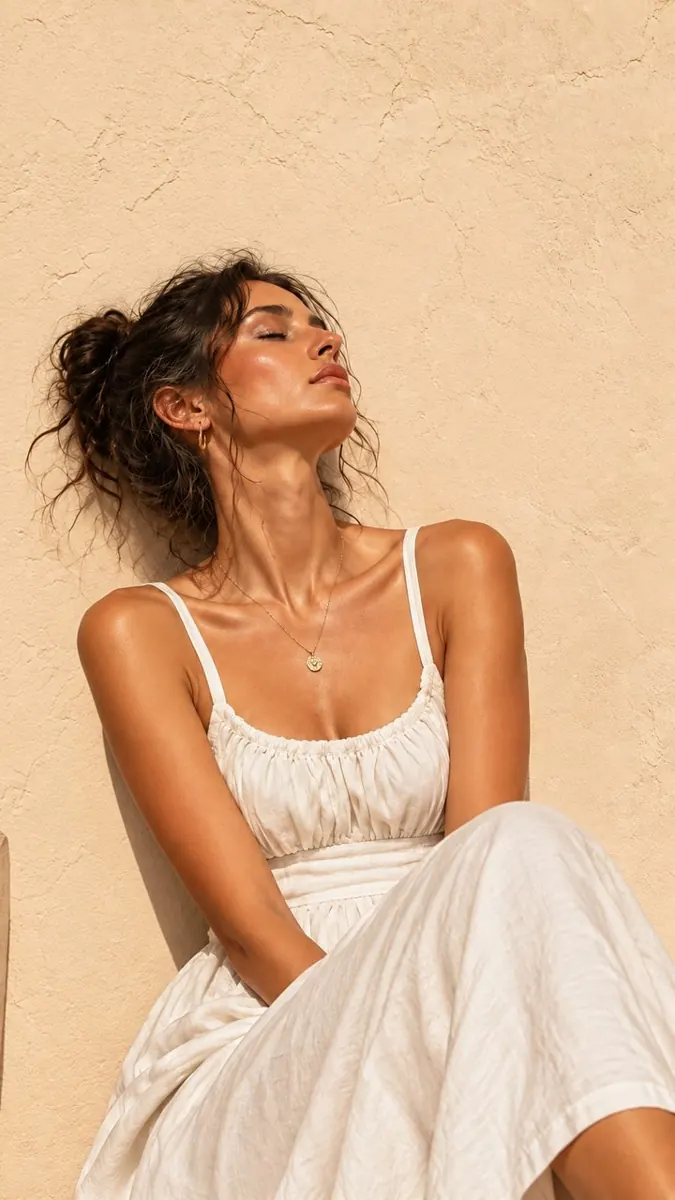
/removeshadow 01 · 4 commands
Fix the photo first
Repair the light before anything creative.
-
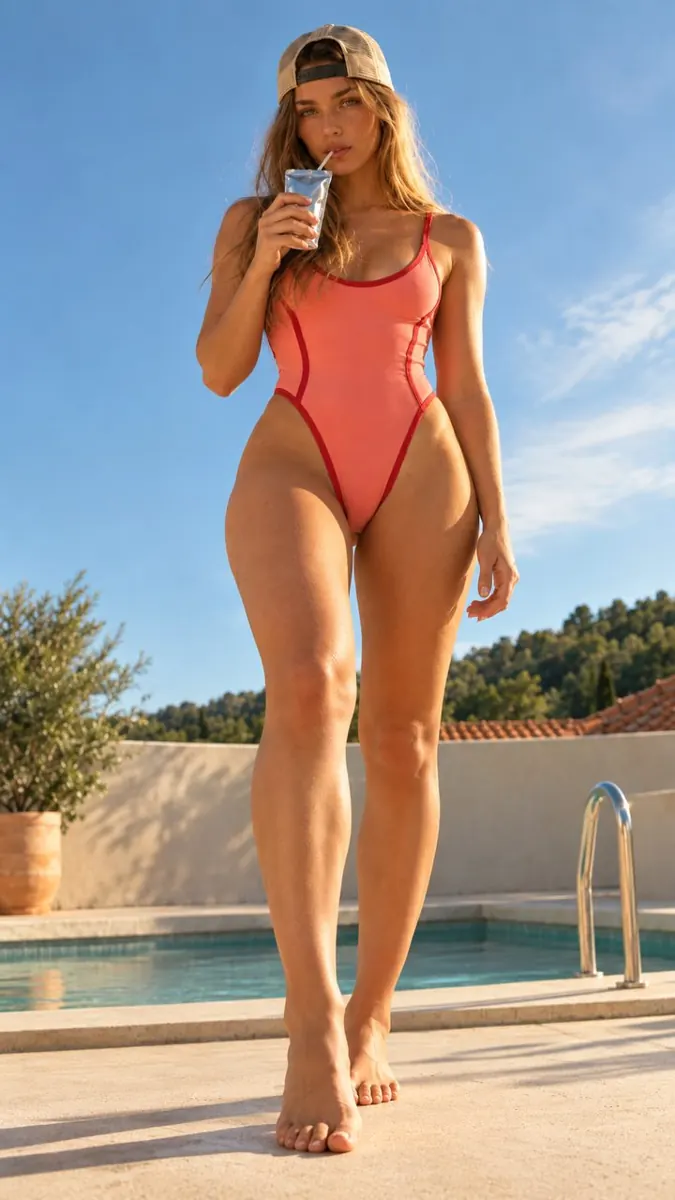
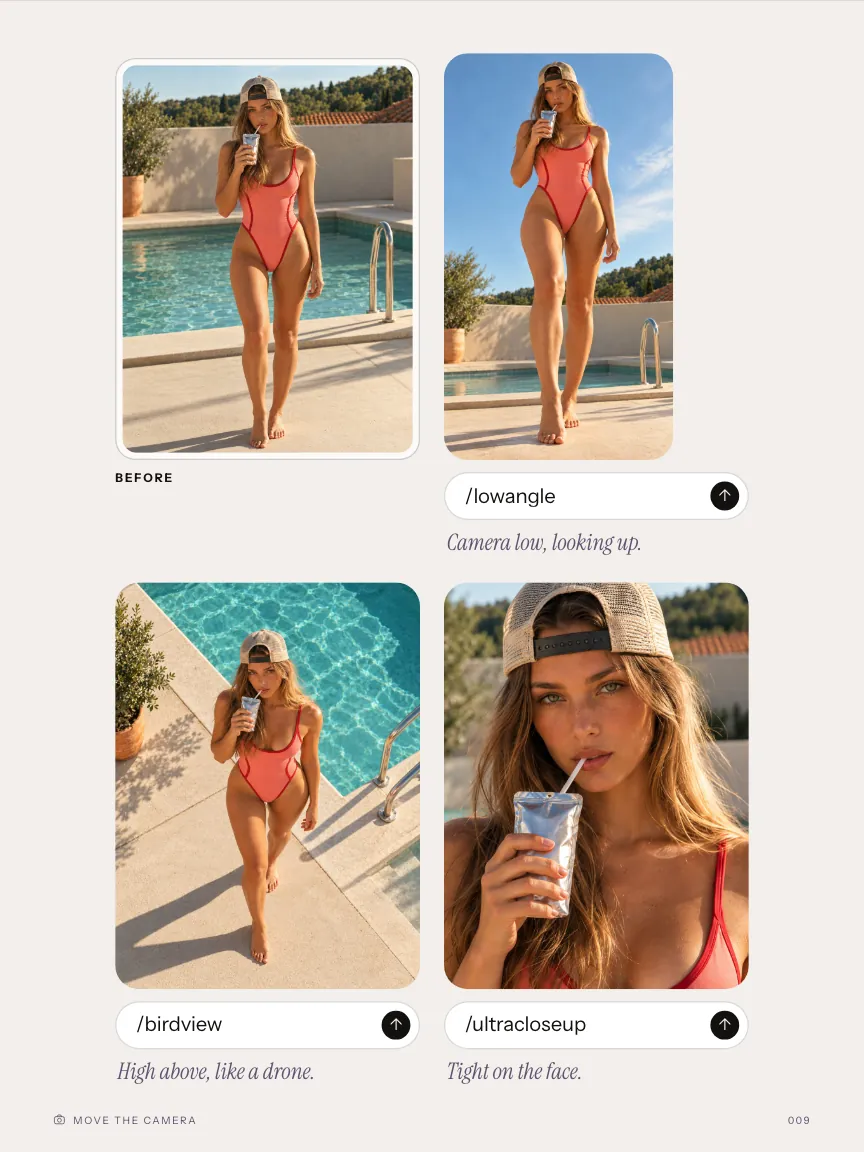
/lowangle 02 · 10 commands
Move the camera
Where the photo is taken from.
-
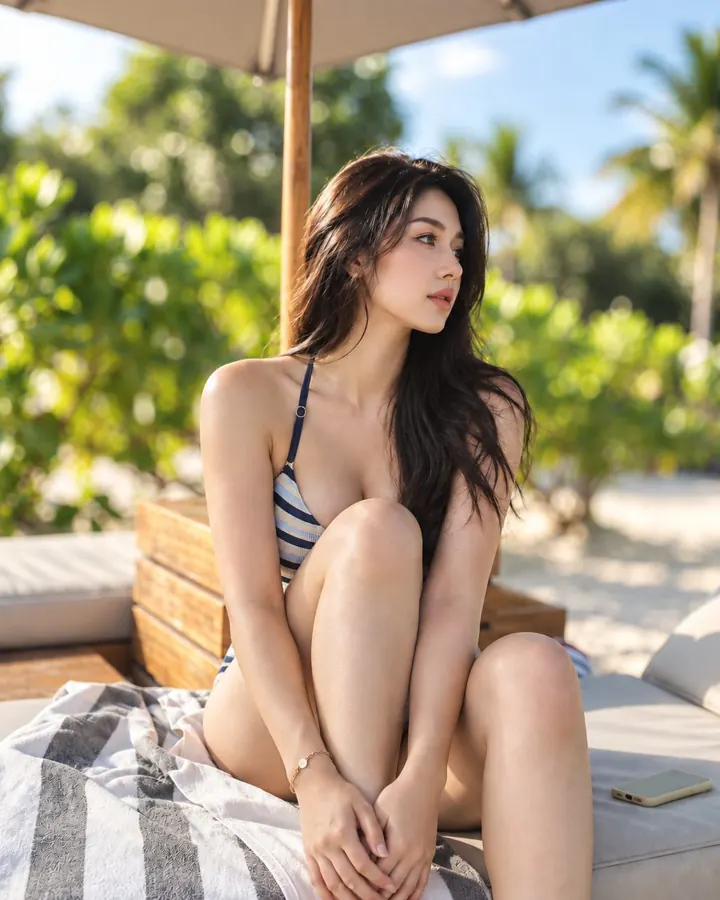
/bokeh 03 · 7 commands
Pick a lens
How wide, how close, how blurred.
-
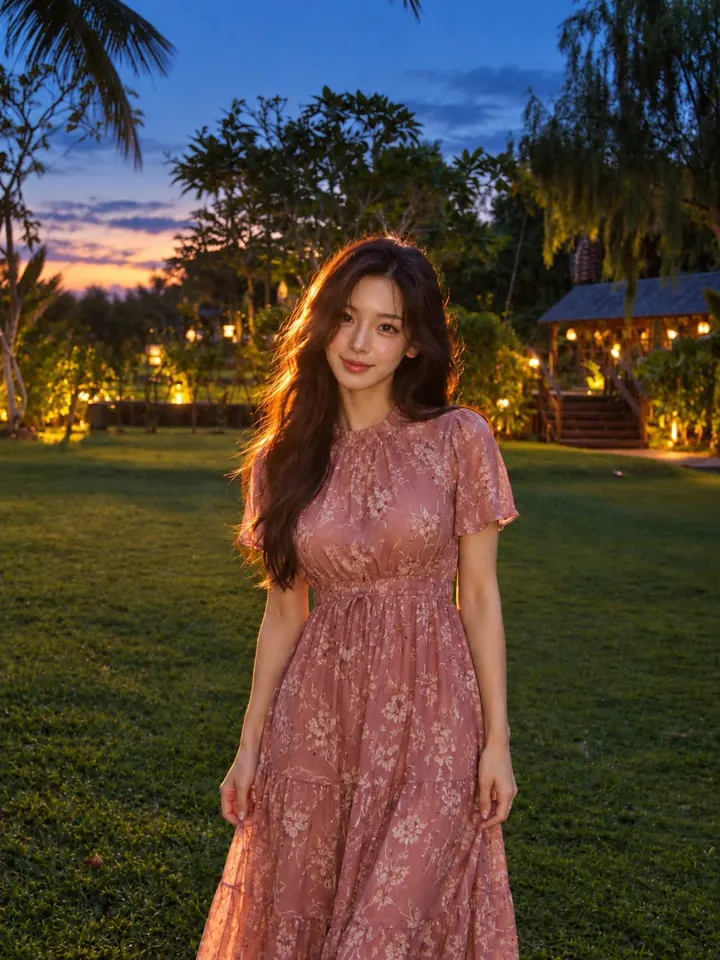
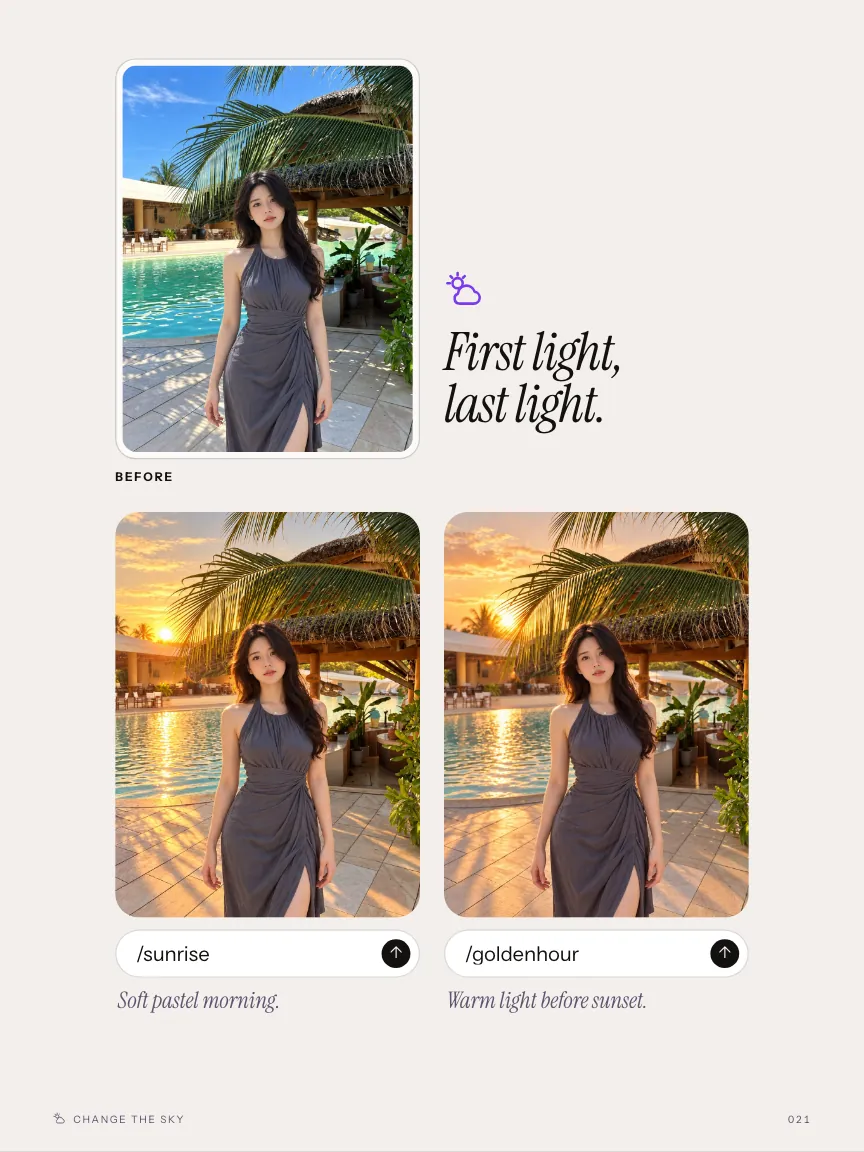
/bluehour 04 · 11 commands
Change the sky
Time of day and weather.
-
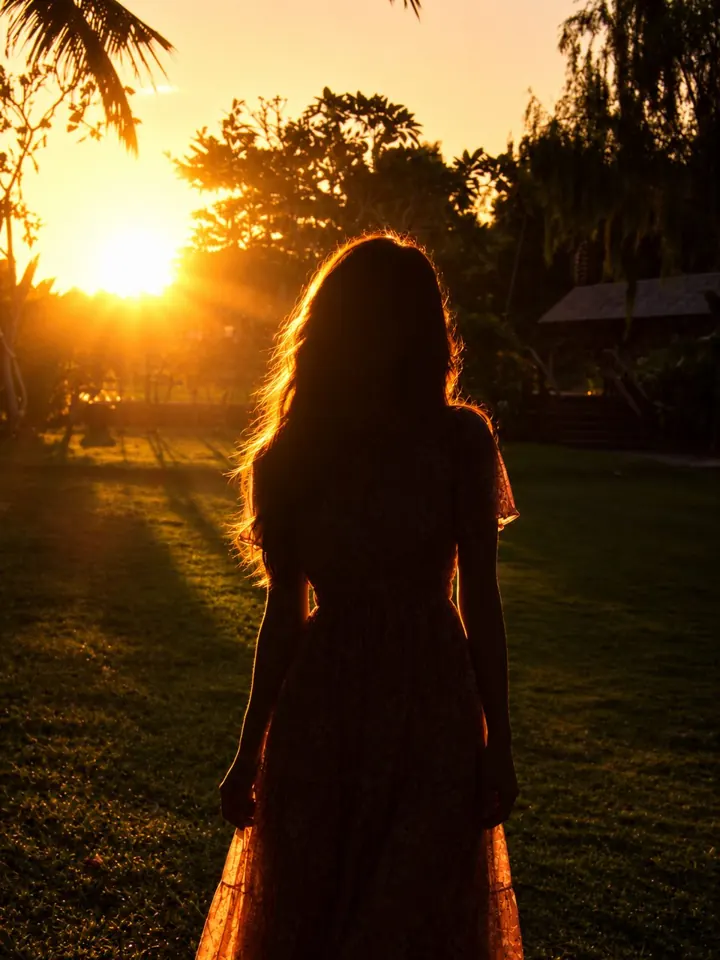
/silhouette 05 · 9 commands
Shape the light
Direction and drama on the subject.
-
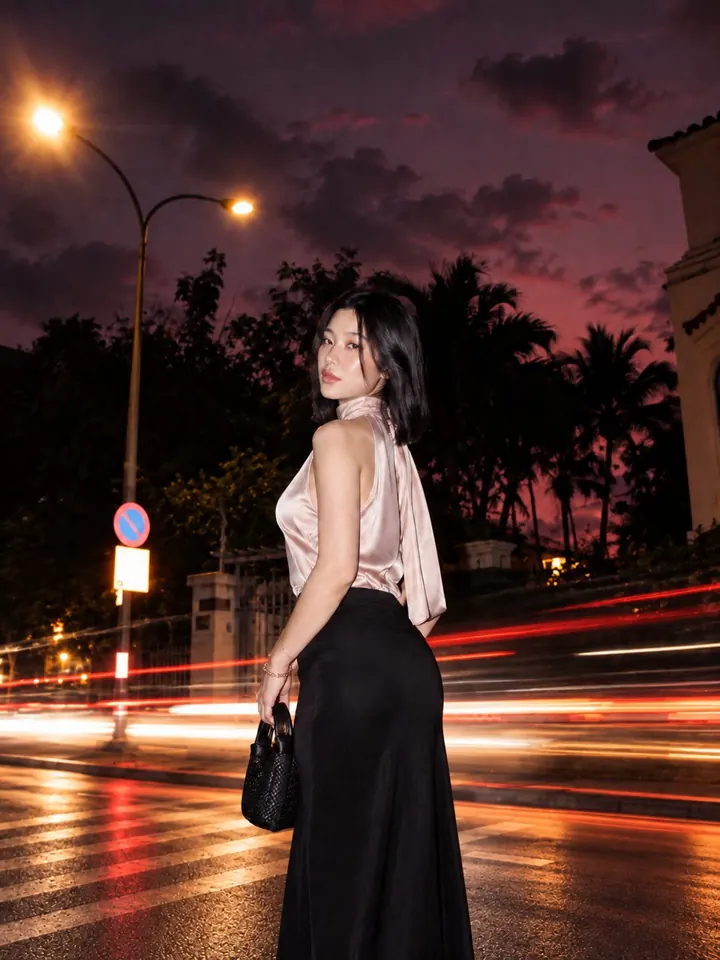
/longexposure 06 · 6 commands
Add motion and effects
One effect on a finished look.
-
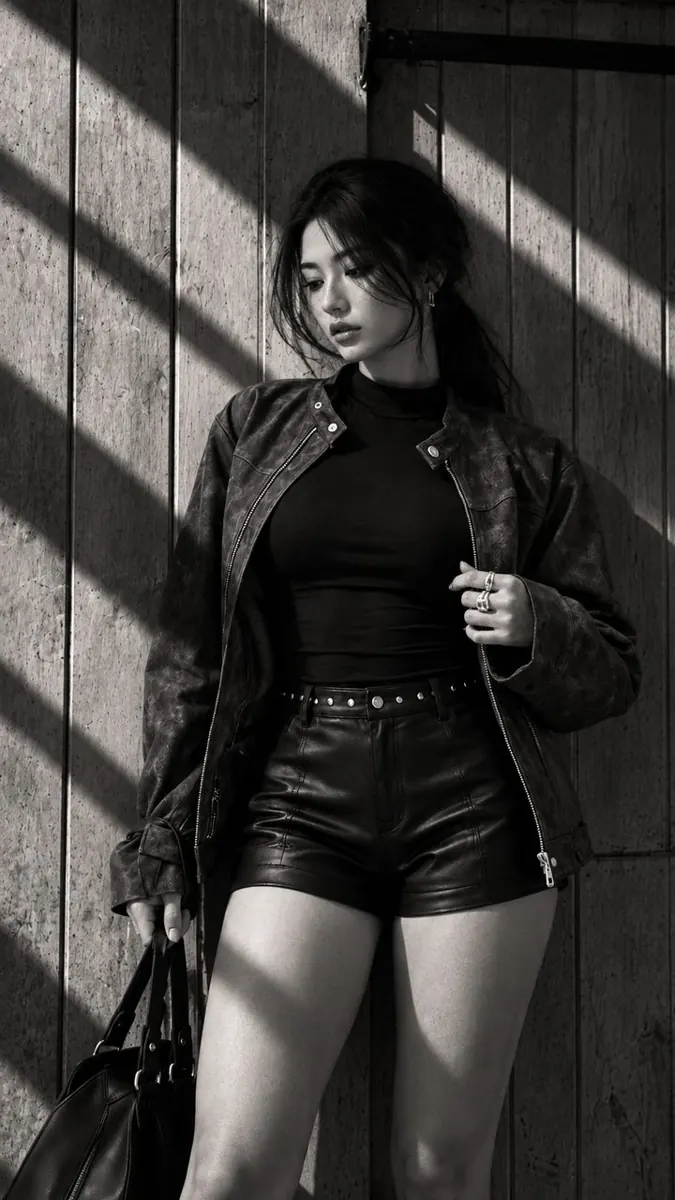
/noir 07 · 12 commands
Photo looks
Restyle everything. It stays a photograph.
-
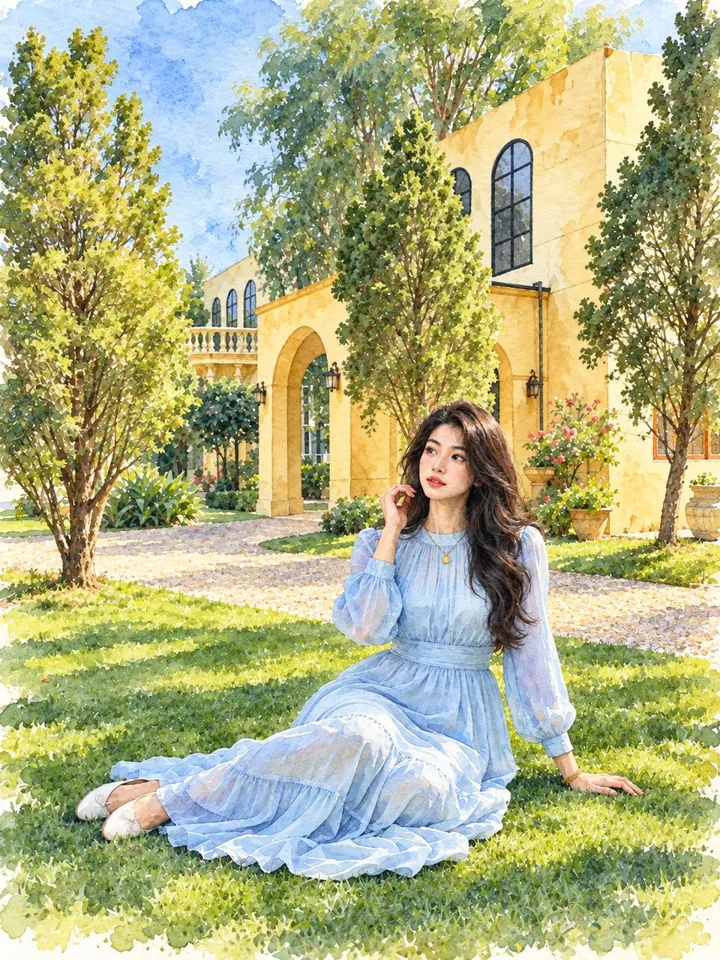
/watercolor 08 · 7 commands
Art styles
Redraw the photo in another medium.
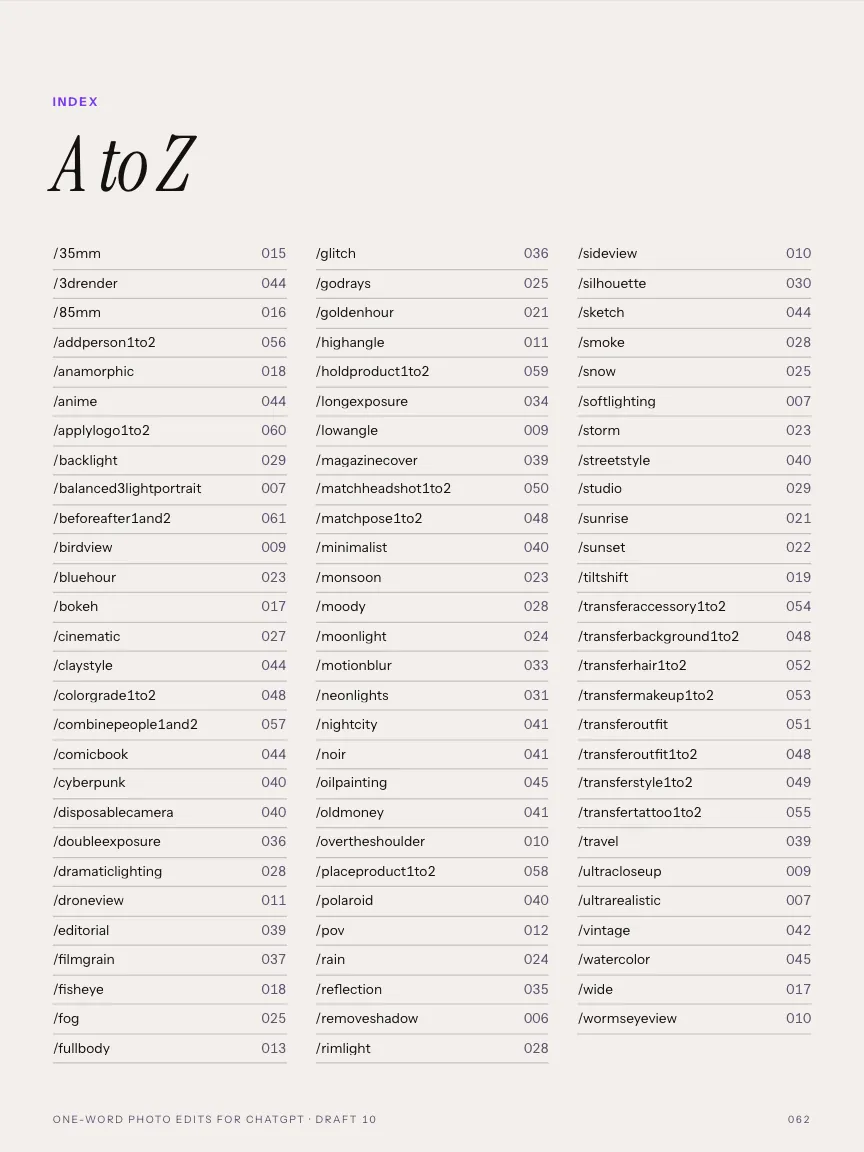
Plus an A to Z index of every command.
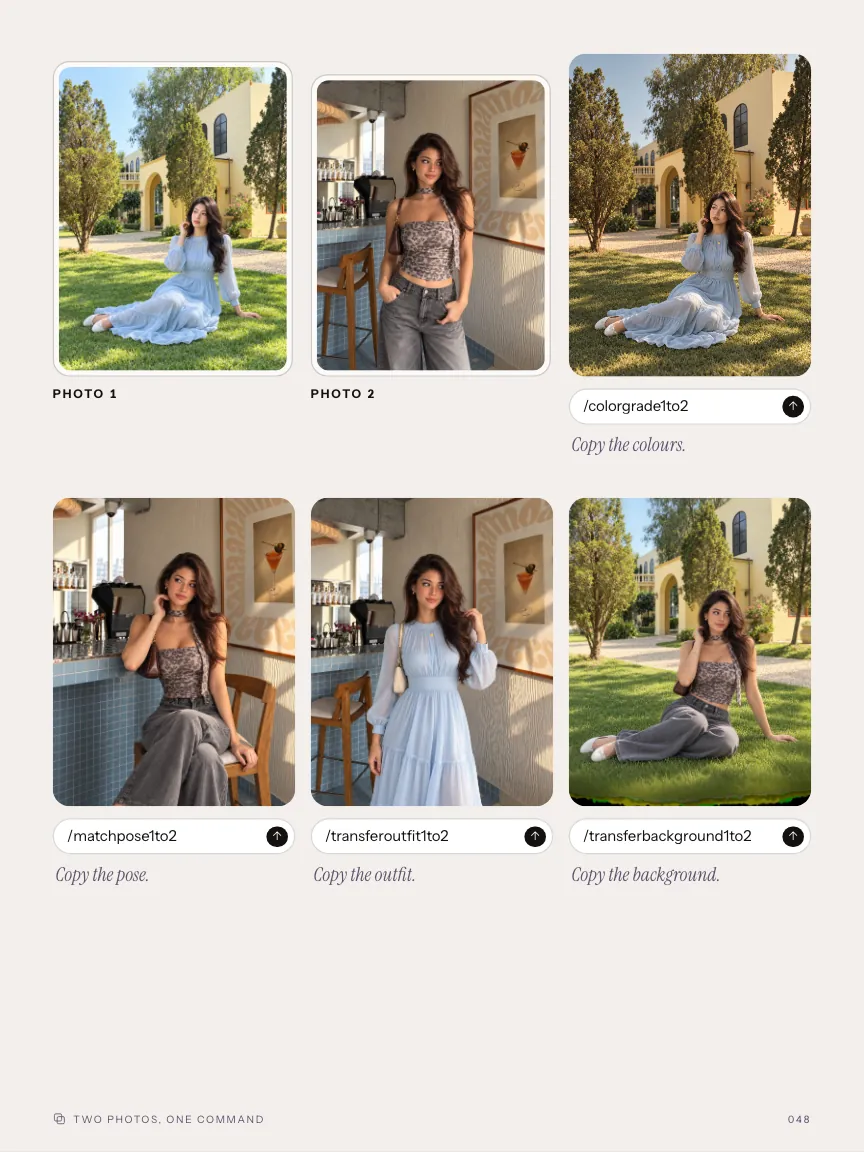
Two photos, one command
Photo 1 gives. Photo 2 receives.
- 1to2 means: take from photo 1, apply to photo 2.
- 1and2 means: combine both into one new image.
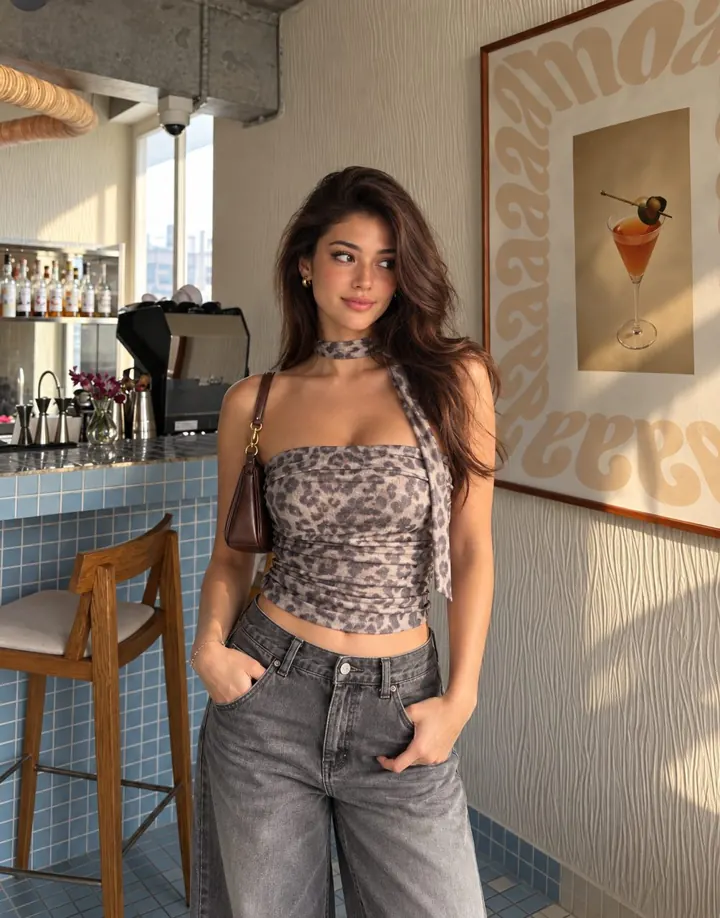
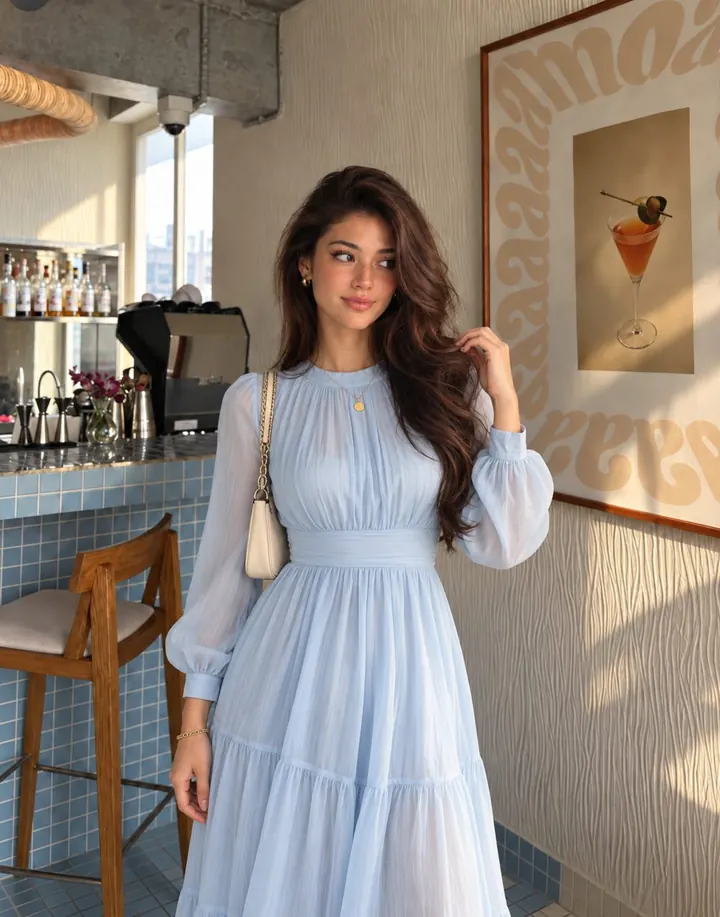
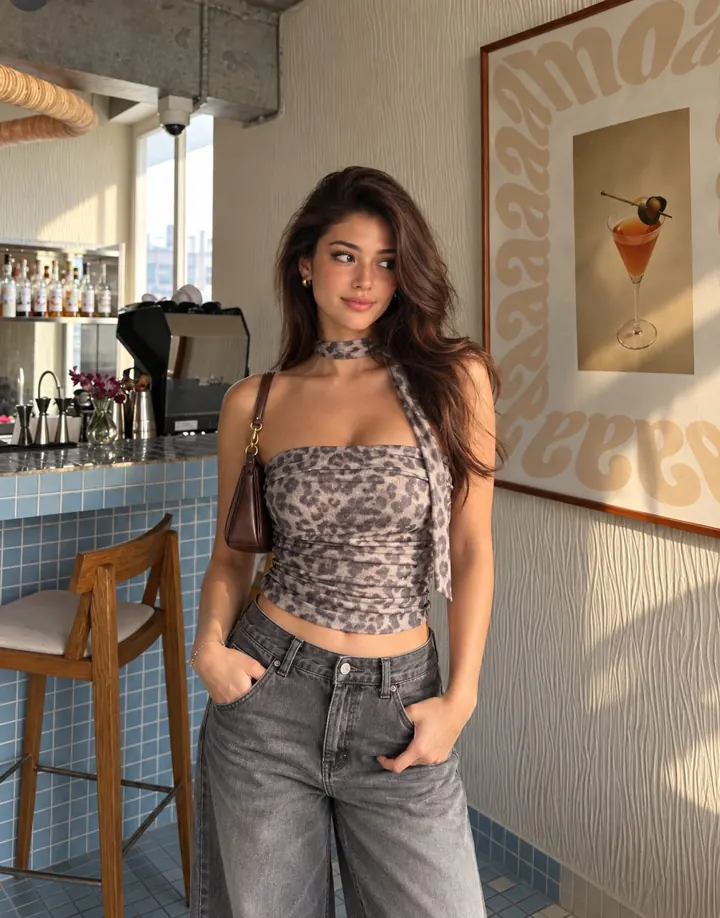
Copy the outfit.
/transferoutfit1to2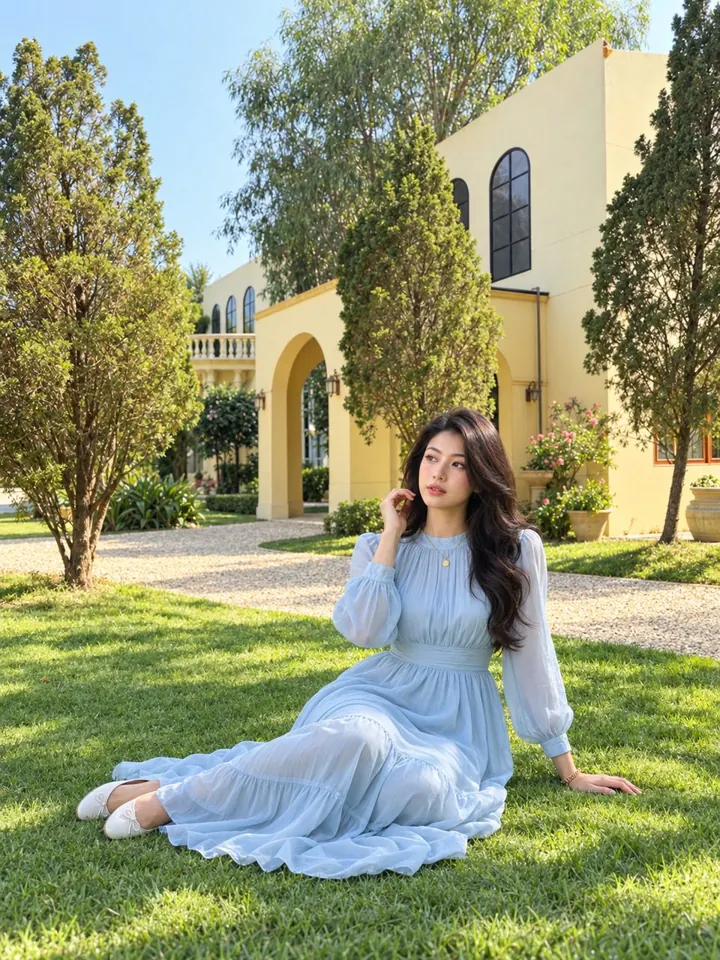
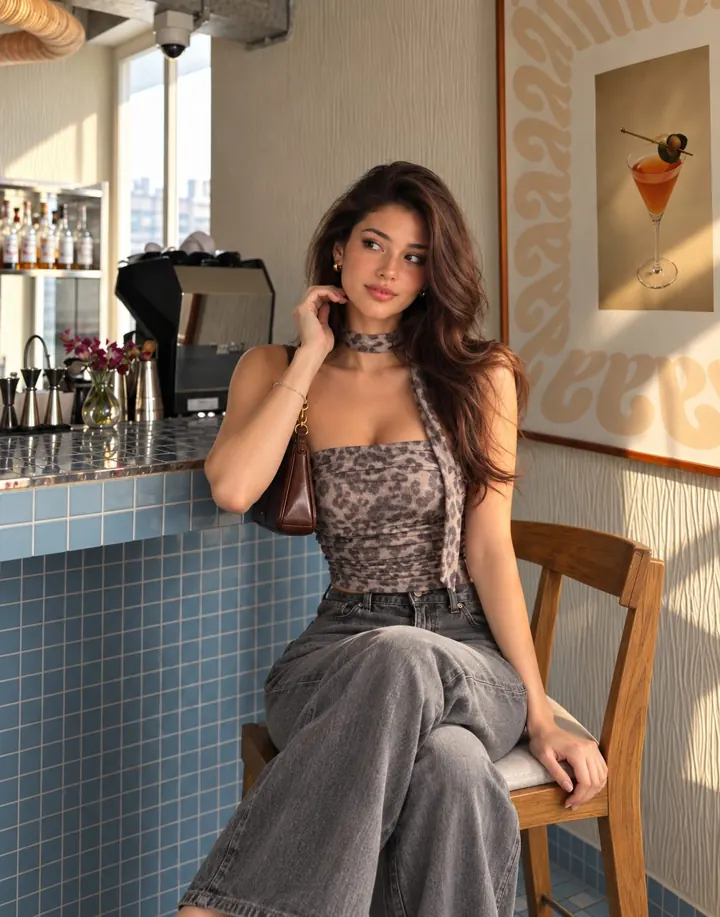
Copy the pose.
/matchpose1to2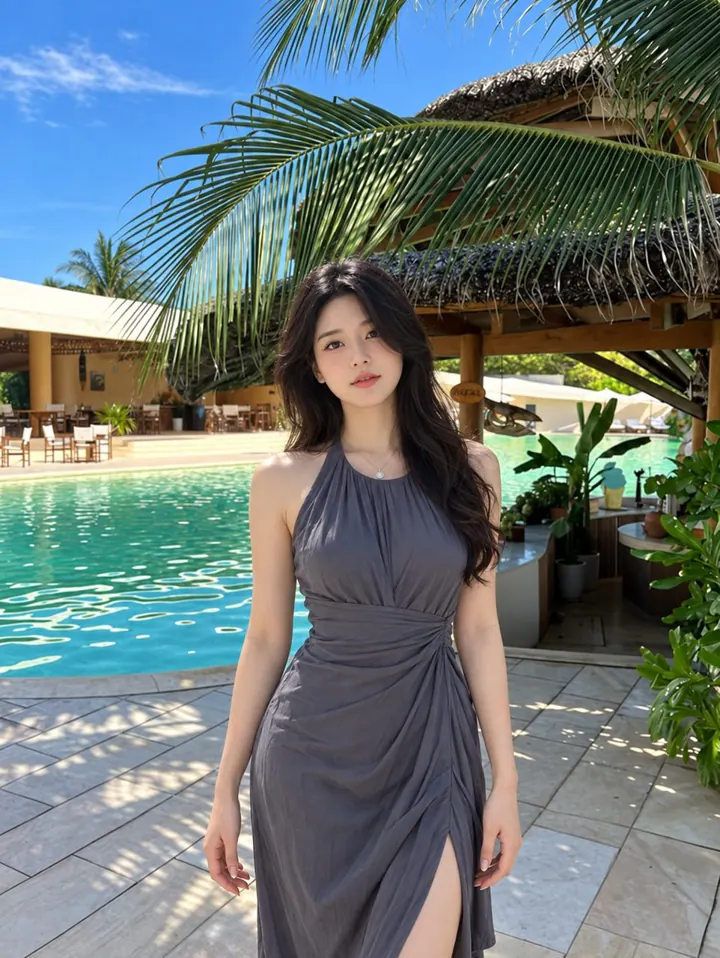
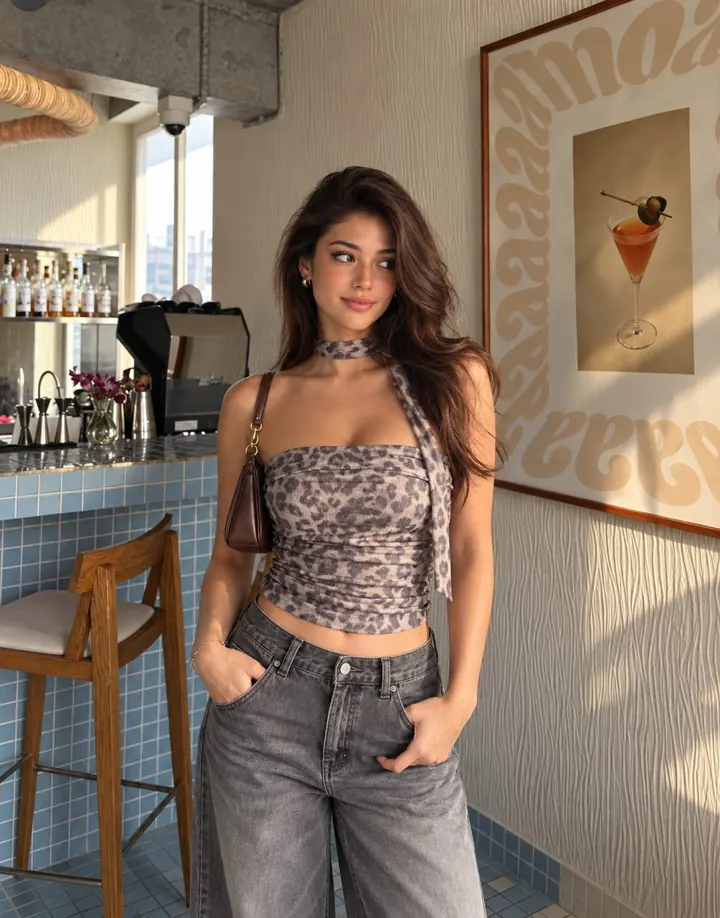
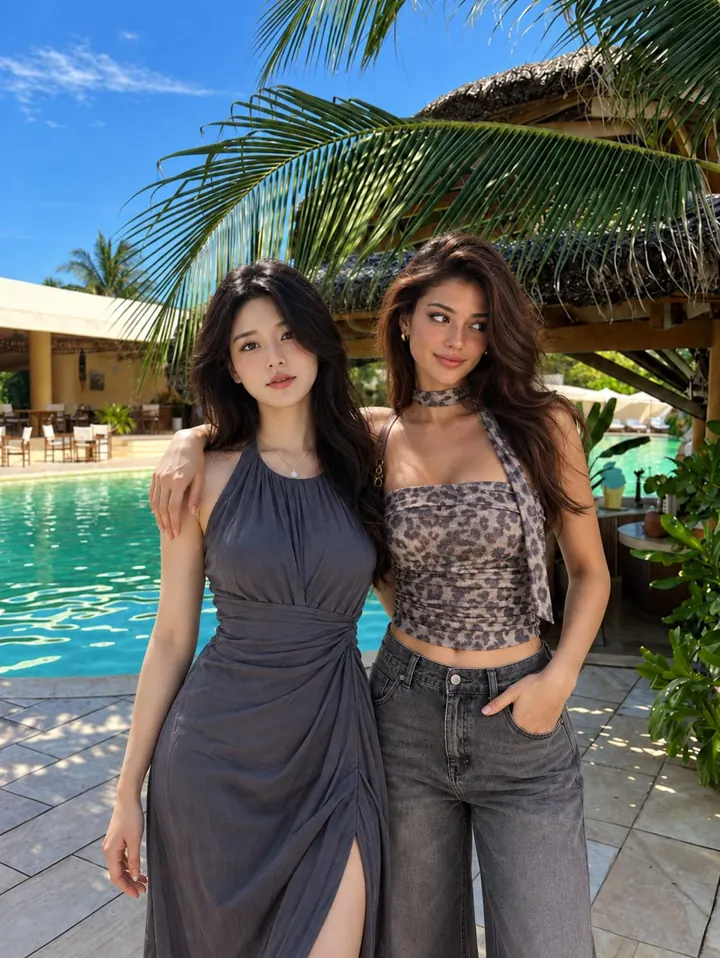
Put two people together.
/combinepeople1and217 two-photo edits, in four groups
- Copy the look
- Try it on
- Backgrounds and people
- Products and brand
Only use photos of people who agree to it.
Look inside
Every command, shown before and after.
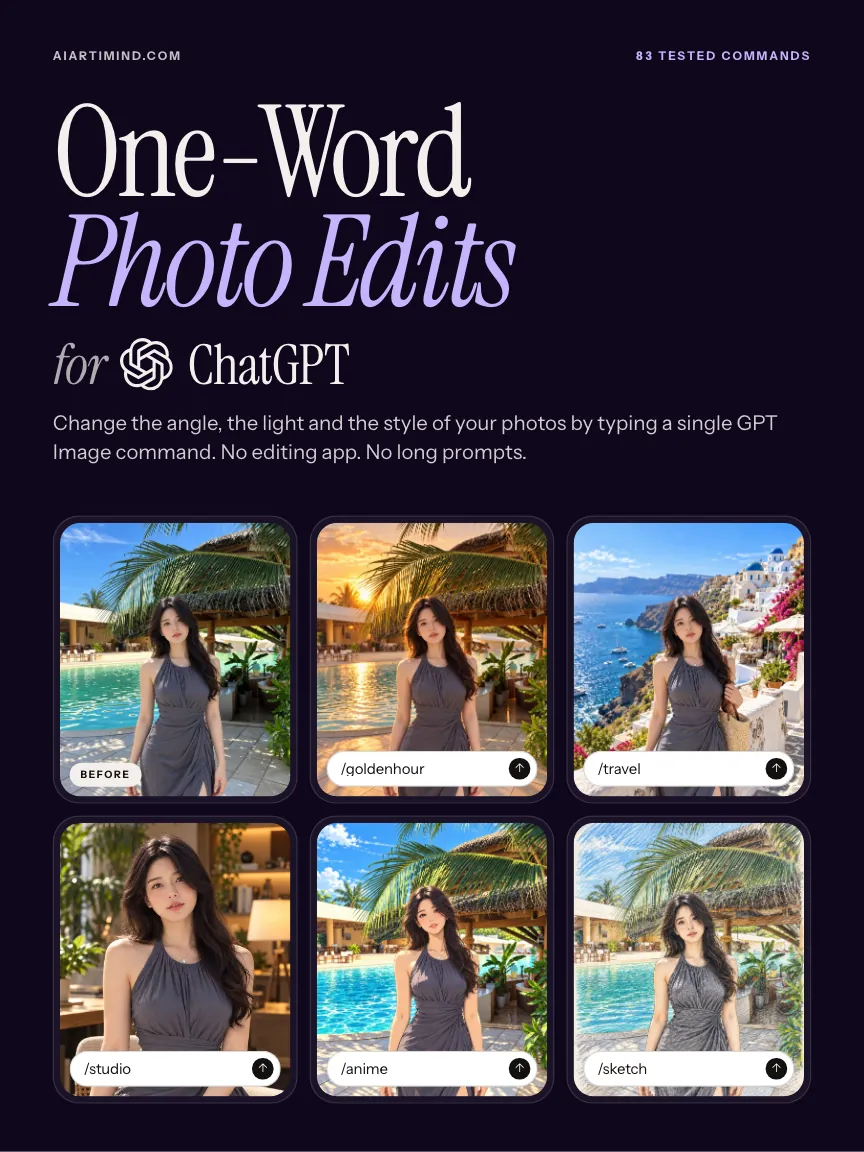
63 pages. 7.5 × 10 in. PDF. Swipe to see more, tap a page to enlarge it.
Read this before you buy
What these commands are, and are not.
- These are not official ChatGPT features. ChatGPT reads each word as a short instruction, so results vary from one run to the next.
- The photos on this page are the real results from our own runs. Your photo will give a different result, and the same command can give a different result twice.
- The book contains the commands and the tested results. It does not contain long prompts, an app or presets.
- You need ChatGPT with image generation, and a photo of your own.
Questions
Before you buy.
What do I get?
A 63-page PDF, 7.5 × 10 in, with 83 commands. Each one is shown with the photo before, the command, and the photo after.
What do I need?
You need ChatGPT with image generation, and a photo of your own.
Will my result look like the one in the book?
No, not exactly. ChatGPT reads each word as a short instruction, so results vary from one run to the next, and your photo is different from ours.
Are these official ChatGPT commands?
No. They are not official ChatGPT features. They are short words ChatGPT reads as an instruction.
Does it include prompts?
No. Each command is one word with a slash. There are no long prompts in the book.
How do the two-photo commands work?
For a two-photo command, add both photos before you type. Photo 1 goes first. 1to2 means: take from photo 1, apply to photo 2. 1and2 means: combine both into one new image.
How do I get the file?
After payment the download link is on the confirmation page and in your order email.
Can I get a refund?
It is a digital download. If the file is faulty or not as described, email us within 14 days for a refund.
Can I use the edited photos for my business?
Photos you make with the commands are yours; ChatGPT's own terms apply to them. The PDF itself is for your own use. Do not resell or share it.
83 tested commands.
17 two-photo edits.
Pay by debit or credit card. The download link is on the confirmation page and in your order email. If the file is faulty or not as described, email us within 14 days for a refund.