Two of the largest AI companies shipped the same idea three weeks apart. Meta launched Muse on September 8, 2026. OpenAI launched Dots on September 29. Both are AI agents that get their own computer in the cloud, keep working after you close the app, and come back when they have something to show you or need a decision.
They are built for different people. Dots is a work agent for people who already pay for the top ChatGPT plans. Muse is a free consumer agent for personal errands, with paid plans for heavier use. This comparison is based on both companies’ official product pages and launch reporting, checked on October 7, 2026. It is not a hands-on test, and both products are changing quickly.
In this article
1.The Short Answer
Most readers want the decision before the evidence, so here it is by situation. Find the line that describes you, then use the rest of the article to check the reasoning.
- You already pay for ChatGPT Pro or a Business Premium seat, and your work lives in Slack, Teams, documents or code: use Dots. Your first dot is included in the plan.
- You are in the US or Canada and want help with email, bookings, bills and shopping without a new subscription: use Muse. Its free tier covers everyday use.
- You are in the EU, UK or Switzerland: Muse is not available, and Dots is only available through a Business Premium workspace, not through Pro.
- You are not comfortable giving an agent access to your email and payments yet: wait. Both are a few weeks old, and neither has an independent security audit.
The two products look similar on the surface, so the differences are easier to see side by side. This table covers the facts that most often decide the choice: who can get it, what it costs, where you talk to it and how it asks permission.
| OpenAI Dots | Meta Muse | |
|---|---|---|
| Launched | September 29, 2026 | September 8, 2026 |
| Model | GPT-6 Astra | Muse Spark |
| Built for | Ongoing work projects | Personal tasks and errands; small business tools added September 29 |
| Price | First dot included with Pro ($100–$500/month) or Business Premium ($125/user/month) | Free tier; Power $20/month; Maximum $100/month |
| Where it is available | Pro: most markets except EEA, Switzerland, UK. Business Premium: all ChatGPT regions | US and Canada |
| Where you talk to it | ChatGPT (web, mobile, desktop), Slack, Microsoft Teams; texting coming | Muse app (iOS, Android, Mac), muse.ai, WhatsApp; AI glasses coming |
| Its computer | Own cloud computer; can also connect to yours | Muse Secure VM, a cloud Linux computer and browser you share with it |
| Permission system | Custom Rules plus Auto-review | A separate Sentinel agent plus approval prompts |
If one row already rules a product out for you, such as region or price, you have your answer. If not, the sections below explain what each row means in practice.
2.What “Always-On” Means for Both
An always-on agent is different from a chatbot in one way that matters: it does not stop when you stop typing. A chatbot answers a message and waits. An always-on agent is given a goal, such as “keep my investor deck current” or “get my internet bill lowered,” and keeps working on it for hours or days.
Both products make this possible the same way. Each agent gets its own computer in the cloud with a web browser. OpenAI calls it the dot’s cloud computer. Meta calls it Muse Secure VM and describes it as a persistent, isolated Linux computer with a full browser. Because the agent has its own machine, it can open websites, fill in forms, read files and use connected apps while your laptop is closed.
The working loop is also the same in both:
- You give the agent a goal and connect the apps it may use.
- It plans the steps and starts working on its own computer.
- When an action is sensitive, such as sending an email or paying for something, it stops and asks you.
- It reports back with finished work, a question, or something it noticed.
- It remembers what you told it and uses that next time.
This design is why these agents are more useful than earlier assistants, and also why they are riskier. A chatbot with a mistake gives you a wrong answer. An agent with a mistake sends the wrong email or buys the wrong thing. So when you compare Dots and Muse, the features matter less than two questions: what is it allowed to do without asking, and how do you see what it did?
You can tell you are looking at a true always-on agent, rather than a scheduled reminder or a chat window with tools, if it makes progress between your conversations and decides the next step itself. Both of these do.
3.OpenAI Dots: A Work Agent Inside ChatGPT
Dots is OpenAI’s always-on agent, built into ChatGPT and powered by its GPT-6 Astra model. OpenAI describes a dot as “an extension of you”: it starts with what ChatGPT already remembers about you, uses your connected tools, and takes over a responsibility you hand it.
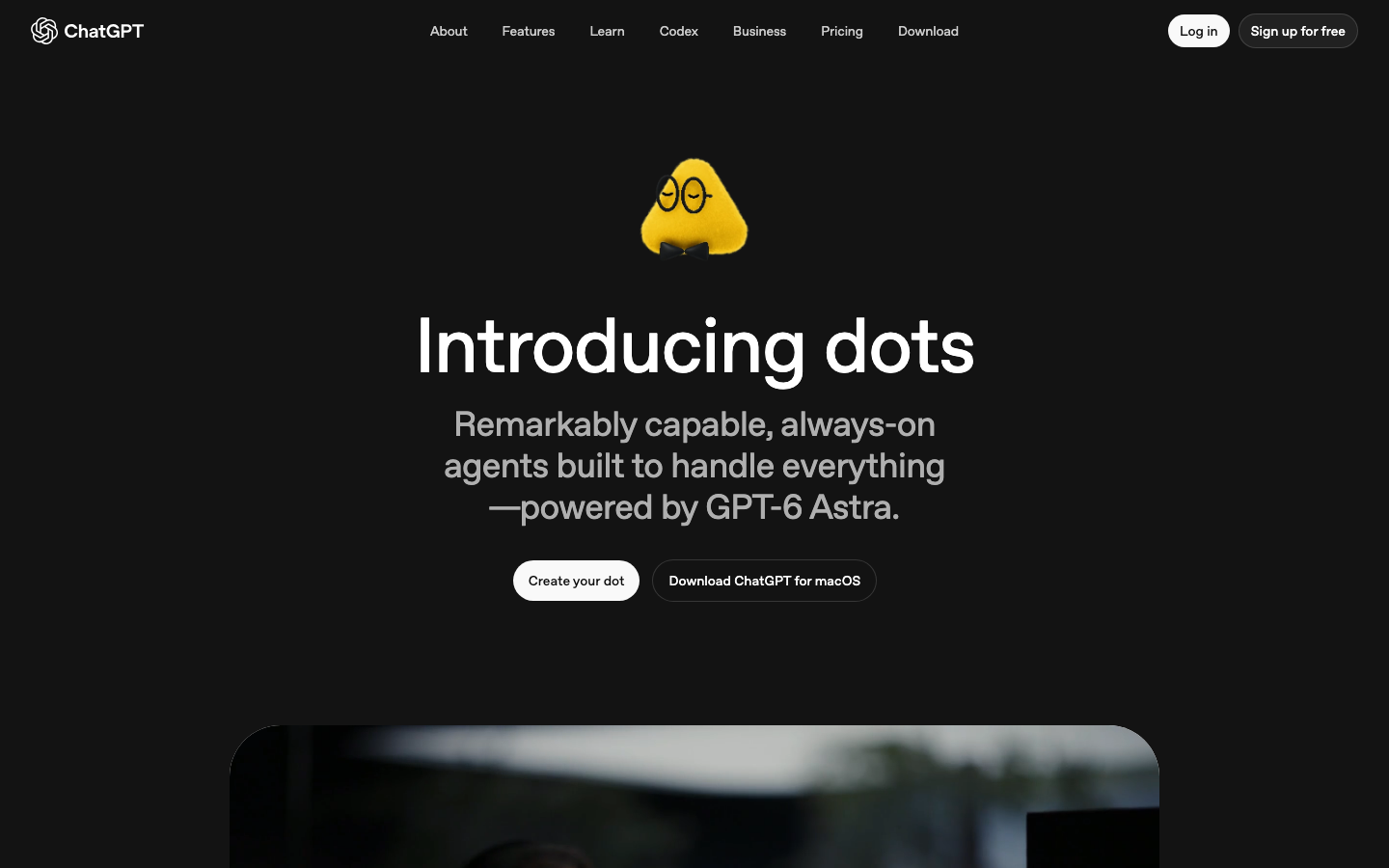
What it is built for. Every example on OpenAI’s product page is a work scenario. A finance lead’s dot tracks revenue and refreshes an investor deck. A sales lead’s dot checks a customer’s requirements against emails and product documents. An engineer’s dot maps every service that depends on an API being shut down, prepares the code changes and tracks the remaining calls to zero. A developer’s dot watches customer feedback, then scopes, builds and tests small fixes. These are ongoing responsibilities, not single errands, and that is the pattern Dots is designed around.
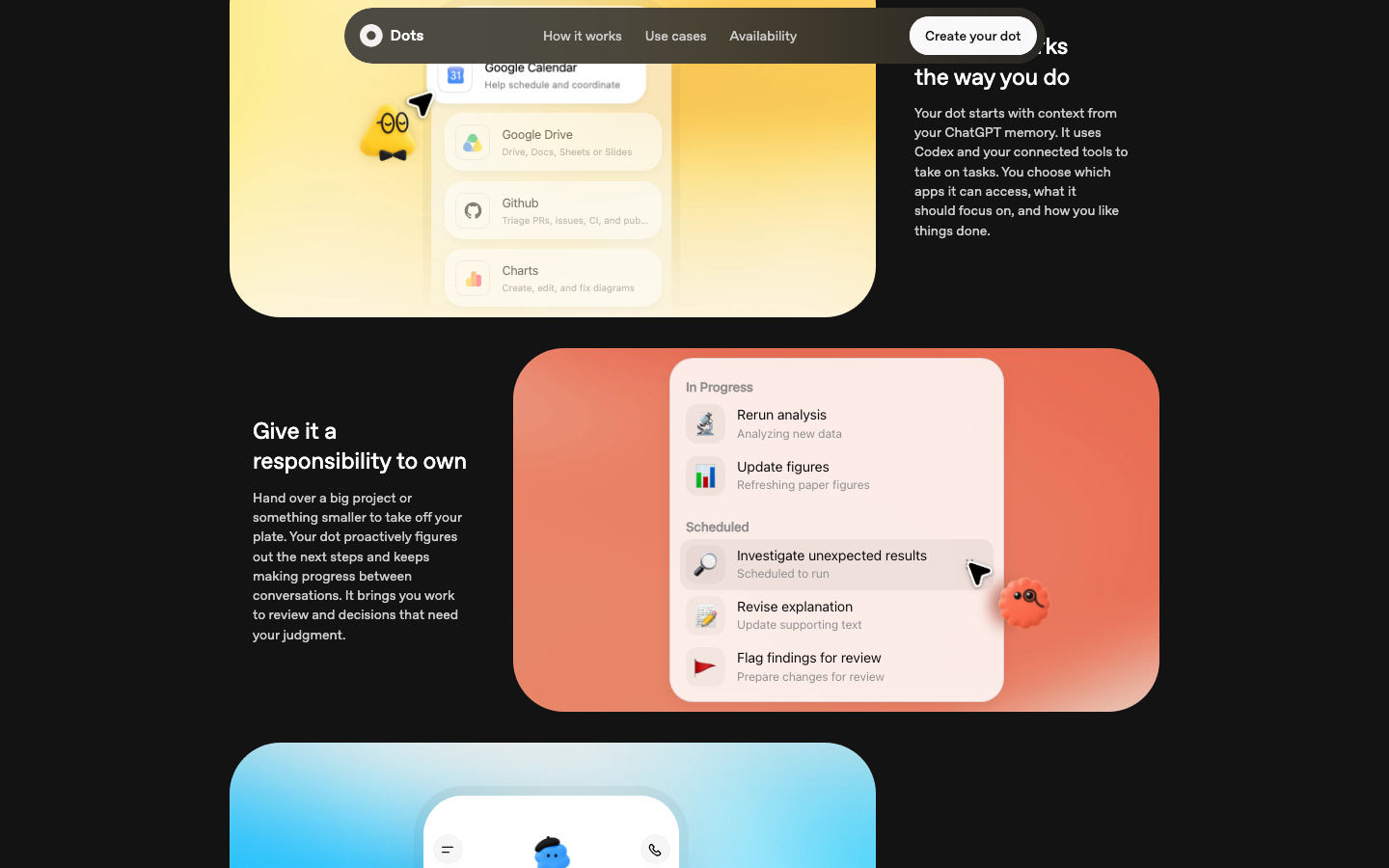
Where it lives. You message or call your dot in ChatGPT on web, mobile and desktop. You can also bring it into Slack and Microsoft Teams, where it can answer questions in a channel and pick up the next steps. Texting is listed as coming next. Launch coverage reports connections to more than 4,000 apps through plugins, and OpenAI says it is working with Microsoft to bring dots under the Agent 365 security controls that companies already use.
How you control it. You choose which apps a dot can reach and whether it can also connect to your own computer. Custom Rules let you mark specific actions as allowed, approval-required or blocked. Actions that could affect your accounts or share information go through a check OpenAI calls Auto-review, which compares the action against your instructions, your rules and safety requirements. Some steps, such as changing a password, always stay with you.
What to be cautious about. Dots is new and it showed. During the launch-day demo, a dot was asked for a status update, acknowledged the request and then went quiet for about ten seconds before saying it was still checking. The presenter joked that it was having a slow morning. One pause proves little, but it is a reminder that an agent you depend on for work needs to be watched while trust is built.
How to start. Give the dot one bounded responsibility with a clear finish, such as keeping one report current. Set a Custom Rule that requires approval before anything is sent or shared. Review what it produces for a week before adding a second responsibility.
Dots fits you if your work already runs through ChatGPT, Slack, Teams, documents or code, and you already pay for a plan that includes it. If you would have to upgrade only to try it, read the pricing section first.
4.Meta Muse: A Free Personal Agent for Everyday Errands
Muse is Meta’s always-on personal agent, powered by its Muse Spark model. Where Dots is about work, Muse is about life admin: Meta’s launch post talks about sending emails, booking travel, lowering a bill, selling a car for more and turning a saved recipe video into a grocery list.
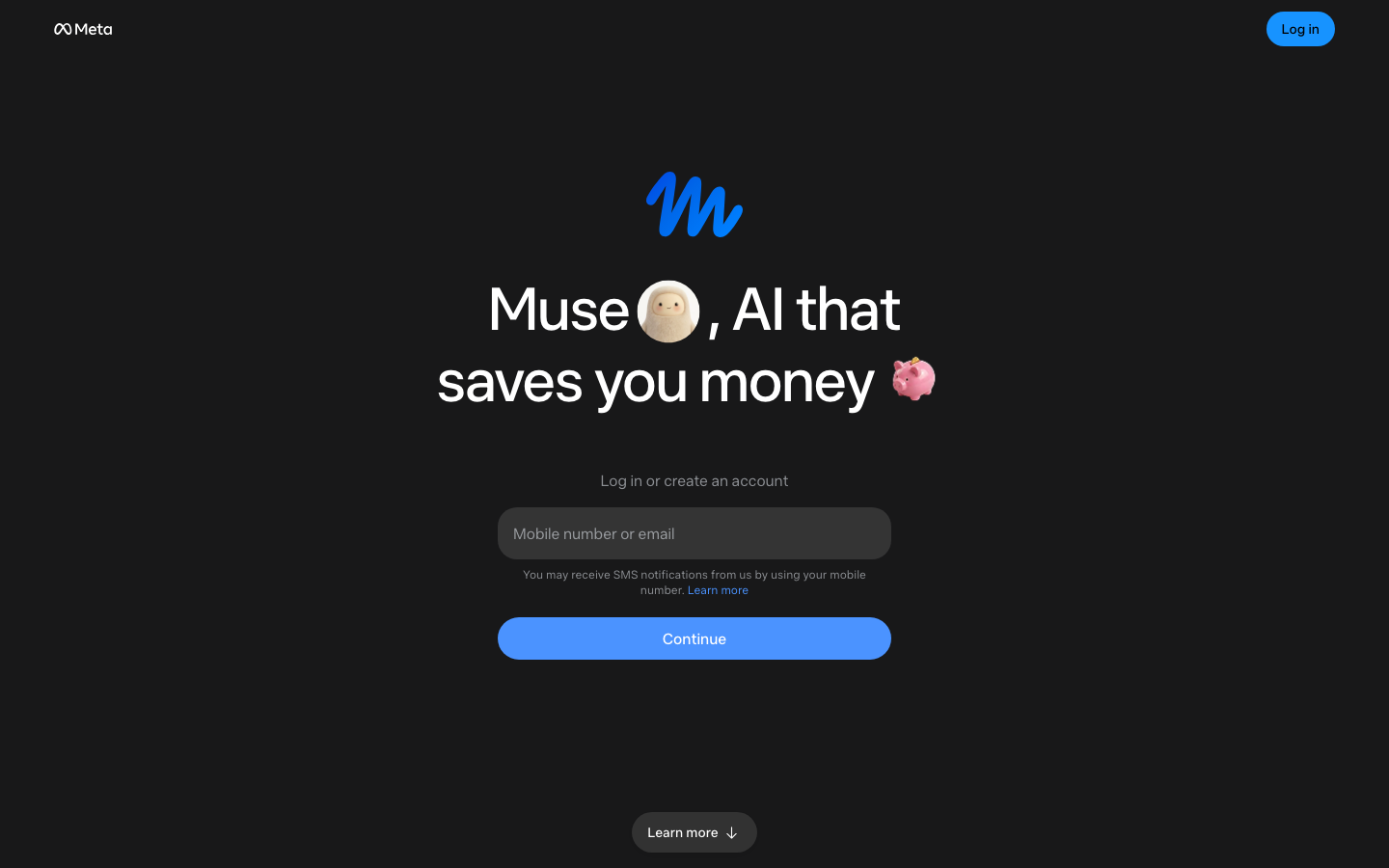
What it is built for. Muse is designed for people with no technical background. You talk to it the way you message a person, in the Muse app on iOS, Android or Mac, on the web, or directly in WhatsApp. It can open a browser, fill out forms and, in Meta’s words, negotiate on your behalf. On September 29 Meta added Muse for Small Business, which connects to sales, finance and messaging tools to draft plans and replies for an owner.
How it shops. Muse can pay for things. At checkout it uses Link, built by Stripe, which generates a one-time card number so the store and the agent never see your real card. Eligible purchases get Link’s purchase protections. Meta has shopping partnerships with Walmart, Sephora, Expedia, OpenTable, GameStop and Shopify.
The Amazon problem. Shopping is also where Muse hit its first wall. Around September 20, Amazon began blocking Muse from its site, saying the agent moves through customer accounts without identifying itself as a third party. Meta disputes parts of that account. For you, the practical result is simple: Muse cannot currently shop on Amazon, and other large sites could make the same choice.
How you control it. Muse has an unusual safety design. A second agent, called Sentinel, runs on the same cloud computer but is kept separate from Muse. Meta says nothing Muse does reaches the internet unless Sentinel approves it, and Sentinel asks you when needed. Muse checks with you before sensitive actions such as sending an email or making a purchase, and shows an audit trail of everything it has done and plans to do. Your saved logins go into a store that Muse can use but cannot read.
What to be cautious about. The risk with Muse is standing permission. One independent guide reports a case where an owner let Muse reply to Marketplace buyers, and it agreed to a lower price and shared a home address. That is a single report, not a confirmed pattern, but it shows the failure to plan for: once you tick “always allow,” the agent stops asking. The other caution is the company. Meta has a long record of privacy penalties, and Muse asks for your email, calendar and payments.
How to start. Connect one app with read-only access, such as email, and ask Muse to summarize rather than act. Approve actions one at a time and do not choose “always allow” for anything that talks to other people or spends money.
Muse fits you if you live in the US or Canada, want help with personal tasks and do not want to pay to find out whether an agent is useful to you.
5.Price and Limits: What You Actually Pay
Both companies describe their agent with a friendly word: Dots is “included,” Muse is “free.” Both words are true and both hide a condition. This section works out what you would really pay.
Dots. There is no separate price for a dot. Your first one comes with ChatGPT Pro, which costs $100, $200 or $500 a month depending on the tier, or with a Business Premium seat at $125 per user per month, with a two-seat minimum. Free, Go and Plus subscribers cannot get a dot at all. So if you are not already on one of those plans, the real entry price of Dots is $100 a month.
Muse. Muse has a free tier that Meta says covers “most of what people need,” with a meter showing how much usage you have left. Two paid plans raise the limit: Power at $20 a month and Maximum at $100 a month. Meta has not published how large the free allowance is or exactly how much more each plan adds.
The numbers are easier to compare in one place. This table shows the cheapest way into each product and what a heavy user would pay.
| OpenAI Dots | Meta Muse | |
|---|---|---|
| Cheapest way in | $100/month (Pro) | $0 |
| Team option | $125/user/month, minimum 2 seats | Muse for Small Business; pricing not published |
| Heavy use | Pro at $200 or $500/month | Maximum at $100/month |
| Extra agents | Planned; not priced yet | Not announced |
The usage rule that matters for Dots. Talking to your dot does not count against your ChatGPT limits. The work it does for you in Codex or ChatGPT’s work tools does, and it draws from the same allowance you use yourself. A busy dot can therefore use up the capacity you were counting on for your own work.
A date to watch. OpenAI is giving extended limits for the first month, which ends around October 29. On October 30, the allowance on the $200 Pro tier drops by half. If you test Dots in October and judge the cost by what you see, you will be measuring conditions that are about to change. OpenAI has not yet published the permanent allowances for dot work.
To check your own cost, answer three questions. Are you already paying for Pro or Business Premium? If yes, Dots costs you nothing more to try. If no, would you pay $100 a month for it alone? And for Muse, does the free meter last you a normal week? If it does, you never need to pay.
6.Safety and Trust: Who Approves What
These agents hold the keys to your email, calendar, files and sometimes your money. How each one decides when to ask you matters more than any feature, so it is worth understanding the two designs.
Dots uses rules you write. You set Custom Rules that sort actions into three groups: allowed, needs approval, or blocked. On top of that, Auto-review checks any action that could affect your accounts or share information. Press coverage also describes a read-only limit on a dot’s background research: when it is looking into something on its own initiative, it cannot send messages, change content in your apps or control a browser or computer. Password changes always come back to you.
Muse uses a second agent. Sentinel sits between Muse and the internet and must approve what goes out. Approval requests for sensitive actions appear to you before they happen. Permissions can be granted once or left standing. Meta says Muse cannot see your passwords or payment details, and that your conversations and the data on your cloud computer are not shared with its advertising systems.
Neither design is clearly safer. They fail in different ways, and the differences are easiest to see next to each other.
| OpenAI Dots | Meta Muse | |
|---|---|---|
| Who gates actions | Your Custom Rules plus Auto-review | Sentinel agent plus your approvals |
| Main risk | Rules you forgot to write | “Always allow” permissions you forgot you gave |
| Record of actions | View of current work and details | Full audit trail, done and planned |
| Used to train models | Business plans: no by default. Personal plans: your setting | On by default; you can opt out |
| Stronger privacy option | Enterprise admin controls | Confidential VM with a key only you hold, promised later this year |
| Independent security audit | None published | None published |
What to change on day one. For Dots, write a rule that requires approval for anything sent outside your organization, and decide deliberately whether to connect your own computer; if you are unsure, do not. For Muse, turn off model training if any business or customer data will pass through it, give email read access before send access, and grant permissions “once” rather than “always.”
The check for this section is simple. For whichever agent you choose, write down the actions it can take without asking you. If you cannot list them, your permissions are too loose.
7.Which One Should You Use
The right choice depends on three things in this order: where you live, what you already pay for, and what kind of work you want to hand over.
Choose Dots if your goal is to hand off ongoing work: keeping reports current, following up in Slack or Teams, preparing code changes for review. It is the better fit when you already pay for ChatGPT Pro or Business Premium, since the first dot costs nothing more. It is also the only one of the two available to companies in Europe, through Business Premium.
Choose Muse if you want help with personal tasks and you are in the US or Canada. It costs nothing to start, it works in WhatsApp, and it can handle bookings and purchases at partner stores. It is the lower-risk way to learn whether an always-on agent is useful to you, as long as you keep its permissions tight.
Use both if you fit both descriptions. They do not overlap much. A dot can own a work project while Muse handles errands, and keeping work and personal accounts in separate agents is a sensible boundary in itself.
Wait if you are in a region neither serves well, if your work involves regulated or confidential client data, or if the launch-month conditions make it hard to judge the true cost. Nothing is lost by revisiting in a month, when Dots’ permanent limits are known and Muse’s encrypted option may have shipped.
Whichever you pick, the first week matters most. This is a setup that works for either product:
- Day 1: connect one app, read-only. Ask for summaries, not actions.
- Days 2–3: give it one small, bounded task with a clear finish. Approve every action by hand.
- Days 4–5: let it draft things for other people, but send them yourself.
- Day 7: read the full record of what it did. Look for anything you did not expect.
After that review, widen its permissions one step at a time, and only for the kinds of action it has already handled well. If the record contains surprises, tighten the rules before going further. An always-on agent is only as safe as the permissions you leave switched on, and that is the part of the product you control.