GitHub’s monthly trending page is full of AI projects, but raw star growth does not tell you whether a repository belongs in your workflow. I filtered the September 2 snapshot for projects that solve a concrete job in Claude Code, Codex, agent automation, memory, security, or AI design. Then I scored the candidates for practical utility, relevance, momentum, documentation, and distinctiveness.
The result is a ten-project shortlist rather than a restatement of the popularity chart. The monthly gains below are a moving snapshot from GitHub Trending, so expect the numbers to change. This is a documentation-backed review; I do not claim that every project was installed or benchmarked locally.
| Repository | Best use | Monthly stars | License |
|---|---|---|---|
| Archify | Architecture and workflow diagrams from code | +33,153 | Free |
| T3 Code | Remote control for local coding agents | +5,323 | Free |
| LoopX | Governed, long-running agent work | +5,248 | Free |
| OpenViking | Progressive context retrieval for agents | +7,321 | Free |
| TencentDB Agent Memory | Shared memory across an agent team | +15,686 | Free |
| Awesome GPT Image 2 | Repeatable AI-image prompt systems | +18,278 | Free |
| Reverse Skill | Authorized security-workflow routing | +22,512 | Free |
| Claude Plugins Community | Reviewed Claude Code plugin discovery | +2,866 | Free |
| Google Skills | Official procedures for Google products | +3,797 | Free |
| Apache Maka | Auditable local agent runs and evaluation | +3,448 | Free |
The useful pattern this month is not another chat interface. It is infrastructure around the agent: clearer outputs, remote control, durable state, governed memory, specialized procedures, and observable execution.
Archify: turn a repository into a diagram people can inspect
Archify is the strongest all-round entry because it converts either a written system description or an actual repository into architecture, sequence, workflow, data-flow, and lifecycle diagrams. It ships as an agent skill for Codex, Claude Code, Cursor, OpenCode, and related tools. The result is a self-contained HTML artifact with motion, supporting cards, and export support rather than an opaque image.
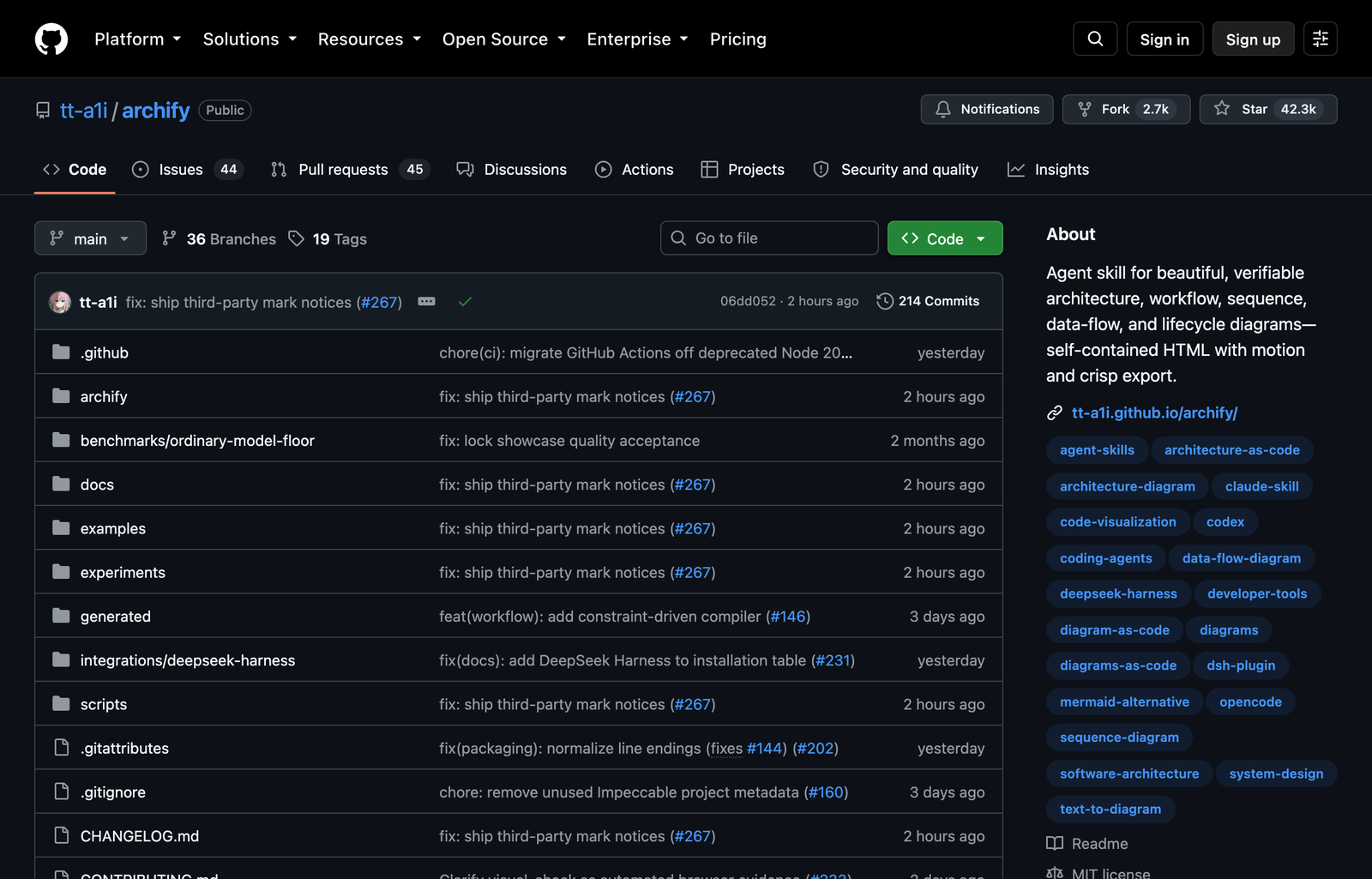
The practical use case is technical onboarding. Point the agent at a service repository and ask it to identify eight to twelve core components, the primary request path, external dependencies, storage boundaries, and failure routes. Archify can map those findings into an interactive artifact that a reviewer can inspect alongside the code. That is more useful than asking a model to emit a crowded Mermaid graph because the skill includes guidance about information hierarchy, validation, and delivery.
Install
npx skills use tt-a1i/archify@archify --agent codexAnalyze this repository, then create a runtime architecture diagram.
Show the browser-to-database request path, cache misses, external services,
and trust boundaries. Keep the main path readable and put details in cards.Archify does not remove the need for review. An agent can still select the wrong components or infer a connection that the code does not support. Use its validation commands, compare the map with source files, and keep the first diagram intentionally small. The project is MIT-licensed; its optional update check can be disabled when outbound networking is restricted.
T3 Code: control Claude Code and Codex away from your desk
T3 Code is an open control interface for coding agents running on your own machine. It supports Codex, Claude Code, Cursor, Grok Build, and OpenCode through desktop, web, iOS, and Android clients. It uses the provider installations and subscriptions you already configured instead of selling a separate model plan.
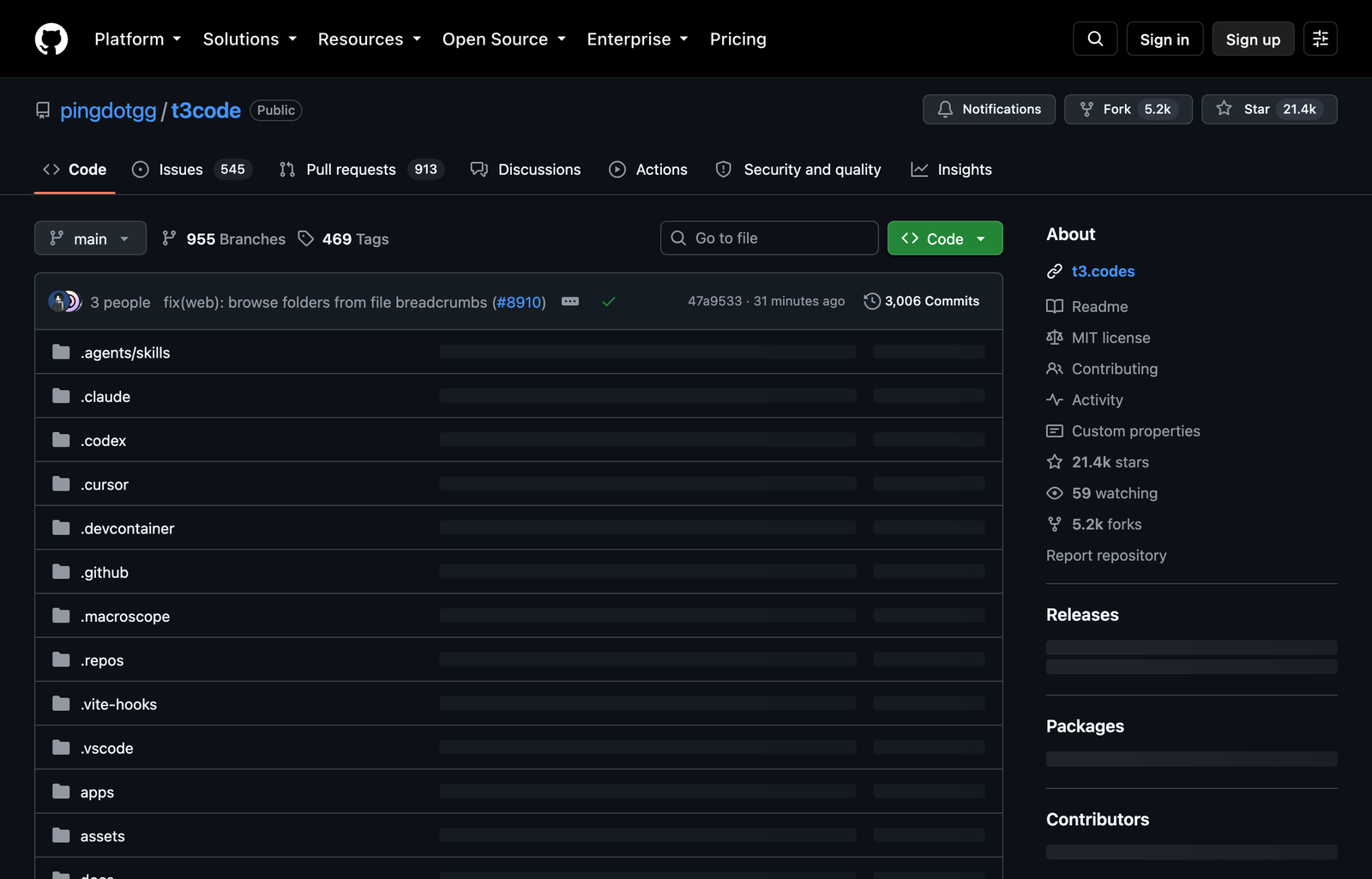
Its best use case is supervising long development tasks without staying in front of the workstation. Start an agent on a codebase, leave the machine running, then inspect progress, answer a question, or redirect the task from a phone. A small team could also use it as a consistent front end while developers keep different agent providers underneath.
Install
npx t3@latestThe boundary matters: T3 Code is a control surface, not a permission bypass. Codex or Claude Code still needs to be installed and authenticated locally, and the underlying agent retains its own approval rules. Remote access also increases the importance of network configuration and device security. The README describes the project as very early and explicitly warns users to expect bugs. Treat it as a promising operator console for development machines, not unattended production infrastructure yet.
LoopX: keep multi-hour agent work governed and recoverable
LoopX addresses the part of agent automation that prompts do not solve: durable control. It persists an objective, gates, todos, scope, evidence, and quotas around work performed by Codex, Claude Code, Cursor, shell agents, and other runtimes. Each turn claims a bounded piece of work, records evidence, and decides whether the next turn is allowed to run.
Use it for a task that must survive interruptions: triaging a backlog, repairing a group of related issues, running a research program, or repeating an evaluation until a threshold is met. The agent can stop when human judgment is required, resume from written state, and leave a record of why it continued. That makes LoopX substantially different from a shell loop that repeatedly sends the same instruction.
LoopX requires Python 3.11 or newer and adds operational concepts that are unnecessary for a short task. Its integrations also have different levels of enforcement; some runtimes can enforce a gate directly, while others depend on the agent following the installed procedure. Choose it when persistence and evidence justify the setup, not as a default wrapper for every prompt.
OpenViking: let agents browse context instead of swallowing it whole
OpenViking combines agent memory, knowledge retrieval, and skills in a virtual filesystem addressed with viking:// paths. Documents and repositories are processed into three levels: a short abstract for relevance checks, a structured overview for planning, and the full detail loaded only when needed. Agents navigate that structure with familiar operations such as list, tree, find, and grep.
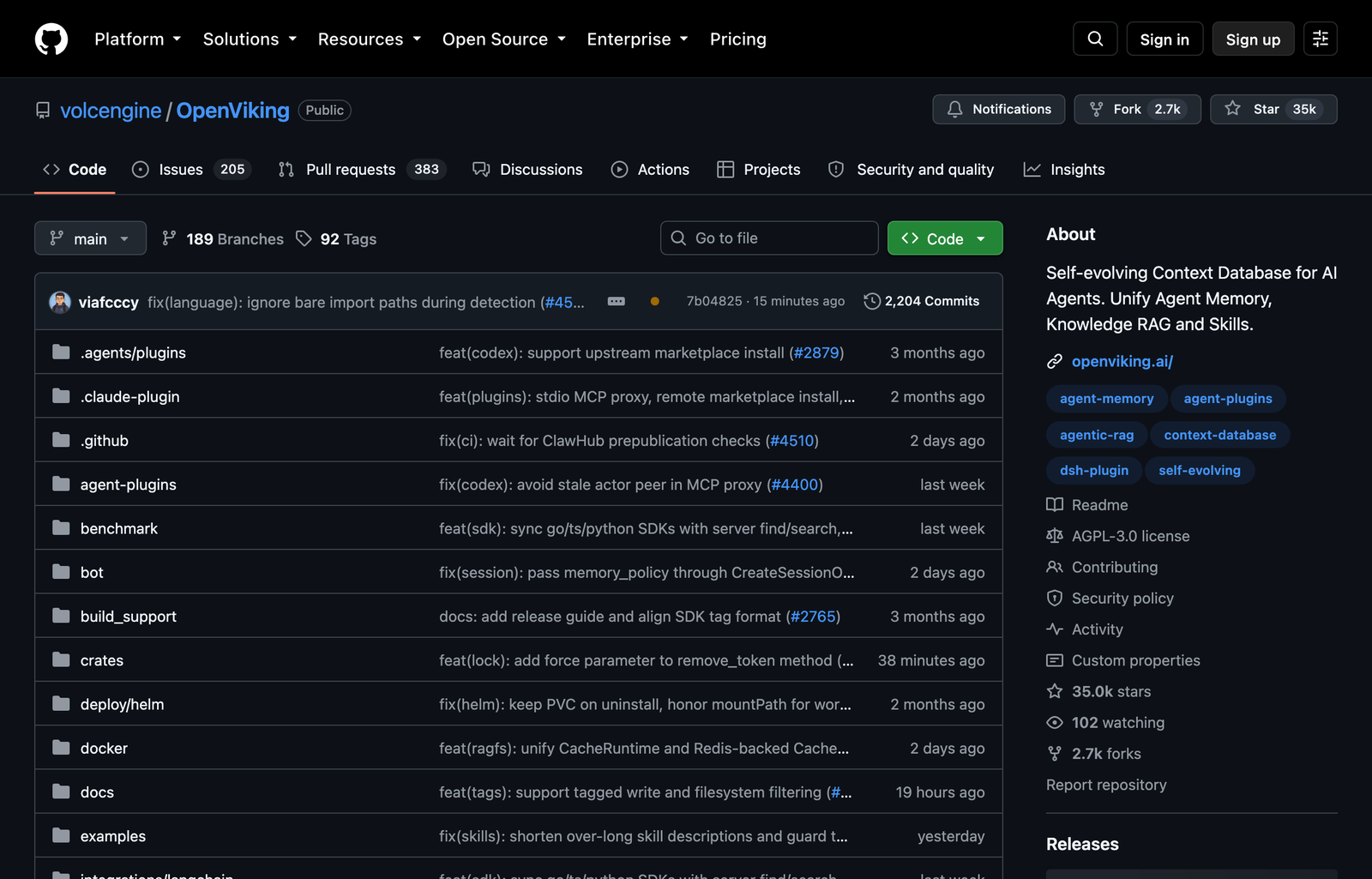
The strongest use case is a large internal knowledge base. Add product documentation, source repositories, incident notes, and user preferences as resources. An agent can scan abstracts to locate the right area, read an overview to form a plan, and open only the exact detail needed for the current decision. This reduces the temptation to paste entire document collections into one context window and makes retrieval paths easier to inspect.
Install
pip install openviking --upgrade
openviking-server init
openviking-server doctor
openviking-server
OpenViking is not a zero-configuration local folder. It needs provider and model setup, semantic processing, storage, and a running service. The main project uses AGPLv3, while its CLI and examples use Apache 2.0, so commercial network deployment deserves a license review. It fits teams that need visible, structured retrieval more than users with a handful of static notes.
TencentDB Agent Memory: give every agent a controlled team memory
TencentDB Agent Memory approaches context as a managed team asset. It turns conversations, documents, and code into four reusable forms: Chat Memory, Skills, an LLM Wiki, and a Code Graph. Administrators can assign different memory collections to different agents while controlling ownership, visibility, versions, and usage.
Consider a small product team built from three agents. A research agent receives interview memories and a market-analysis skill. A builder receives the product wiki, code graph, and delivery procedure. A reviewer receives incident history and the release checklist. They share institutional knowledge without receiving every private conversation or irrelevant artifact. When a useful procedure emerges from one project, it becomes an asset that can be bound to the next agent instead of remaining buried in chat history.
This power comes with administration. Deployment needs a configured memory group and proxy group, and the README says fully automatic memory routing is still being developed. Human operators must decide which memories are trustworthy and which agent can see them. Use it when multiple agents repeatedly work across the same organization; a single personal assistant may be better served by a simpler local memory store.
Awesome GPT Image 2: convert art direction into reusable prompt code
Awesome GPT Image 2 is a prompt-engineering library for image production. Its repository contains more than 530 analyzed examples, over 20 template families, and an installable style-library skill for Claude Code and Codex. The useful idea is “prompt as code”: visual constraints become a reusable specification instead of a paragraph rewritten from scratch for every banner, infographic, or product image.
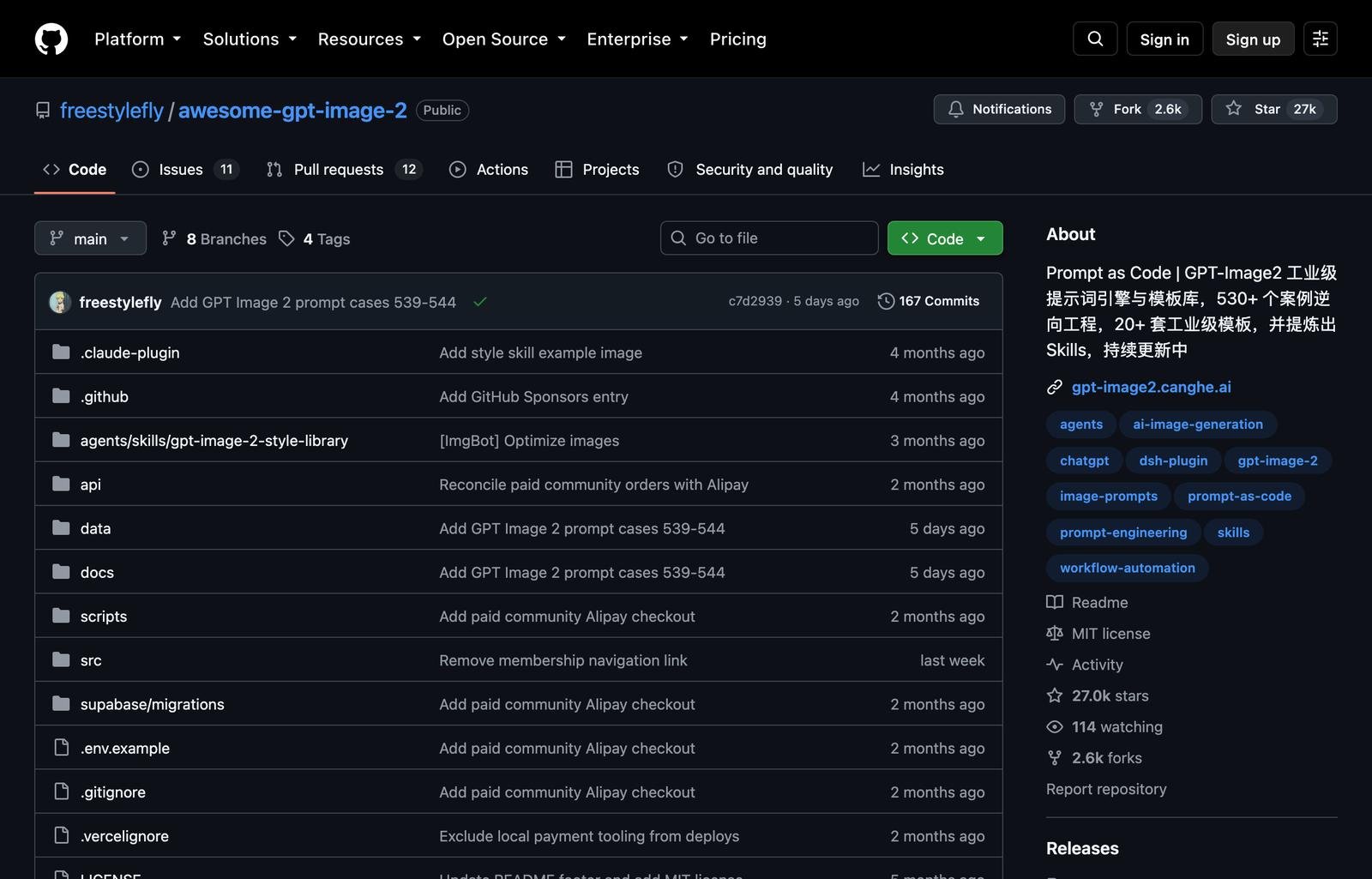
An AI design team can encode composition, palette, camera, typography exclusions, materials, and negative constraints in one template. The agent then combines that template with a scene-specific message and produces a consistent generation brief. This is especially valuable for a publication or campaign where every asset needs the same visual identity but a different subject.
Use the installed style library to produce an editorial infographic prompt.
Preserve our fixed palette and line treatment. Derive the central metaphor
from the article, prohibit visible text, and return composition plus negatives.
The repository does not generate images by itself and cannot guarantee visual consistency. Output still depends on the selected image model, seed behavior, reference policy, and human art direction. Several resources are Chinese-first, which can slow evaluation for English-only teams. Treat it as a structured idea and prompt library, not a replacement for design review.
Reverse Skill: route authorized security work to the right procedure
Reverse Skill packages procedures for reverse engineering, authorized penetration testing, malware analysis, API security, firmware review, and related work. Its routing layer maps a request to a specialist skill, initializes a case with authorization and network scope, selects tools, and keeps evidence connected to findings and report paths. It supports Claude Code, Cursor, Cline, Kiro, and other coding clients.
The credible use case is an internal security assessment with explicit permission. A reviewer defines the owned application, allowed hosts, test window, and prohibited actions before the agent touches a target. The router chooses an API-security or mobile-reverse procedure, prepares the required toolchain, and writes findings into a case record. Included regression and smoke scripts check that routing changes still select the expected specialist procedures and reject unpinned automatic installs.
The limitation is non-negotiable: only use it on systems you own or are authorized to test. Installing a routing pack does not establish legal scope, make external binaries trustworthy, or validate an agent’s conclusions. Many linked security tools have separate licenses and operational risks. This repository belongs in a controlled lab with explicit approval gates, isolated credentials, and a human reviewer—not a general coding environment.
Claude Plugins Community: a safer starting point for Claude extensions
Claude Plugins Community is Anthropic’s read-only mirror of its reviewed community plugin marketplace. A nightly synchronization updates the marketplace manifest, and Claude Code can add the repository as a plugin source. Unlike a single plugin, the value here is discovery: it gives practitioners a central list of extensions that passed Anthropic’s submission process.
Use it when assembling a project-specific Claude Code setup. Start with the job—database access, design review, deployment, research, or project management—then inspect only the relevant plugins. Review each plugin’s files, requested tools, network access, dependencies, and maintenance history before installation. Pin or document the selected version so a teammate can reproduce the same environment.
Marketplace inclusion is not a guarantee that every plugin fits your security model or stays maintained. The repository is also a mirror, so contributions go through Anthropic’s directory submission process rather than pull requests here. Install narrowly and keep the plugin inventory auditable.
Google Skills: give agents current procedures for Google products
Google Skills is an official collection of agent instructions for Google products and technologies. The catalog covers Google Cloud, Ads, Analytics, Maps, Workspace, Android, Firebase, and other development tasks. It can be installed through the shared skills installer, while Google also documents plugin-marketplace paths for Claude Code and Codex.
Its practical value is reducing setup guesswork. Suppose an agent must query Google Analytics, configure an Ads API client, and deploy a service to Google Cloud. Instead of relying on the model’s memory for current console steps and SDK calls, install the relevant skills and ask the agent to follow Google’s maintained procedure. Keep each skill scoped to the project that needs it, especially when credentials or billable APIs are involved.
Install
npx skills add google/skillsThe collection does not grant API access or configure billing. Each product still has its own project, credential, OAuth, quota, region, and permission requirements. Quality and completeness also vary by skill because the catalog spans many product teams. Select individual skills, read their prerequisites, and test the documented path in a disposable project before applying it to production resources.
Apache Maka: inspect what an agent did, not just what it answered
Apache Maka is a local-first agent workspace built around an append-only event log. Model messages, tool calls, tool results, permission decisions, and termination events are stored as recoverable history. Its packages cover an agent runtime, desktop and terminal interfaces, MCP integration, evaluation, computer use, and result records with duration, attributable cost, status, failure reasons, and artifacts.
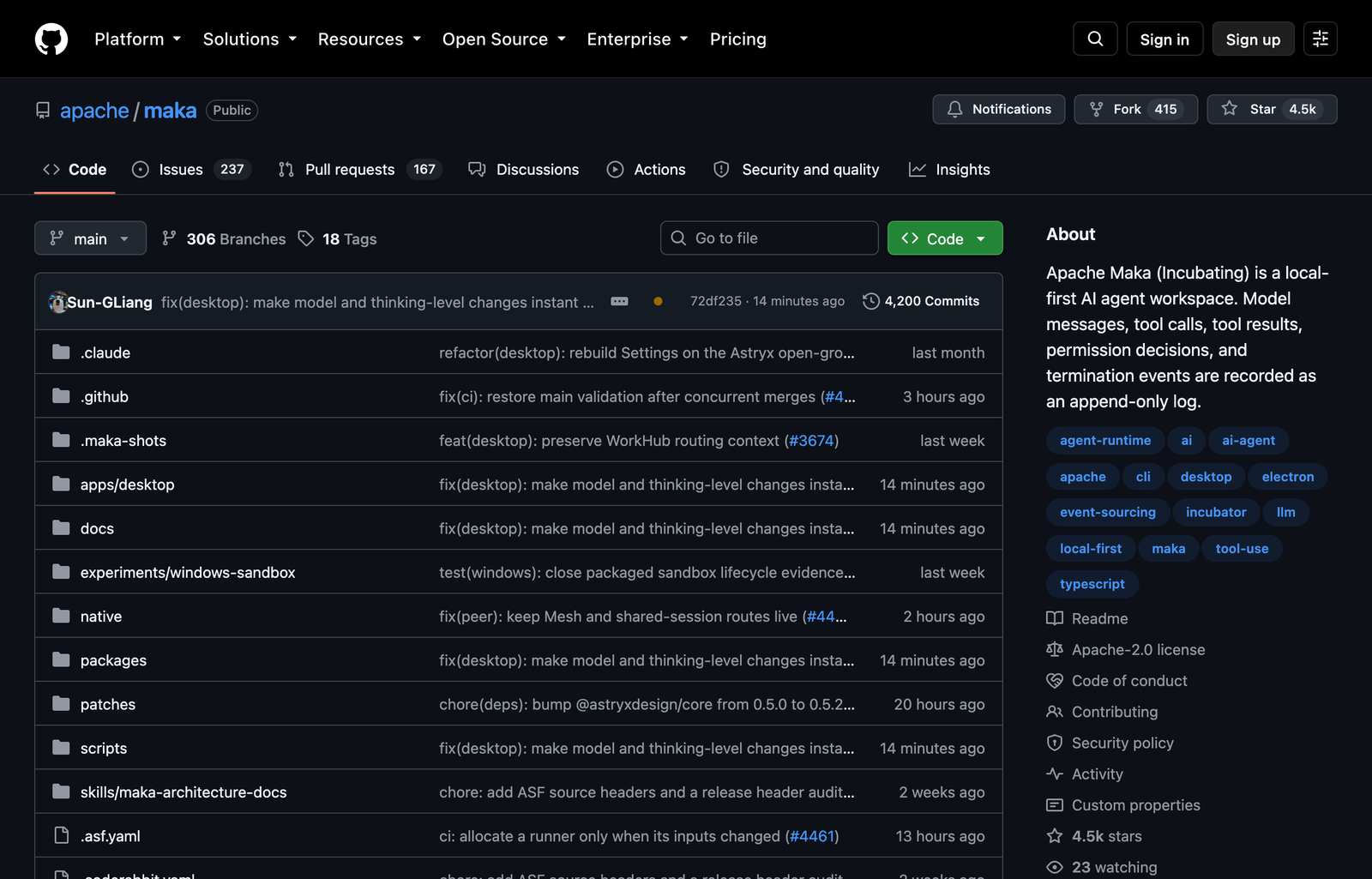
The clearest use case is comparing agent workflows. Run the same repository task with two models or two permission policies, then examine which tools each run called, how long it took, what it cost, where it failed, and what artifacts survived. Because the operational history stays local, a developer can replay or diagnose a run without depending only on the final chat transcript.
Maka is early. Its desktop builds are nightly convenience artifacts rather than approved Apache releases, and official desktop support currently targets Apple Silicon Macs. Windows is an unsigned preview and Linux desktop is unsupported. That makes it suitable for evaluation labs and curious local users today, not a production control plane with a stable support promise.
The first repository to install depends on the bottleneck. Choose Archify when people cannot understand the system, T3 Code when supervision is tied to one desk, LoopX when work loses state, OpenViking when context retrieval is opaque, or Maka when agent behavior cannot be audited. The star chart finds attention; the use case determines whether the repository earns a place in your stack.