
The people who build Claude Code use it differently from most of its users. Over the past year, several Anthropic engineers have explained how in public: Boris Cherny, who created Claude Code, at Y Combinator; Felix Rieseberg, who leads engineering for Claude’s desktop products, in an essay and several interviews; and Arno from the Applied AI team, in a workshop called How We Claude Code.
Their advice agrees more than you might expect, and much of it runs against habits that served people well a year ago. Long instruction files, detailed step lists and carefully tuned skills all come in for criticism. What replaces them is a way of working built on bigger goals and better checks.
This guide pulls out the eight habits that come up most often, with what to do and how to tell it is working. We watched the talks and read the essay, but we have not tested each claim ourselves, and these are people describing their own product, so treat them as strong starting points to try on your own work.
| Habit | Who explained it | What you change |
|---|---|---|
| Give It the Outcome, Not the Steps | Boris Cherny, Felix Rieseberg | Prompts state the goal, guardrails and exit criteria |
| Let Claude Interview You | Arno, Applied AI | Claude asks the questions before writing a spec |
| Review Plans as HTML | Thariq Shihipar, Arno | Specs and options become pages you can click |
| Build Verification Into the Work | Boris Cherny, Arno | Claude can check its own output with evidence |
| Never Let a Session Grade Itself | Felix Rieseberg | Separate sessions attack and judge the work |
| Ask for the Expert’s Methods, Not the Costume | Felix Rieseberg | Prompts ask for professional tools, not personas |
| Stop Being the Conveyor Belt | Felix Rieseberg, Boris Cherny | Claude reaches raw data and runs repeat work itself |
| Delete Your Setup When the Model Changes | Boris Cherny | CLAUDE.md and skills get rebuilt from nothing |
1.Give It the Outcome, Not the Steps
This habit means telling Claude what result you want and how you will judge it, then leaving the route to the model. Boris Cherny’s formula from his Y Combinator talk has three parts: describe the task, describe the guardrails, and describe the exit criteria. He also suggests picking a task slightly harder than you think the model can handle.
It matters because the most common mistake he sees is over-specifying. People, especially experienced engineers, list steps one to four and try to make the model work the way they would. Felix Rieseberg calls the alternative altitude: asking for the outcome behind the task. His question is what the goal beyond the goal is, and his example turns “prepare the quarterly review” into “tell me what changed, why, and which decisions are most urgent.”
Here is the difference in practice. The first prompt below prescribes a route, and the second gives the same job as an outcome that Claude can plan for and check itself against.
The second version never mentions a cache. It states the problem, the target, the limits and the proof you expect, which leaves Claude free to find a slow query or a better fix.
Cherny’s own example shows how far this goes. To see what a native version of Claude’s Electron desktop app would feel like, he gave Claude a Mac virtual machine and an empty repository, and asked it to rewrite the app in Swift, comparing screenshots of both versions pixel by pixel until they matched. At the time of the talk it had been running for about two weeks.
You will know you have the altitude right when Claude chooses steps you did not list and stops at your criteria. If it wanders, the fix is usually a sharper exit condition, not a longer list of steps.
2.Let Claude Interview You
Before a long run, have Claude question you about what you want instead of writing the full spec yourself. In the How We Claude Code workshop, Arno’s starting point is that a capable model is probably better at drawing out your requirements than you are at writing them down. You know what you want when you see it, much as your own users do, but you rarely think of everything in advance.
This matters more as runs get longer. An agent that works for hours on a misunderstanding burns a lot of tokens, so catching gaps at the start is the cheapest place to do it. Arno’s example of bad prompting is simply “make it better.” A good prompt names the areas you care about without deciding the answers, and it explicitly tells Claude to use its question tool, which puts tappable options in the terminal.
The workshop’s example is a bill-splitting app. The prompt below follows the same pattern, and you can swap in your own project and areas.
The result is a spec built up over several rounds of answers. Check it by looking for decisions you had not thought about before Claude asked. If every question merely repeats what you already said, your prompt was too narrow, so widen the areas and run it again.
3.Review Plans as HTML
The next habit changes the format you review. Thariq Shihipar of the Claude Code team argued in a post on the unreasonable effectiveness of HTML that HTML works better than Markdown for much of what Claude produces, and Arno’s workshop builds on that talk.
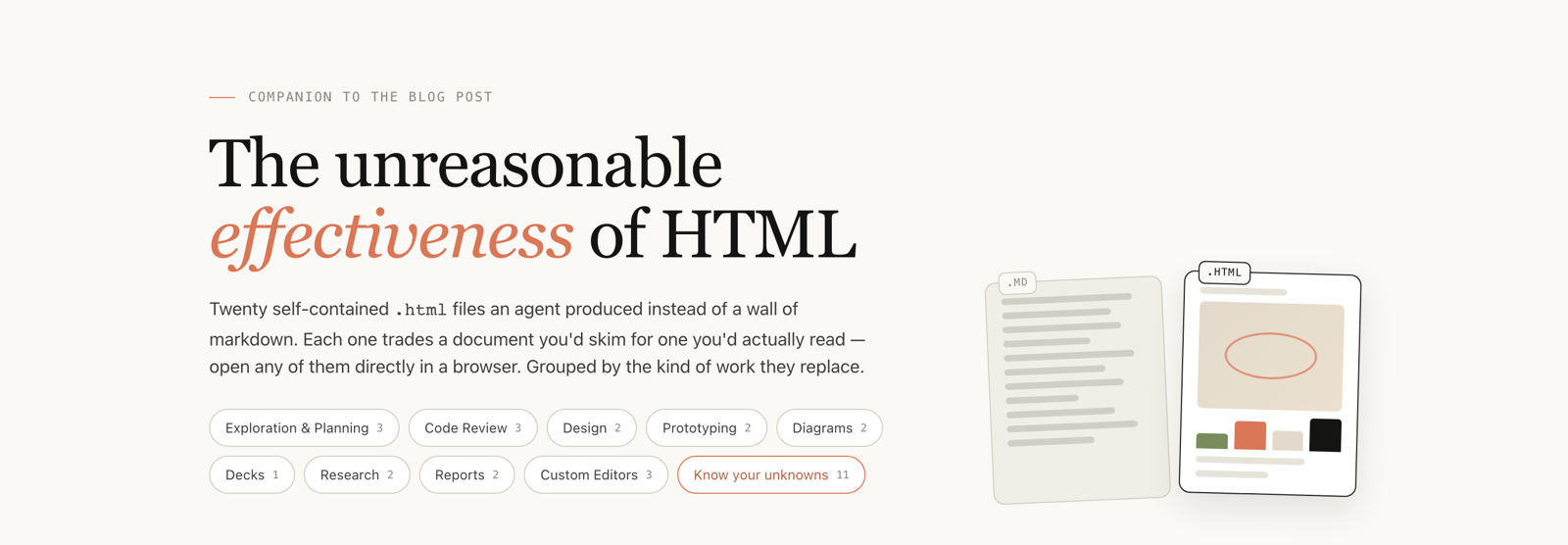
The reasoning is about people more than machines. Markdown has been the common format of AI-assisted development, but once a file passes about 200 lines, Arno says, you are unlikely to read it and your colleagues certainly won’t. An HTML page packs in more information and lets you click through it, so problems become visible before anything is built.
To try it, ask for options as pages. In the workshop, Claude produced four different design directions for the same app as static HTML files, which could then be opened and compared side by side.
From there, respond to what you see. Arno recommends feeding back screenshots, especially for front-end work, because vague problems such as a slight misalignment are hard to describe and easy for the model to see. A common objection is that HTML costs more tokens. His answer is that a single file may cost more, but a richer spec needs fewer rounds of iteration overall.
This is working when your feedback gets specific: “use the second layout with the first one’s summary bar” is a better instruction than anything you could have written from a long plan.
4.Build Verification Into the Work
Verification means Claude has a way to find out whether its work is right without asking you. Cherny calls this probably the single most important thing people get wrong. His recipe for long runs is short: give the model a hard task and a way to check the output, and it won’t get stuck.
His best example is the rewrite of the Bun JavaScript runtime from Zig to Rust, which Claude Code itself now runs on. A team member started it with one prompt that launched a large set of agents, then steered it over 11 days. What made it feasible was that Bun and Node.js already have large test suites, so every step could be checked against something objective.
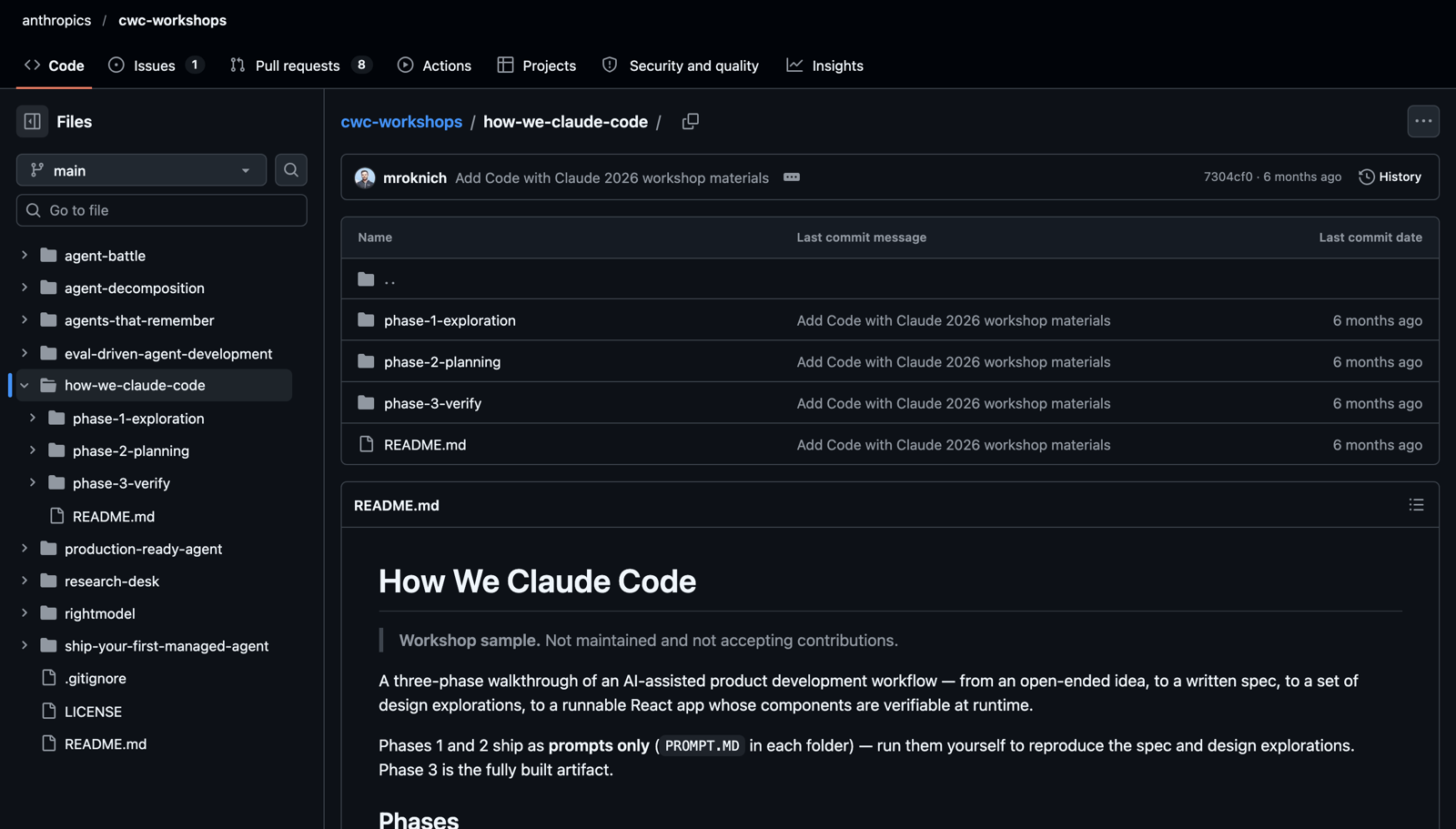
The third phase of the How We Claude Code workshop shows how to build that kind of check when you don’t already have one. Using a small to-do app in React, it makes verification part of the app:
- Components publish their state to the page. Each one writes values such as total, done and active as data attributes, so an agent can read them directly without scraping the screen.
- Each component declares what must always be true. These invariants include rules such as done plus active equalling total, and probes push the app off the happy path.
- The same checks run in three places. A dashboard for humans, an agent driving a browser through the Playwright MCP, and a headless command for continuous integration.
- Results get recorded. Arno says the Claude Code team records clips of front-end changes as evidence to share with colleagues.
You don’t need all of that on day one. Start by adding one line to each prompt that says how to check the result, such as running the test suite, comparing against a screenshot or hitting an endpoint and reading the response. The workshop then shows how to test the check itself: it plants a wrong total and confirms the verification catches it. If you break something on purpose and nothing fails, your verification is not doing its job.
5.Never Let a Session Grade Itself
Verification by tests covers what can be measured. For everything else, Felix Rieseberg’s rule is that the session that did the work should not be the one to judge it. Asked what he would not trust an agent with, he said the question is less about Claude and more about a single session, and that a running session is still a poor judge of whether its own work is good.
His practical answer is adversarial review. Once one session has produced something, you start several more whose only job is to prove it wrong, on the same principle as red teaming or short selling. In coding he adds a further step: a separate judge session reads the criticism and decides which points are valid, and only those go back to the session that made the work, which can still decide what to act on.
Rieseberg says he does this with his own blog posts. A prompt along these lines sets it up, using the subagents Claude Code already has. You can run it after any substantial piece of work.
Reviewers can often run on a cheaper model, because, as he points out, finding flaws is easier than creating something new. His preference is still hard outside evidence where it exists, such as real metrics or a tool the model can run, with another session as the fallback when you need a signal quickly.
There is also a useful stopping signal. When the feedback that survives the judge starts to look reasonable but misses the point, or isn’t really actionable, he takes that as a sign the work is good.
6.Ask for the Expert’s Methods, Not the Costume
“Act as a senior accountant” is one of the oldest prompting tricks, and Rieseberg thinks it mostly gets you the wrong thing. Models tend to treat it as role play and pick up the vocabulary. What you actually want from a professional is the techniques, the tools and the knowledge, and you can happily have those explained in plain language.
This is what his essay calls depth: working the way a leader in the field works, from the rawest data, with professional tools. He points to the jump in 3D and motion work with Claude. Part of it came from a better model, he says, but much of it came from people simply telling Claude to use Blender, the tool animators already use. Cherny tells a similar story: people at Anthropic found that Opus 5 can draw surprisingly well when asked to use OpenCV, a capability nobody trained it for.
Rieseberg’s essay includes a reusable prompt built on this idea. Our version below follows the same structure, and you can put it in front of almost any task to upgrade your request before any work starts.
My task: analyze why customers cancelled last quarter.
He adds two further moves. Set a goal that sounds unreasonable as if it were reasonable, such as a 200 millisecond page load when the brief says 5 seconds, since research on goal setting found that specific, hard goals beat “do your best.” And describe the job by its verb rather than its noun, so “a deck” becomes getting busy people to believe a cause-and-effect story and decide in 30 minutes. That framing often leads to a better form than the one you first asked for.
The check is in the output. You should see real tools at work, such as a database and a statistical model in place of a Markdown table, along with evidence you could verify separately. If the answer merely sounds more confident, you got the costume.
7.Stop Being the Conveyor Belt
“I’m just a conveyor belt for Claude” is how Rieseberg described himself when he noticed he was picking up one crash report at a time and dropping it in front of the model to fix. The change he made was to give Claude access to all the crash data and let it decide what needed fixing. His essay lists what that took: tools for reading crash reports, a way to map app versions to git commits, and Windows, macOS and Linux machines to reproduce and verify fixes.
He is open that this has an upfront cost, and that you often have to change your workflow so the model can operate independently. His test is to imagine being the model and ask what you would want for the job: usually raw data, a computer and the ability to install software. The same thinking works outside coding. In one interview he describes having Claude search his email for furniture receipts to fill in a 3D floor planner, after noticing he was typing dimensions by hand.
Once the access exists, Cherny describes two ways to scale it in Claude Code, and they suit different kinds of work:
- Dynamic workflows split one big task across many agents. You ask for one by saying “use a workflow,” and Claude can run agents in sequence and in parallel, for example a first pass, then a set of agents that verify the work, then another fan-out. This is what ran the Bun rewrite.
- Loops and routines repeat one task on a schedule. A loop runs locally, like a cron job, and a routine does the same in the cloud so you can close your laptop. Runs don’t share context but can share memory. Cherny says the team has routines maintaining Claude Code’s own codebase, reporting through a Slack channel.
A sensible first step is one repeating chore you currently carry by hand, such as triaging new bug reports each morning. Connect the source with a command-line tool or MCP server, then ask Claude to do the job once while you watch. When it holds up, turn it into a loop or a routine.
You will know this has worked when results arrive without you moving anything. Keep reading them for a while, because autonomy without the checks from the earlier habits just produces mistakes faster.
8.Delete Your Setup When the Model Changes
The most surprising advice comes from Cherny. With each new model, the team removes large parts of Claude Code’s system prompt, and for Opus 5 they deleted more than 80% of it. Much of what was there corrected behaviors the model no longer has. He recommends users do the same about every six months: delete your CLAUDE.md, your skills and your hooks, and see what the model does.
This is a real change from Anthropic’s own earlier advice. A year earlier, its Claude Code best practices talk led with building up a CLAUDE.md over time, and that file is still the way to share project context. What has changed is the assumption that it should only ever grow. Every line gets read on every run, and an instruction written for an older model can actively get in the way. Rieseberg makes a similar point about skills: they age quickly, and removing one sometimes improves the output.
Researchers call this ablation, removing parts to measure what they contributed. Applied to your own project, it is a short procedure:
- Save your CLAUDE.md, skills and hooks somewhere safe, then remove them from the project.
- Run your normal work without them, and note where Claude stumbles.
- Add an instruction back only when you see the same stumble more than once.
Keep facts the model cannot find on its own, such as an unusual test command or a house rule, since those aren’t correcting the model’s behavior. Cherny’s point is about order: look at the failure first, then write the instruction. For the same reason, he warns against collecting tips from social media and looking for one weird trick. The people who get the most out of Claude, in his telling, test things on real work and let go of what they learned about older models.
That applies to everything in this guide too. Several of these habits assume recent models, and some settings mentioned in the talks, such as auto mode, the effort level and fast mode, depend on your plan and version. Pick the habit closest to your current problem and try it on one real task this week. If the result is better, keep it; if not, delete it.