Claude Code can write a scraper, but that is rarely the hard part. The hard part is choosing the right retrieval engine: a fast HTTP client for ordinary pages, a real browser for JavaScript and sessions, a crawler for hundreds of related URLs, or a platform-specific adapter for sources such as X and Reddit.
Three free projects cover those jobs without forcing one tool to do everything. As of August 27, 2026, all three are actively maintained, support Claude Code directly, and provide a local or no-paid-scraping-API path. “Free” applies to the tools—not to Claude usage, your hardware, optional proxies, or accounts required by the target platform.
| Tool | Best for | Claude Code interface | Cost | Setup weight |
|---|---|---|---|---|
| Scrapling | Difficult individual pages and structured extraction | Local MCP server | Free | Medium |
| Crawl4AI | Multi-page crawling and LLM-ready corpora | Docker MCP service | Free | Heavy |
| Agent Reach | Social, video, code, and niche-platform research | Claude Code Skill plus CLIs | Free | Light to variable |
Use Scrapling when the unit of work is a page, Crawl4AI when it is a site, and Agent Reach when it is a platform. That distinction prevents most bad scraping setups.
Here is the shortest install path for each. Run only the block for the tool you need.
Install
# Scrapling: Python package, browser runtime, then local stdio MCP
python3 -m pip install "scrapling[ai]"
scrapling install
claude mcp add ScraplingServer "$(which scrapling-mcp)"

# Crawl4AI: local Docker service, then SSE MCP
docker pull unclecode/crawl4ai:latest
docker run -d -p 11235:11235 --name crawl4ai --shm-size=1g unclecode/crawl4ai:latest
claude mcp add --transport sse c4ai-sse http://localhost:11235/mcp/sse

# Agent Reach: install its Claude Code Skill
npx skills add Panniantong/Agent-Reach@agent-reach
Scrapling
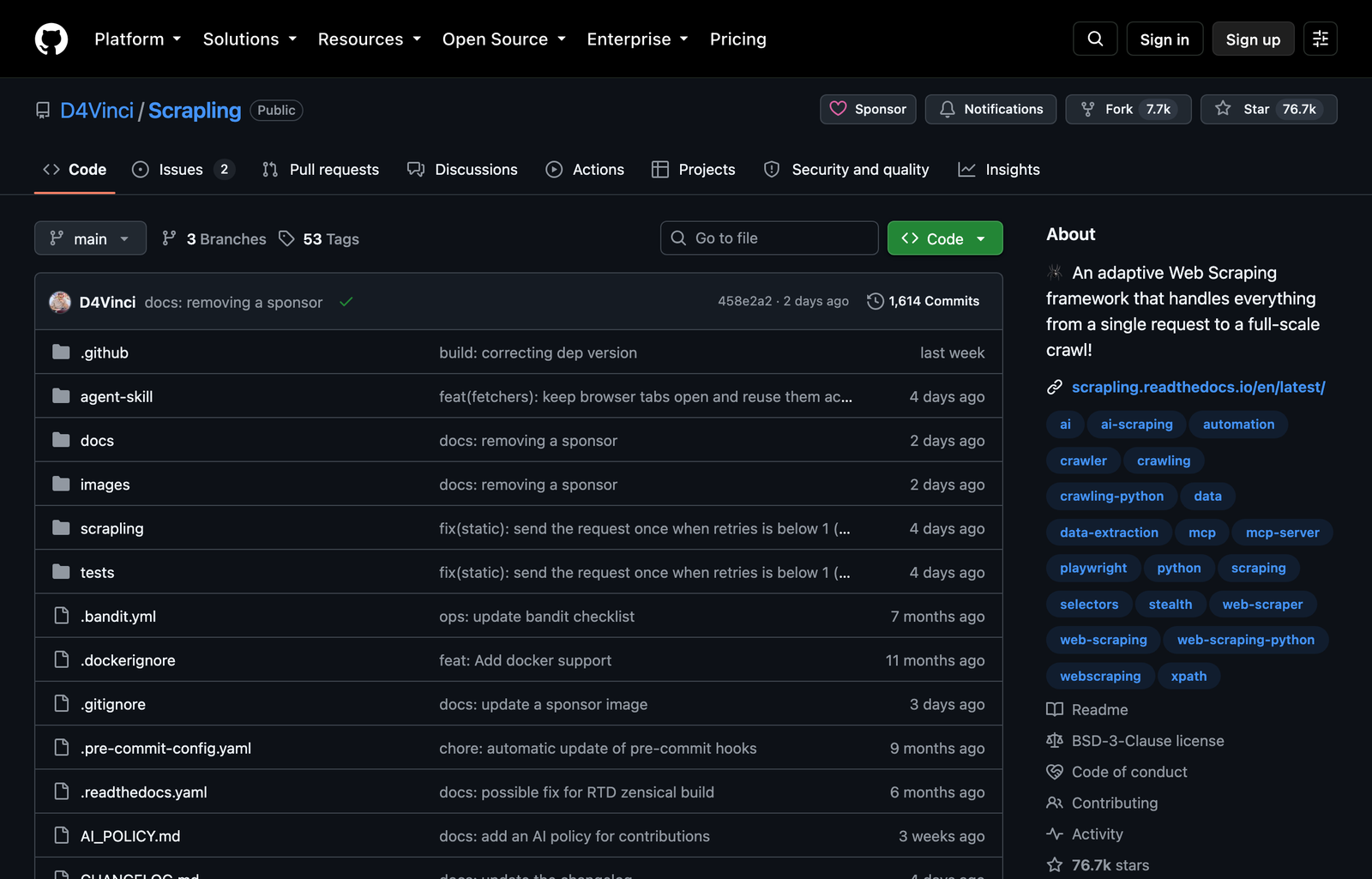
Scrapling is the best first install when Claude must extract specific fields from individual pages and the targets vary between plain HTML, JavaScript-rendered interfaces, and sites that react to basic automation fingerprints. Version 0.4.15 ships a built-in MCP server with one-shot tools and persistent browser or HTTP sessions. Claude can start with a cheap request, escalate to a browser only when rendering is necessary, and keep session state across several calls.
That escalation path matters. A common mistake is launching Chromium for every URL. It adds startup time and memory even when the server already returned complete HTML. Scrapling exposes ordinary requests, bulk HTTP work, browser fetches, stealth-oriented fetches, screenshots, and session tools through the same server. Ask Claude to try the least expensive method first, then state the condition that justifies escalation.
Use Scrapling to extract product_name, current_price, availability, and
canonical_url from this page. Start with an HTTP request. Escalate to a
dynamic browser only if the price or availability is absent from the returned
HTML. Return JSON matching those four keys and include the evidence selector or
page fragment used for each value.
The source-fragment requirement is deliberate. LLM extraction can produce clean JSON from incomplete content, which looks successful while being wrong. Requiring evidence for every value lets Claude distinguish “not present” from “I inferred it.” For repeated pages, lock the output schema and add a validation rule: reject a record when its canonical URL is missing or its price fails the expected format.
Scrapling also has a useful middle ground between brittle selectors and unconstrained prompting. Claude can target a container with CSS/XPath or text matching, reduce the page to the relevant subtree, and only then interpret it. That cuts tokens and limits unrelated page content—including malicious text—to a smaller surface.
Where Scrapling breaks down
Stealth support is not permission and is not a guarantee. CAPTCHAs, account challenges, behavioral detection, IP reputation, and target-side changes can still stop the run. A proxy is an extra operating cost. Logged-in scraping also means the browser session can access whatever the account can access, so use a dedicated profile with the minimum permissions and never hand session cookies to a remote service casually.
Keep the MCP server on stdio for a local Claude Code setup. If you switch Scrapling to HTTP transport, enable its authentication and restrict network exposure. An unauthenticated scraper reachable on the network is also an arbitrary URL fetcher, which creates a path to internal services and cloud metadata.
Do not choose Scrapling first when the task is “walk this documentation site, deduplicate pages, and produce a corpus.” It can crawl, but Crawl4AI packages that job more directly.
Crawl4AI
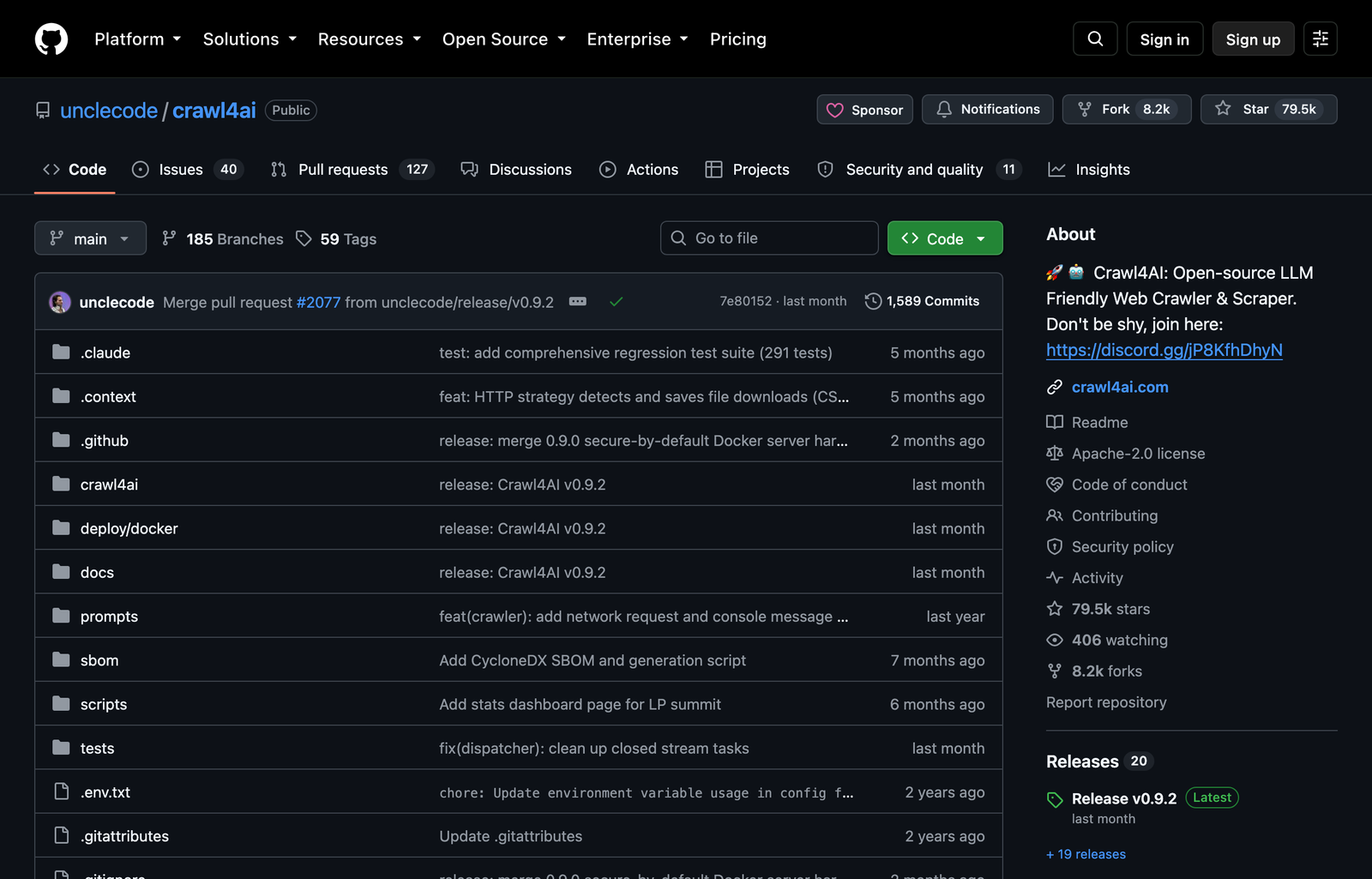
Crawl4AI is the stronger default when Claude needs a site rather than a page. Its official Docker service exposes MCP tools for markdown, processed HTML, screenshots, PDFs, JavaScript execution, and multi-URL crawling. The service keeps the browser machinery outside the Claude Code process, which makes repeated crawl work easier to observe and reuse.
The useful output is not “all text.” A production crawl needs boundaries: allowed hostnames, starting URLs, maximum depth or page count, URL exclusions, content filters, concurrency, and a stable record format. Without those constraints, an agent follows calendars, tag archives, faceted navigation, logout links, or infinite query-string variants and spends most of its time collecting duplicates.
Use Crawl4AI to crawl the documentation under https://example.com/docs/ only.
Stay on example.com, exclude /changelog/, /search/, and URLs with query strings,
and stop after 150 unique pages. Return one record per canonical URL with title,
H1, clean markdown, outgoing documentation links, and fetch status. Report all
failed URLs separately; do not silently omit them.
For RAG or search indexing, add a deterministic post-processing contract. Normalize canonical URLs, hash the cleaned body, remove exact duplicates, preserve heading paths with each chunk, and retain fetch timestamps. Claude can then regenerate only changed records instead of rebuilding the entire corpus. The crawler retrieves and cleans; your pipeline still owns identity, freshness, and deletion semantics.
Crawl4AI can also execute JavaScript, wait for lazy content, manage browser profiles, and produce screenshots. Those features help with documentation applications that render client-side, but they increase resource use. Start with the Docker image’s basic no-LLM configuration. Its markdown and HTML tools do not require a paid extraction model. Add an LLM only when deterministic filtering cannot express the content boundary—and treat that model bill separately from the free crawler.
Where Crawl4AI breaks down
The official container needs shared memory and a browser pool; it is the heaviest option here. A laptop can run it, but high concurrency competes with Claude Code, Docker, and the rest of the development stack. Pin a release in repeatable workflows rather than leaving `latest` in production.
It is also not a universal answer to authenticated social platforms. A generic browser can render a logged-in page, but the difficult part is often maintaining the platform-specific access path, cookies, rate behavior, and fallback tooling. Agent Reach is designed around that routing problem.
Agent Reach
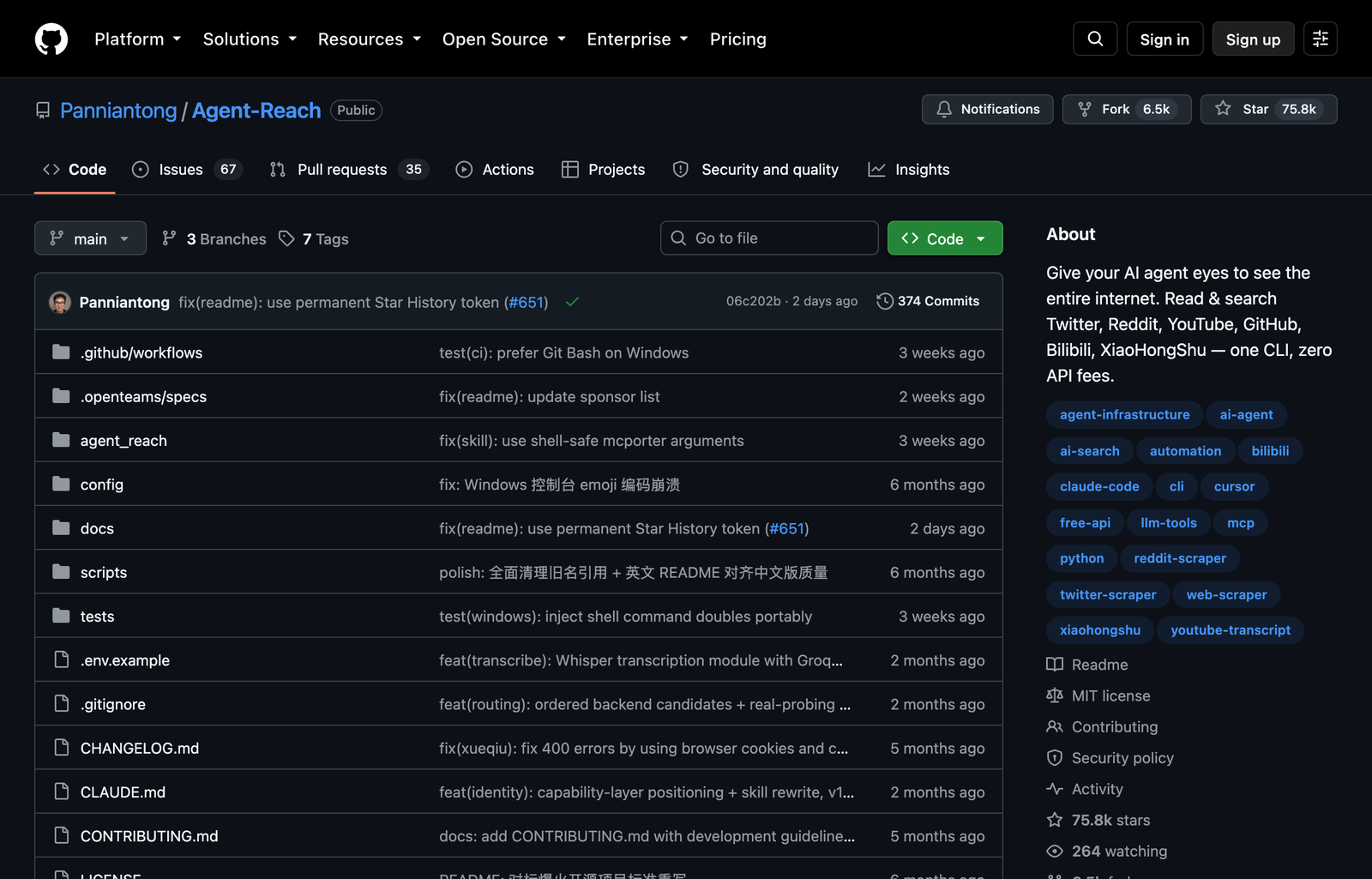
Agent Reach is not a conventional scraper. It is a Claude Code Skill and command-line routing layer that chooses specialized tools for web pages, X, Reddit, YouTube, GitHub, RSS, Bilibili, XiaoHongShu, and other sources. Choose it when the job sounds like “research this topic across platforms,” not “extract these five DOM fields from this URL.”
The distinction changes the workflow. On an ordinary URL, Agent Reach can route reading through Jina Reader. For GitHub it uses GitHub-aware tooling; for video it can use `yt-dlp`; for RSS it uses a feed parser. Platform-specific backends preserve useful objects—posts, comments, subtitles, repository metadata—that a generic readability scraper would flatten or miss.
Use Agent Reach to collect current practitioner discussion about local MCP
servers from GitHub issues, Reddit threads, and YouTube transcripts. Keep each
channel type separate. For every item return URL, author/channel, publication
time, engagement fields when available, and the exact passage supporting the
finding. Do not post, like, follow, or modify any account.
That final sentence prevents a research task from drifting into an account action. Agent Reach can connect to tools that operate through user sessions; access should stay read-only unless the task explicitly requires a mutation.
Where Agent Reach breaks down
“No API fee” does not mean “no setup.” X search can require cookies. Reddit may require login depending on the environment. Instagram and Facebook rely on a user-controlled desktop Chrome path. LinkedIn public-page reading is different from richer profile, company, or job access. Some server locations need a proxy. Run `agent-reach doctor` and treat its capability report as the truth for that machine.
Agent Reach also adds a supply-chain consideration: it orchestrates multiple downstream CLIs and backends. Use its safe/default inspection path first, review proposed system-level changes, and pin or audit dependencies in managed environments. Do not paste an install prompt from an unverified fork; use the canonical `Panniantong/Agent-Reach` repository.
The practical choice is simple. Install Scrapling for extraction jobs, deploy Crawl4AI when the URL graph is part of the problem, and add Agent Reach when the source itself needs specialized access. If a workflow spans all three—social discovery, site crawl, then structured extraction—keep the handoffs explicit and store the source URL and retrieval method with every record.
Whatever tool you choose, respect access controls, site terms, rate limits, privacy obligations, and copyright. A logged-in session proves that a browser can see the data; it does not prove that bulk extraction or reuse is authorized. For more Claude Code extensions that solve adjacent jobs, see our ranked Claude Code Skills guide.