Claude Code rarely produces a forgettable result because it lacks code knowledge. The usual failure happens earlier: the brief says “make it modern,” the agent cannot see the product’s existing rules, and nobody gives the first pass a serious review.
A skill can fix one of those gaps. It can supply a design method, build a map of an unfamiliar repository, or force a final audit. It cannot choose your audience, invent credible evidence, or decide what your brand should feel like.
The ten skills below are useful because each has a narrow job. Pick the job your workflow is missing. Installing all ten at once only gives the agent more instructions to reconcile.
| Skill | Best use | What it adds | |
|---|---|---|---|
| UI/UX Pro Max | Starting a product or page design | Searchable design direction and UI checks | |
| Impeccable | Shaping and reviewing an interface | Product context, critique, and finish passes | |
| Taste Skill | Escaping familiar frontend defaults | Stronger layout, type, density, and motion choices | |
| Understand Anything | Entering an unfamiliar codebase | A navigable map of code and dependencies | |
| Anthropic Frontend Design | Giving a new interface a point of view | A brief-specific plan before code | |
| Frontend Slides | Building a technical deck or explainer | Visual style selection and standalone HTML slides | |
| Diagram Design | Explaining systems and workflows | Branded HTML and SVG diagrams | |
| Vercel Web Design Guidelines | Reviewing a finished frontend | A file-level interface audit | |
| Humanizer | Revising a factual draft | Voice matching and prose-pattern cleanup | |
| Stop Slop | Auditing repetitive AI prose | A directness, rhythm, and density check |
The working model: context, direction, production, review
I would not treat these as ten competing products. They sit at four different points in the same run:
- Context: learn what already exists and what the product needs.
- Direction: commit to visual and editorial rules before generating a surface.
- Production: use a tool made for the artifact you are building.
- Review: check the result against the brief, the interface, and the house voice.
That order matters. A review skill cannot recover a missing product decision. A style library cannot tell whether a form works with a keyboard. A prose editor cannot add firsthand knowledge that was never in the draft.
Start with enough context to make a specific decision
Understand Anything
Understand Anything is the outlier in this list, and that is why it earns a place. It is not a visual-polish skill. It analyzes a codebase, documentation set, or knowledge base and turns the structure into an interactive graph.
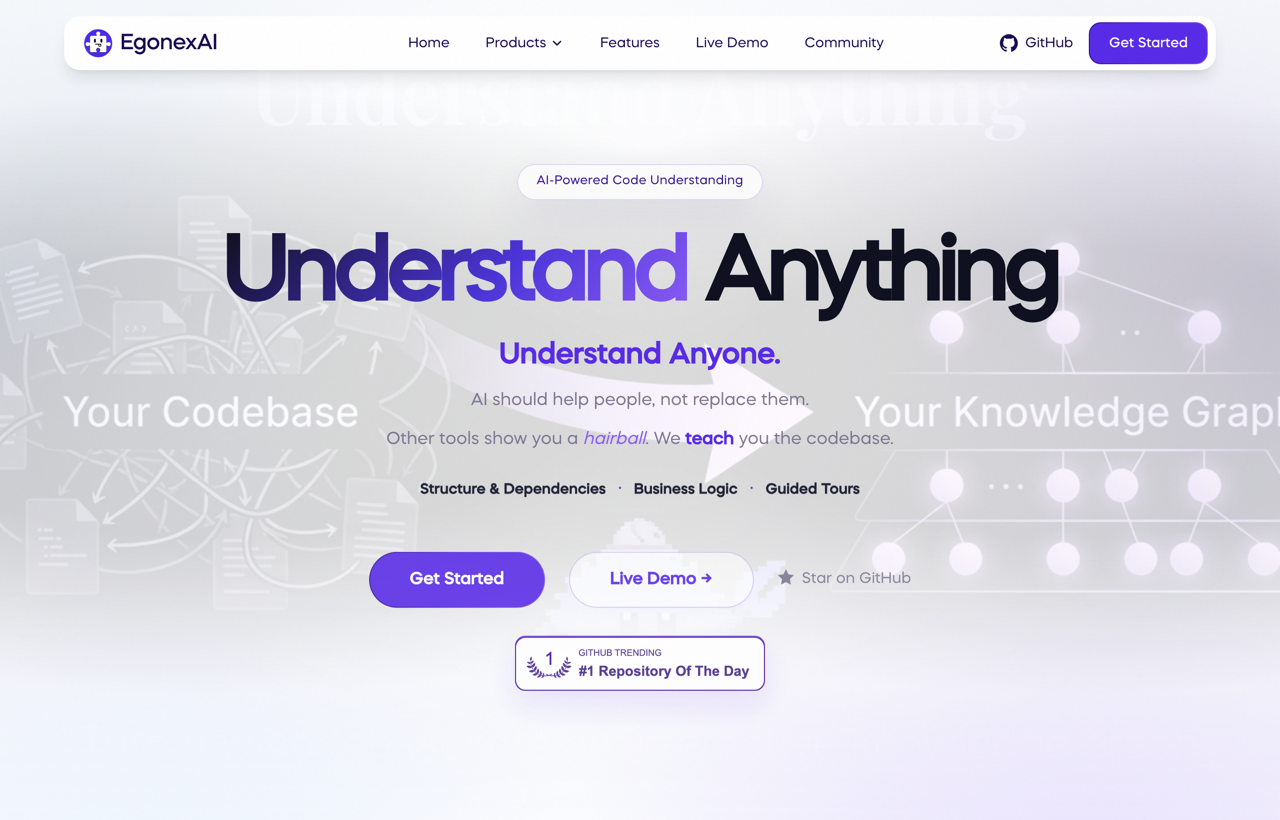
Use it when Claude Code has been dropped into a mature repository and your request depends on relationships you do not yet understand. Before asking for a new onboarding screen, for example, map the existing routes, components, data sources, and authentication flow. The resulting work is more likely to fit the product because the agent is designing with the actual system in view.
The tradeoff is cost and scope. Its first pass across a large repository can consume substantial tokens. Run it when the map changes the decision, not as ceremony before a one-file edit.
UI/UX Pro Max
UI/UX Pro Max is a design-intelligence library for product and interface work. It gives Claude Code a larger vocabulary for layout, typography, color, interaction patterns, responsive behavior, and accessibility.
Its strongest use is not “design a beautiful dashboard.” Give it a product type, audience, stack, required states, and one visual tension to resolve. For a bookkeeping app, that might be dense financial data without spreadsheet fatigue. For a children’s reading tool, it might be playful navigation without reducing legibility.
The free base skill is enough to build a direction and check common UI decisions. Some extras around the project are paid, so do not assume every advertised asset is part of the free install.
Use the documented Claude Code marketplace route:
Install
/plugin marketplace add nextlevelbuilder/ui-ux-pro-max-skill
/plugin install ui-ux-pro-max@ui-ux-pro-max-skill
Then make the output concrete: ask for a compact token set, type roles, spacing rules, responsive breakpoints, and a short list of patterns to avoid. Save those decisions in the repository instead of regenerating them in every session.

Choose a direction before Claude writes the interface
Anthropic Frontend Design
Anthropic’s Frontend Design skill is compact and opinionated. Its useful move is procedural: ground the design in the subject, plan the palette, typography, and layout, review that plan for generic defaults, then build.
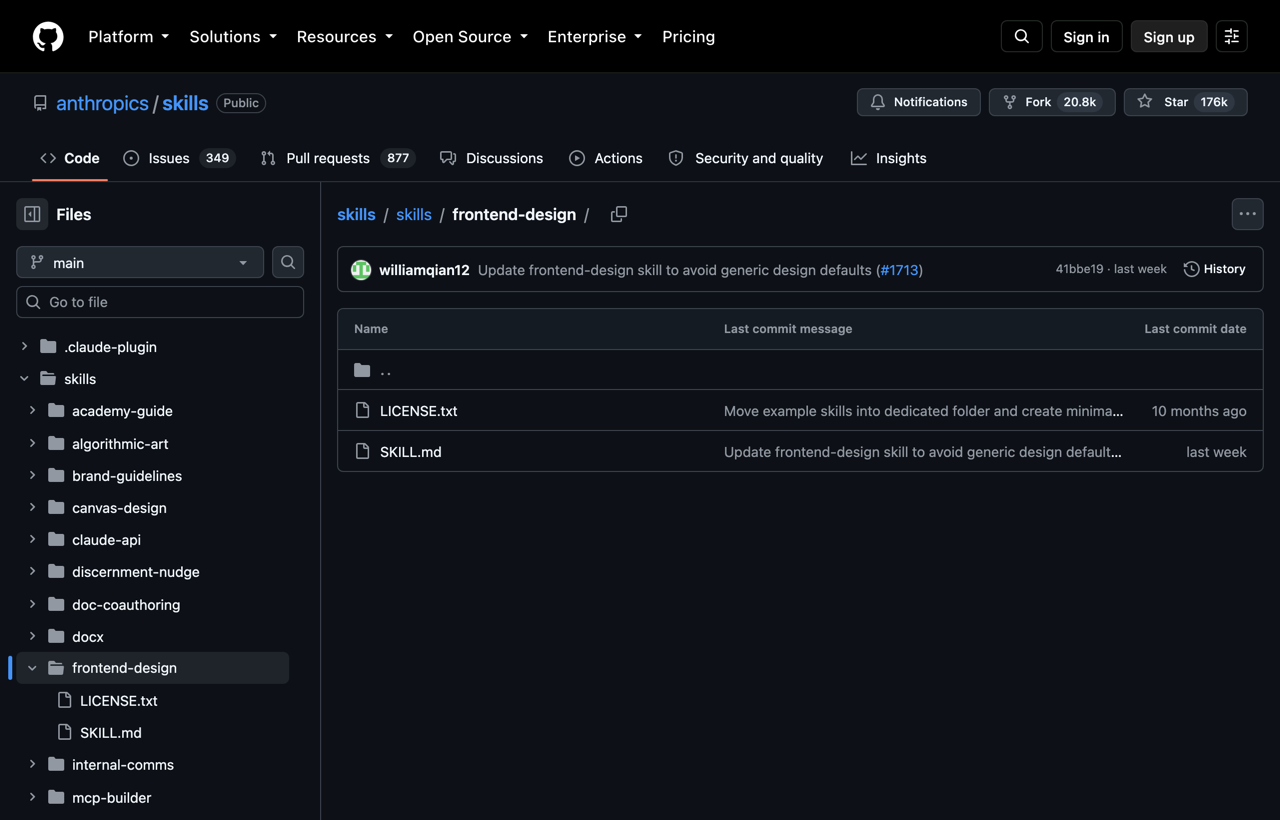
That separates direction from execution. Without the pause, an agent can make hundreds of internally consistent CSS choices around a weak idea. The skill also calls out familiar generated-UI habits: decorative labels that do no information work, identical rounded cards, arbitrary accent words, and motion applied to every section.
Use it for a new surface or a substantial redesign. It is less useful for a small fix where the existing design system already decides the answer.
Taste Skill
Taste Skill pushes harder on composition. It is useful when technically correct pages keep arriving with the same safe grid, the same typography scale, and the same low-risk motion.
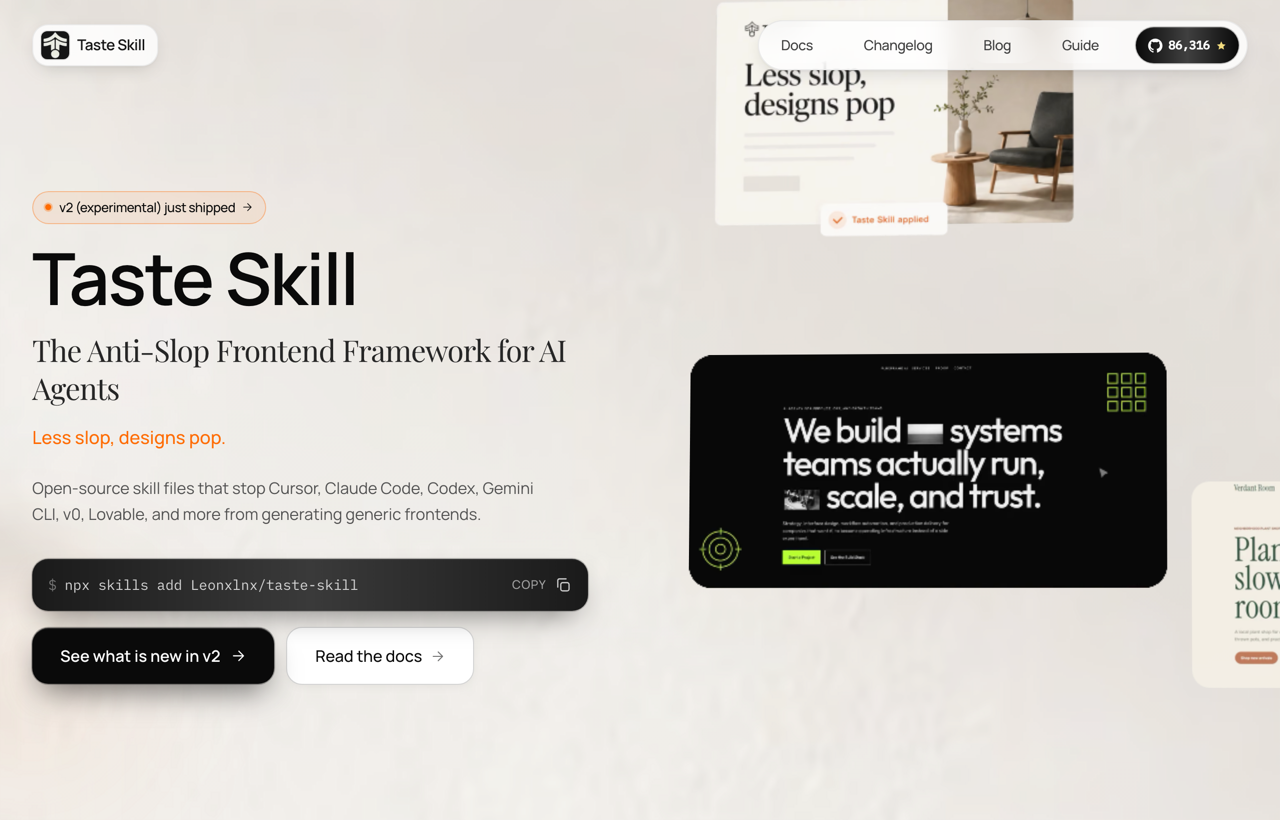
The right time to invoke it is after the brief is clear but before the implementation has hardened. Ask it to make one axis distinctive—perhaps editorial type, asymmetric layout, or interaction rhythm—while preserving accessibility and the product’s existing constraints.
The current v2 is marked experimental by its maintainers. Treat that as a reason to review the plan and diff, not a reason to avoid it. If a project already has strong art direction, the skill should serve that direction rather than replace it.
Impeccable
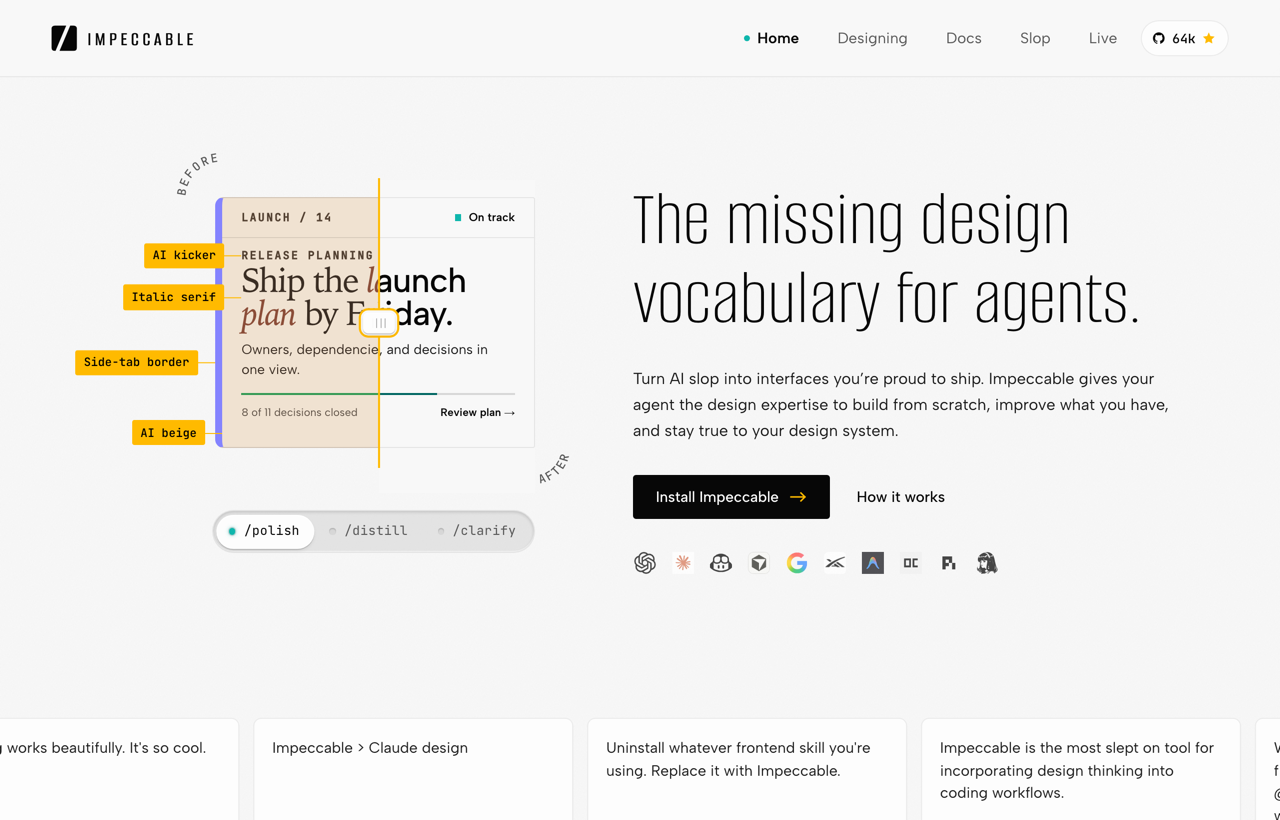
Impeccable is closer to a design operating system than a single prompt. Its initialization records durable product truth, and its commands split the work into useful actions: shape, critique, audit, typeset, adapt, harden, and polish.
I would use it when several sessions or contributors must make changes to the same product. The product context prevents each run from rediscovering the audience and constraints. The focused commands also make review requests precise. “Run a hierarchy critique on the pricing page” is easier to verify than “make it better.”
The extra structure adds friction. That friction pays off on a product surface; it may be unnecessary for a disposable prototype.
Install
npx impeccable installAfter installation, initialize the project once, then call only the review pass the current artifact needs. A page with weak typography does not need a full redesign command.
Use an artifact-specific skill for the build
Frontend Slides
Frontend Slides is designed for HTML presentations and PowerPoint-to-web conversion. That narrow scope is an advantage. A slide has different constraints from a landing page: fixed aspect ratio, pacing across frames, projection distance, and a need to reveal one idea at a time.
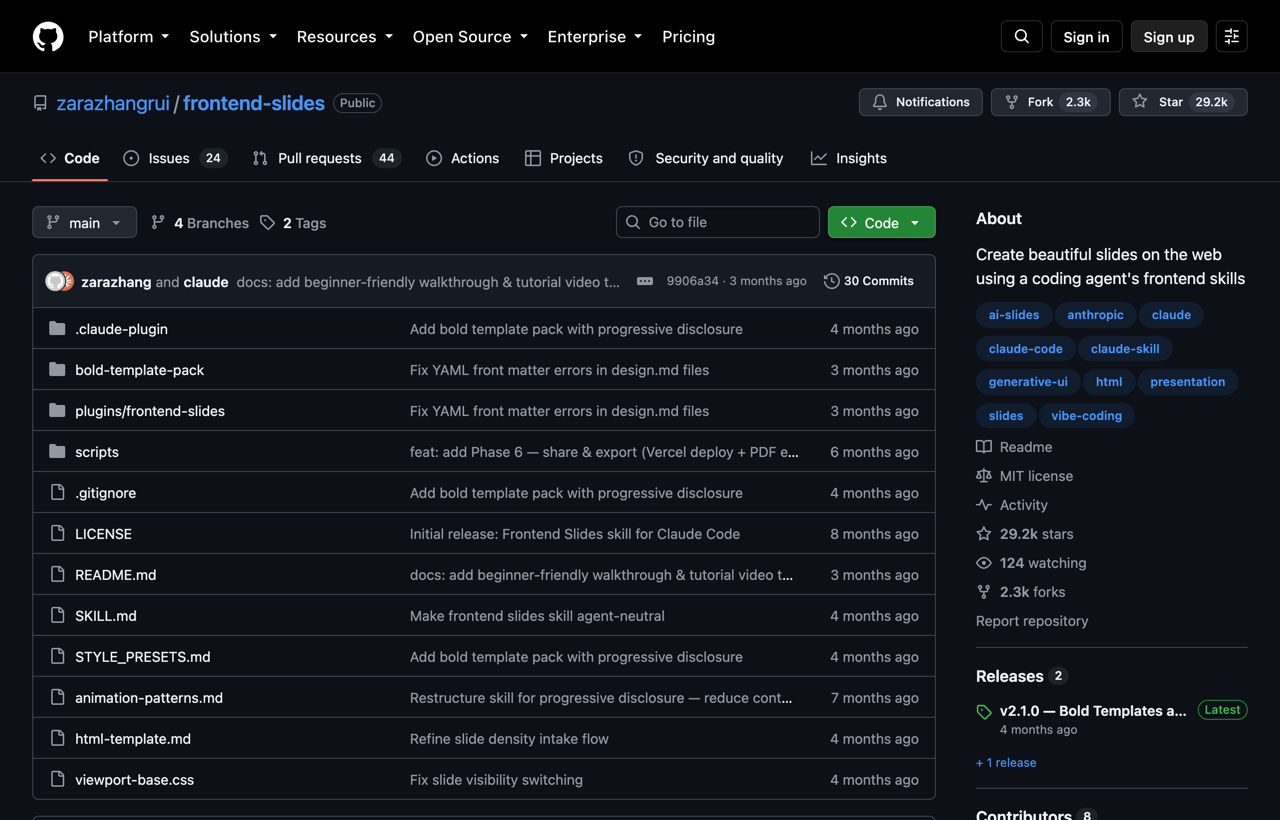
The skill supports visual style discovery through previews, then builds a standalone HTML deck. Use it for a pitch, workshop, technical walkthrough, or internal proposal. Do not use it as a general frontend-design layer simply because both outputs happen to be HTML.
A strong brief includes the speaking duration, audience knowledge, one takeaway per slide, and the final delivery format. That information affects the slide count and information density more than a style adjective does.
Diagram Design
Diagram Design produces branded HTML and SVG visuals for processes, systems, states, and relationships. It offers many diagram grammars, but the important feature is the choice among them. A sequence, dependency graph, swimlane, and state machine answer different questions.
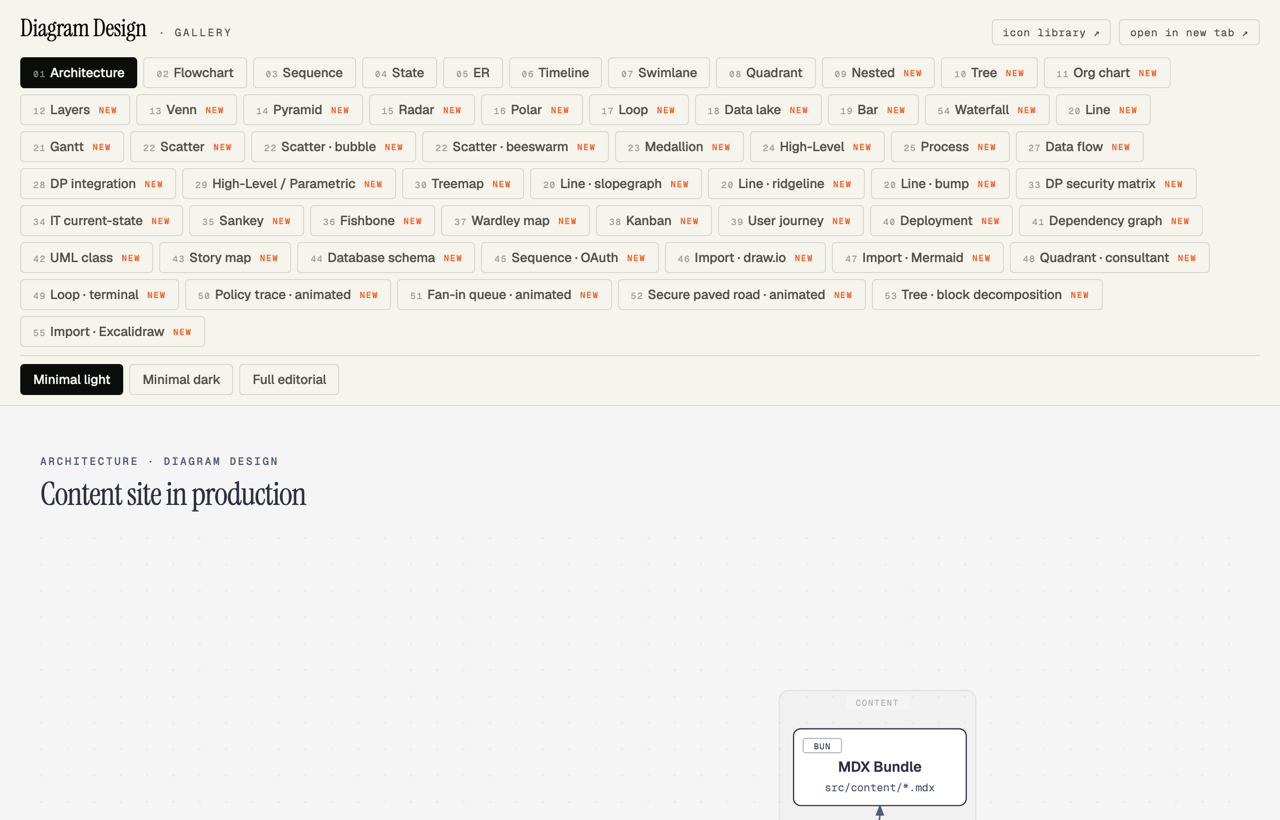
Start with the relationship you need the reader to see. Use a sequence for messages over time, a state diagram for transitions, and a dependency graph for upstream/downstream impact. If the content is merely a list, keep it as a list.
The skill can make a visual match a site rather than look like a pasted Mermaid export. Restraint still matters: four meaningful nodes beat twelve decorative ones. The workflow diagram in this article is intentionally limited to the four decisions that change the result.
Add a review gate before you call the page finished
Vercel Web Design Guidelines
Vercel’s Web Design Guidelines skill is a reviewer. It loads the current guideline source, reads the files you specify, and returns terse findings tied to file locations.
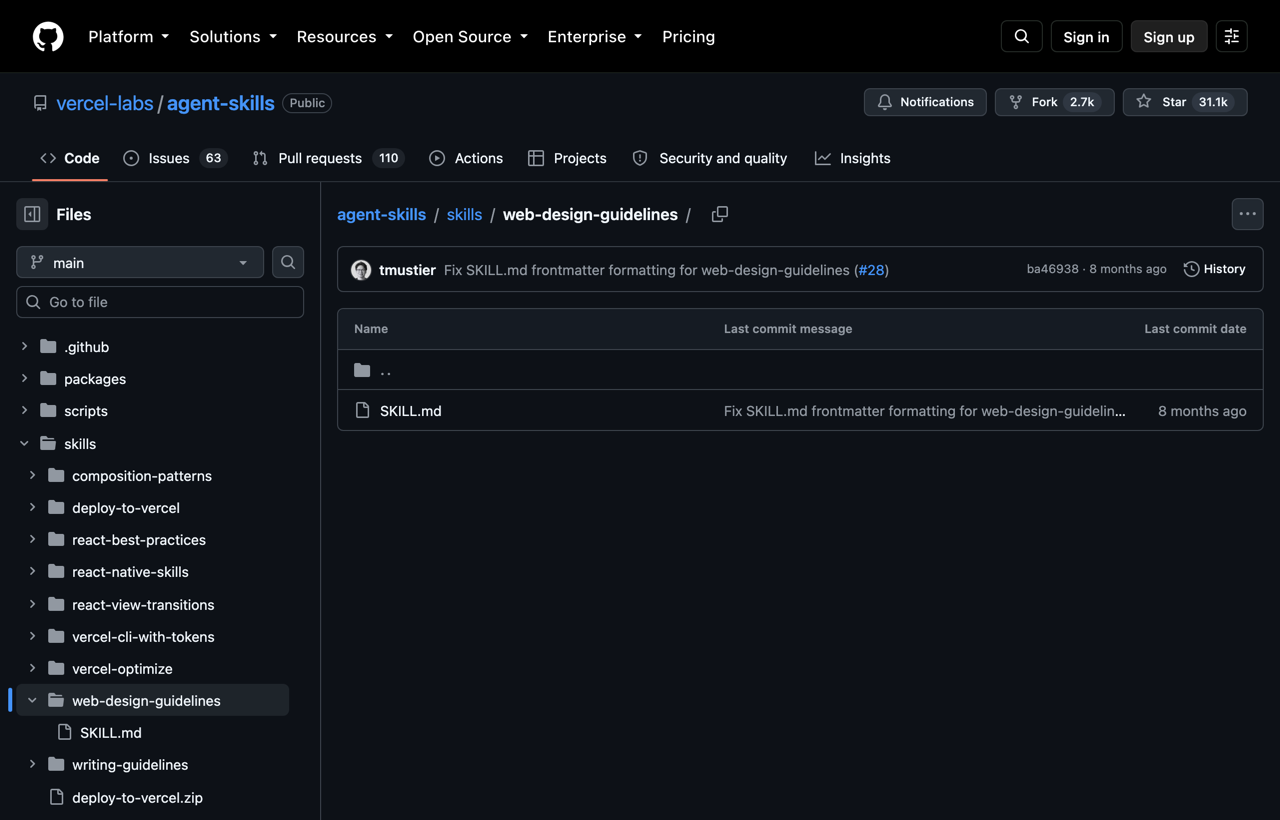
That makes it useful after implementation. Point it at the changed components and ask for accessibility, interaction, forms, responsive behavior, motion, and content issues. Then decide which findings apply to the product. A guideline can reveal a missing focus state; it cannot decide whether the hero expresses the right idea.
Keep the review bounded to the changed surface. Scanning an entire application after a small patch creates a backlog that hides the regression you are trying to catch.
Turn the brief into a durable DESIGN.md
Skills are easiest to reuse when the important choices live in the project. A `DESIGN.md` can hold exact tokens and the rationale behind them: who the interface is for, which type roles exist, how dense the layout should feel, where the accent color is allowed, and which component behaviors must stay consistent.
The Google DESIGN.md specification separates machine-readable tokens from human-readable reasoning. Its CLI can lint the file and compare revisions. That is useful because a visual system changes like code: one token can move, a component contract can break, and an agent should see the difference.
Run `npx @google/design.md lint DESIGN.md` to validate the current file. Compare a proposed revision with `npx @google/design.md diff DESIGN.md DESIGN-next.md`.
Do not copy another company’s design file and call the work finished. Reference collections such as Awesome DESIGN.md are useful for studying structure. Your file still needs decisions tied to your product, audience, and content.
Edit prose after the facts and structure are solid
Humanizer
Humanizer is a prose-revision skill. It looks for recurring AI-writing habits and can match a voice sample supplied with the draft.
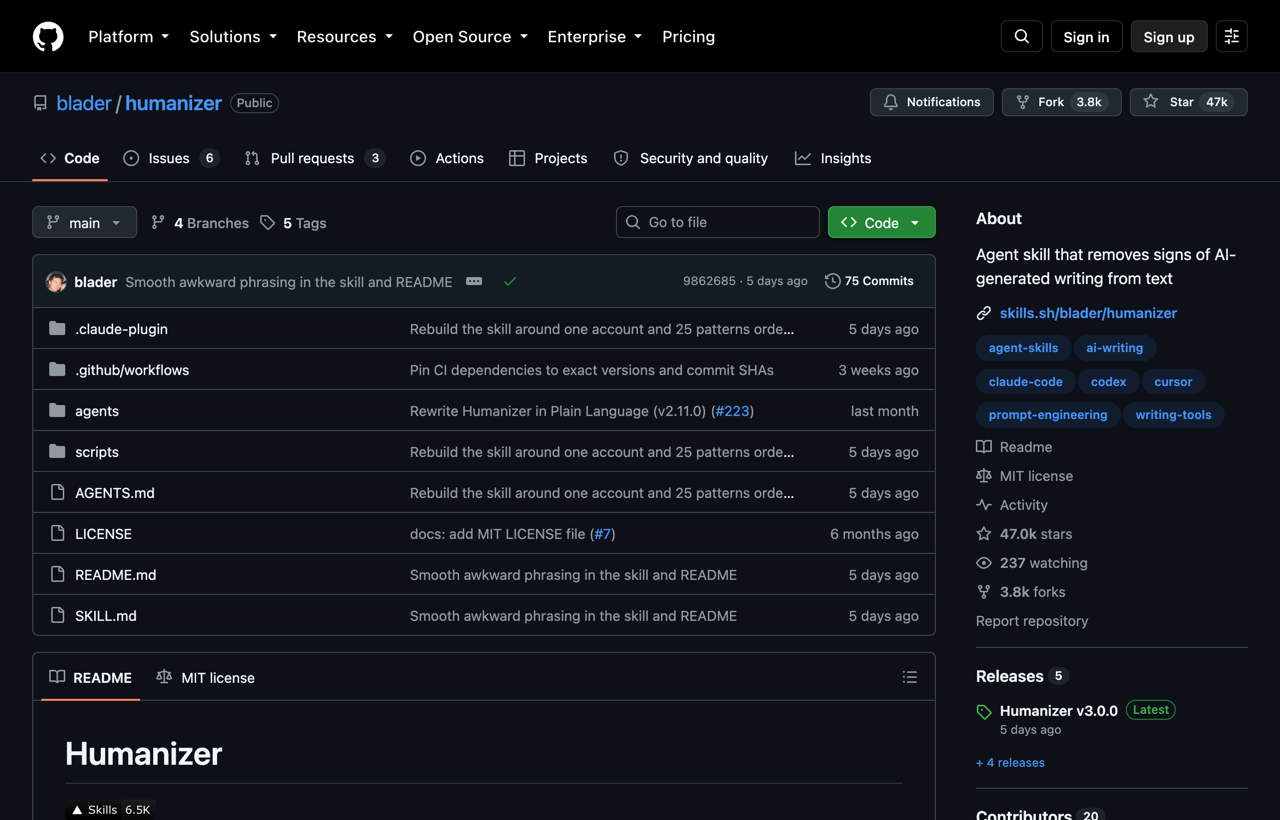
Use it after the reporting, examples, and structure are complete. Give it two or three representative paragraphs of approved writing, then ask it to preserve claims, technical terms, and links while adjusting rhythm and phrasing. Review the diff. A more casual sentence is not automatically a more accurate sentence.
Do not use it to evade detection systems. That goal rewards surface variation rather than honest, useful writing. The skill is valuable when it helps a real draft sound like the person or publication responsible for it.
Stop Slop
Stop Slop is another prose audit, with explicit phrase lists, structural patterns, before-and-after examples, and a scoring rubric for directness, rhythm, trust, authenticity, and density.
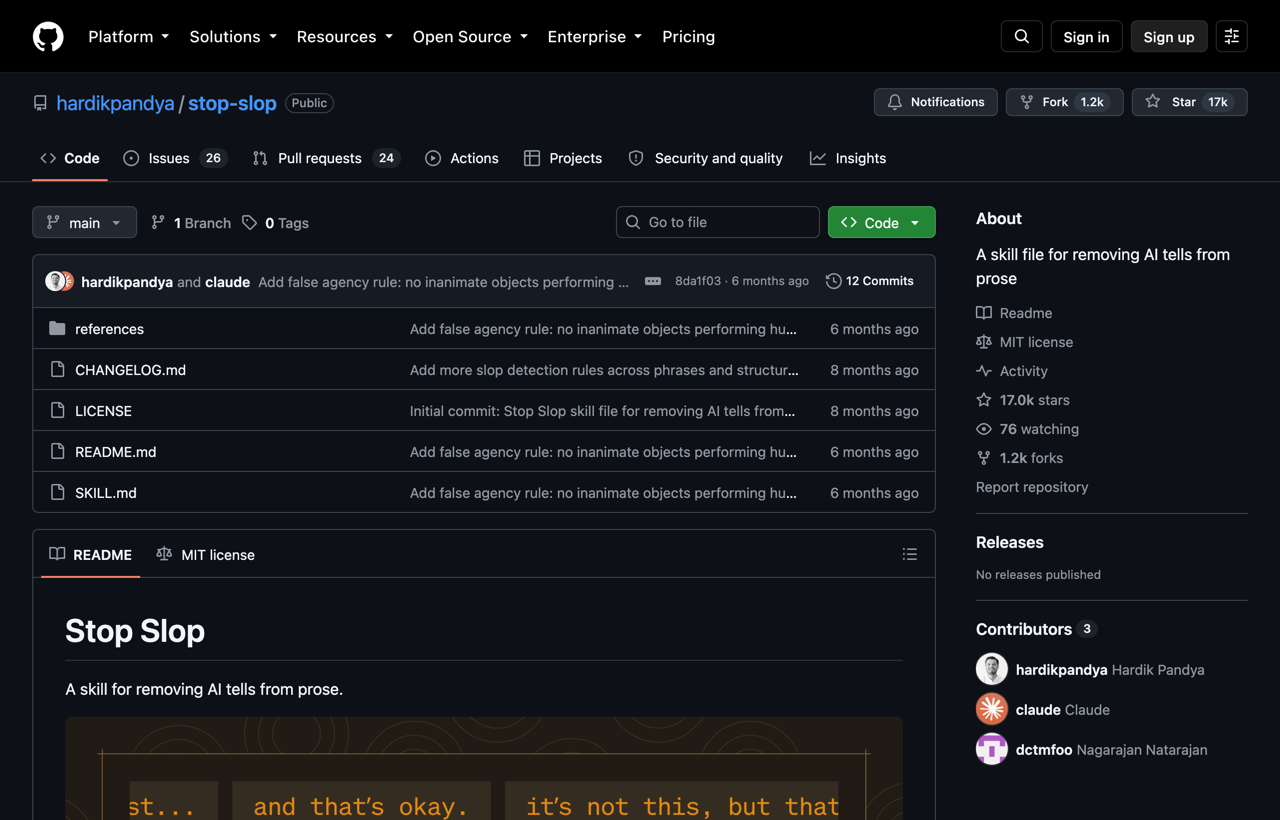
I would test Humanizer and Stop Slop as alternatives on the same paragraph. Keep the version that removes empty framing without flattening the author’s voice. Stop Slop’s rules are intentionally strict; applying every ban mechanically can replace one recognizable pattern with another.
The best edit often adds something instead of merely deleting. Replace “this changes everything” with the actual constraint, result, or tradeoff. Replace “powerful capabilities” with the operation the tool performs. If the draft lacks evidence, return to research rather than polishing the absence.
Pick a small stack for the work in front of you
For an existing SaaS product, start with Understand Anything, record the design decisions, build with one direction skill, then audit with Vercel’s guidelines or Impeccable.
For a new marketing page, skip the repository map. Use UI/UX Pro Max or Anthropic Frontend Design to establish direction, save the choices in `DESIGN.md`, and run one review pass after the responsive implementation exists.
For a technical explainer, use Frontend Slides or Diagram Design—not both by default. Choose the artifact that matches the reader’s task.
For an article or product narrative, finish the factual draft first. Then run Humanizer or Stop Slop against a known house voice and accept only edits that improve meaning.
The pattern is simple: one source of context, one production skill, and one review gate. That is enough to make Claude Code’s choices visible—and visible choices are much easier to improve.