
Claude Code can inspect a website repository, read exported search data, find technical faults, rewrite weak page sections, and verify the resulting code. That makes it useful for SEO—but only when you give it the right evidence and keep production changes under review.
The safest way to begin is not “make my site rank.” Give Claude Code a defined website, a business goal, a small set of pages, and measurable search data. Then use the same loop every time: baseline, diagnose, change, verify, measure.
| Section | What you will accomplish |
|---|---|
| Give Claude Code the site, business rules, and a protected place to work. | |
| Turn Search Console, analytics, and sitemap evidence into a prioritized issue register. | |
| Assign each useful query cluster to one clear destination page. | |
| Fix crawl, index, page meaning, links, and performance in dependency order. | |
| Revise the smallest set of page elements needed to satisfy intent and conversion. | |
| Verify the rendered page, record the release, and preserve a rollback path. | |
| Compare the changed URL cohort with its baseline and select the next experiment. |
Set up a safe SEO workspace
Claude Code works best inside a project folder. For a coded site, open the actual repository. For WordPress, Shopify, Webflow, or another hosted platform, export the pages you plan to improve as Markdown, HTML, CSV, or JSON. Include your sitemap and any relevant theme or template code. Do not point an agent at production credentials and ask it to improvise.
Create a branch or staging copy before any edits. Add a `CLAUDE.md` file that explains what must remain true: the business model, primary audience, conversion action, CMS, analytics setup, brand claims, prohibited claims, and verification commands. This becomes persistent project context.
# SEO project rules
- Business: appointment software for independent clinics
- Primary conversion: book a product demo
- Audience: clinic owners with 2–20 staff
- CMS: Next.js with Markdown articles
- Never invent customer results, credentials, or medical claims
- Never edit production or deploy without approval
- Before proposing a change, cite the page, query, and evidence
- After editing, run tests and show the diff
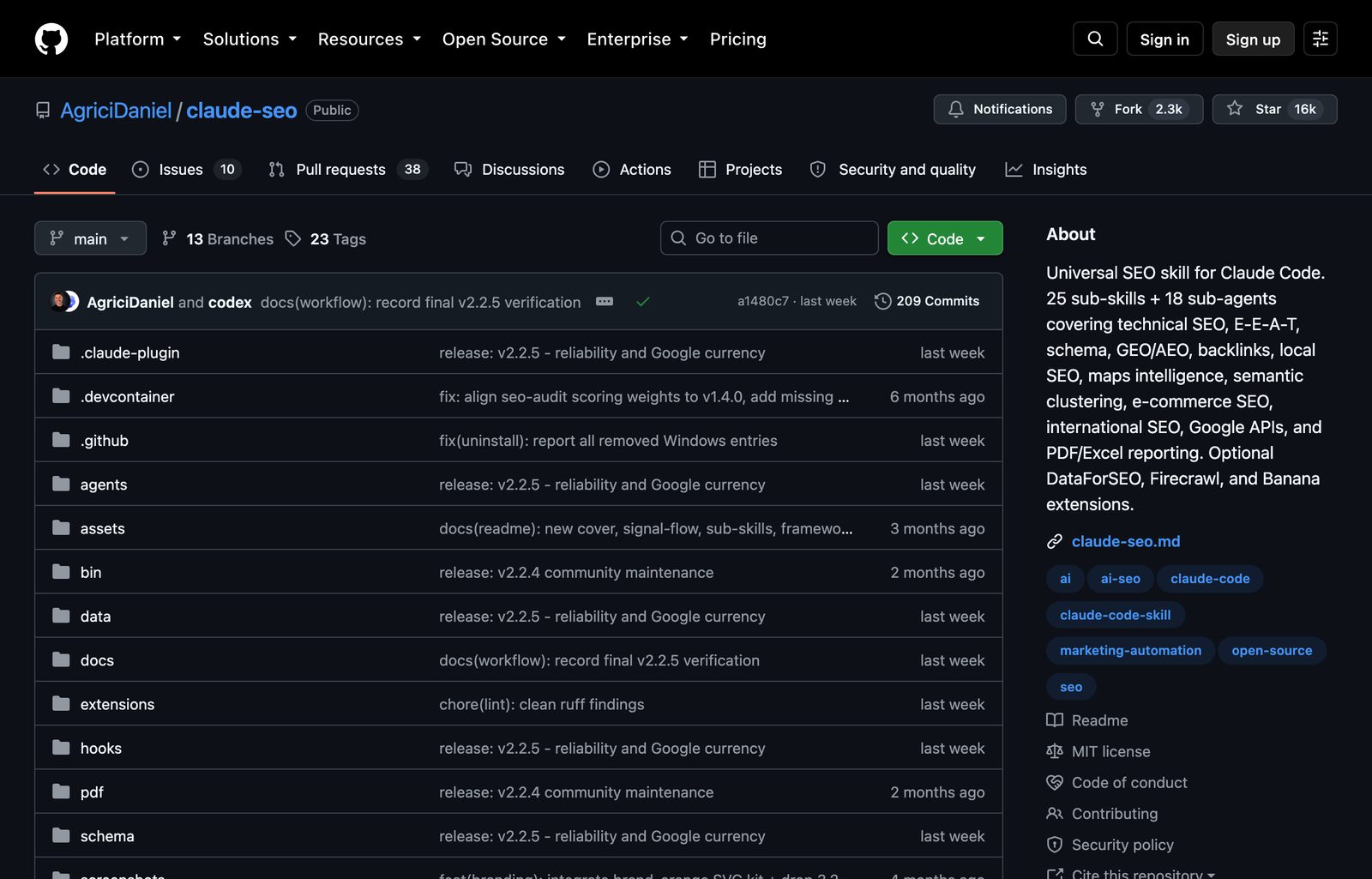
Claude Code already provides file inspection, search, editing, and command execution. Add an SEO-specific plugin only if you want reusable audit commands. The open-source Claude SEO plugin packages page, technical, content, sitemap, schema, and Google-data workflows. Inspect third-party code before installation, then run its health check.
/plugin marketplace add AgriciDaniel/claude-seo
/plugin install claude-seo@agricidaniel-claude-seo
/seo setup
/seo doctor
The plugin accelerates analysis; it does not supply private business data or approve changes for you. If you want a closer look at where the plugin fits, see our OpenSEO and Claude SEO comparison.
Build the baseline before changing pages
An SEO baseline answers three questions: what Google can find, what already earns visibility, and what produces business value. Start with Google Search Console exports for pages and queries over a stable period, such as the last 90 days. Add conversions or qualified leads from analytics or your CRM. Search Console reports search performance; analytics reports what visitors do after landing.
Store exports in a small input folder. Remove personal data and secrets.
Run
mkdir -p seo-inputs
cp ~/Downloads/Queries.csv seo-inputs/search-console-queries.csv
cp ~/Downloads/Pages.csv seo-inputs/search-console-pages.csv
curl -sS https://example.com/sitemap.xml -o seo-inputs/sitemap.xml
Ask Claude Code to analyze without editing:
Read CLAUDE.md and the files in seo-inputs/. Do not change the site.
Create baseline.md with:
1. pages gaining or losing clicks and impressions;
2. high-impression queries with weak CTR;
3. pages ranking for conflicting intent;
4. important sitemap URLs with no search data;
5. assumptions and missing evidence.
For every recommendation, cite the input row or URL.
Do not treat “no clicks” as proof that a page is bad. It may be new, excluded, canonicalized elsewhere, or targeting a query with little demand. Check Google’s URL Inspection result and indexing reports before rewriting it. The Google SEO Starter Guide is the right reference for crawl, index, title, link, and content fundamentals.
The operating loop
Evidence becomes the next reviewed action
Map search intent to the right page
Keyword research becomes useful when every meaningful query has a destination. Claude Code can group a Search Console export, connect related phrases, and reveal cannibalization, but the output should be a page map—not a giant keyword list.
Give it your real products, services, locations, and audience questions. Ask it to classify intent as informational, comparison, commercial, transactional, or navigational, then assign one primary page to each cluster. Existing evidence comes first: queries already producing impressions are usually a better starting point than invented keyword variations.
Using baseline.md, the sitemap, and our product list, create seo-page-map.csv.
Columns: cluster, intent, primary URL, supporting URLs, current evidence,
content gap, internal-link origin, conversion action, confidence.
Do not create a new page when an existing page can satisfy the intent.
Flag clusters where two pages compete for the same purpose.
Review the map manually. A beginner mistake is creating one page per phrase. That produces near-duplicates, weak internal linking, and pages with no distinct job. Prefer one strong page for one clear intent, supported by related articles that link to it with descriptive anchor text.
Improve technical SEO in dependency order
Run technical work in the order search engines encounter the site. First confirm that important URLs are reachable and allowed to crawl. Then check index signals, page meaning, links, and performance. Polishing a meta description is wasted effort if the URL is blocked or canonicalized to another page.
Your audit should cover:
- status codes, redirects, robots directives, and sitemap membership;
- canonical URLs and accidental duplicate routes;
- one descriptive page title and one visible H1 per page;
- internal links to important pages without orphaned routes;
- image dimensions, alt text, and lazy loading where appropriate;
- structured data that matches visible content;
- mobile behavior and Core Web Vitals.
Fix in dependency order
A later layer cannot rescue a broken earlier layer
If Claude SEO is installed, start with a single page before a whole-site crawl:
/seo page https://example.com/services/clinic-scheduling
/seo technical https://example.com/services/clinic-scheduling
/seo schema https://example.com/services/clinic-scheduling
Ask Claude Code to separate findings from fixes. Each finding needs the affected URL, observed evidence, likely impact, proposed change, dependency, and verification step. Apply high-confidence fixes in small batches and inspect the diff. Never let an agent rewrite canonicals, redirects, or robots rules across a site without a URL-level review.
For performance, focus on field data when available. Google’s good Core Web Vitals thresholds are LCP within 2.5 seconds, INP under 200 milliseconds, and CLS under 0.1. Claude Code can identify heavy images, render-blocking assets, layout shifts, and oversized scripts in the repository, but Search Console or CrUX data tells you what real users experienced.
Improve content without generating filler
Claude Code should improve an existing page against a specific intent and evidence set. Give it the target cluster, current page, competing result patterns, brand facts, and conversion goal. Ask for a gap analysis before a rewrite.
Audit this page against its assigned intent in seo-page-map.csv.
Return: what the reader needs, what the page already answers, unsupported claims,
missing evidence, structural friction, internal-link opportunities, and conversion mismatch.
Then propose the smallest revision that resolves the important gaps.
Do not add generic sections or claims not present in our provided files.
A strong revision usually clarifies the opening promise, answers the main question earlier, adds concrete examples, improves headings, removes repetition, and links to the next useful page. Titles and descriptions should be accurate summaries, not collections of keyword variants. Image alt text should explain the image’s role on that page.
Structured data is a description layer, not a ranking switch. Generate it only for visible, eligible content, validate the output, and keep it synchronized with the page. Correct markup can still be ineligible for a rich result, so do not report schema installation as an SEO win by itself.
Publish with a reviewable change set
Before publishing, ask Claude Code to show the exact files changed, the reason for each change, and the tests run. Preview the page at mobile and desktop widths. Check the title, H1, canonical, index directive, internal links, structured data, images, and conversion action in the rendered result—not only in source code.
Use a simple release note:
URL changed:
Primary query cluster:
Evidence before change:
Files changed:
Expected leading indicator:
Failure condition:
Rollback method:
Review date:
Submit or refresh the sitemap when your platform does not do this automatically. Use URL Inspection for important pages, especially when you changed canonical or indexing signals. Do not request indexing repeatedly as a substitute for fixing crawl or content problems.
Measure the result and choose the next action
SEO is a feedback process. Record the publication date, affected URLs, query cluster, and baseline. Compare equivalent periods when seasonality allows, and segment the changed pages rather than looking only at sitewide totals.
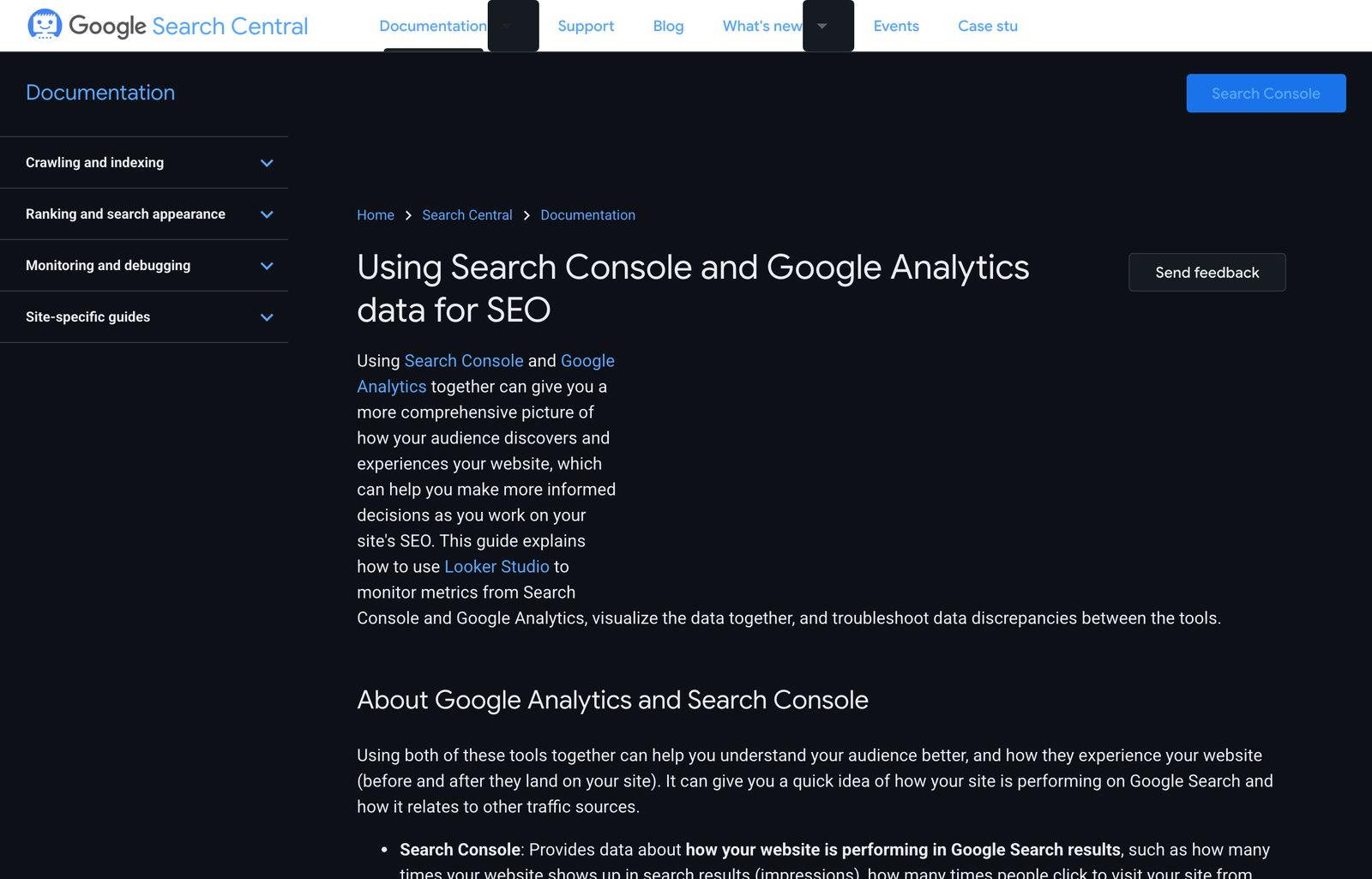
Track impressions, clicks, CTR, average position, conversions, index status, and Core Web Vitals. Interpret them together. Rising impressions with flat clicks may mean the page is appearing for more queries but its title or intent fit is weak. Rising clicks with poor conversion may mean the content attracts the wrong visitor or hides the next step. A ranking drop limited to one page group calls for a page-group diagnosis, not a sitewide rewrite.
Read signals together
A metric change points to the next question
Compare the new Search Console exports with baseline.md for only the changed URLs.
Separate query demand changes from page-performance changes.
Report wins, regressions, uncertain results, and the smallest next experiment.
Do not claim causation when the data only shows correlation.
The finished system is intentionally boring: reliable inputs, a narrow task, reviewed edits, rendered checks, and measured outcomes. Once that loop works, turn repeated prompts into a project skill or hook. Automate the checklist—not the judgment that decides what your audience deserves.