
The Claude Code skills ecosystem crossed a threshold in 2026. There are now aggregator directories listing well over a thousand skills, three competing install rails, and a fresh “top skills” post every week. Most of what you install is a thin wrapper around a prompt you could have written yourself. A few are load-bearing: once they sit in `~/.claude/skills/`, you stop working without them.
I pulled 100 skills from the official Anthropic skills repo, the plugin marketplace, and the big community packs, then ranked them by a single test: does it earn a permanent slot, or does it get uninstalled the same day? Seven survived. Every one is a single command away.
The 7 at a Glance
Star counts below were pulled from the GitHub API on the day of writing, not copied from someone else’s blog. All seven are free.
| Rank | Skill | Best for | Stars | Cost |
|---|---|---|---|---|
| 1 | Superpowers | End-to-end dev methodology | 273K | Free |
| 2 | claude-mem | Persistent cross-session memory | 91K | Free |
| 3 | Document Skills | Real .docx / .pdf / .pptx / .xlsx output | 170K | Free |
| 4 | Code Review | Multi-agent PR review | 34K | Free |
| 5 | Deep-Research-skills | Grounded, cited research | 1.9K | Free |
| 6 | Academic Research Skills | Long-form research to finished paper | 43K | Free |
| 7 | Superdesign | Design-system-aware UI drafts | 0.4K | Free |
Superpowers — the one that changes how you work
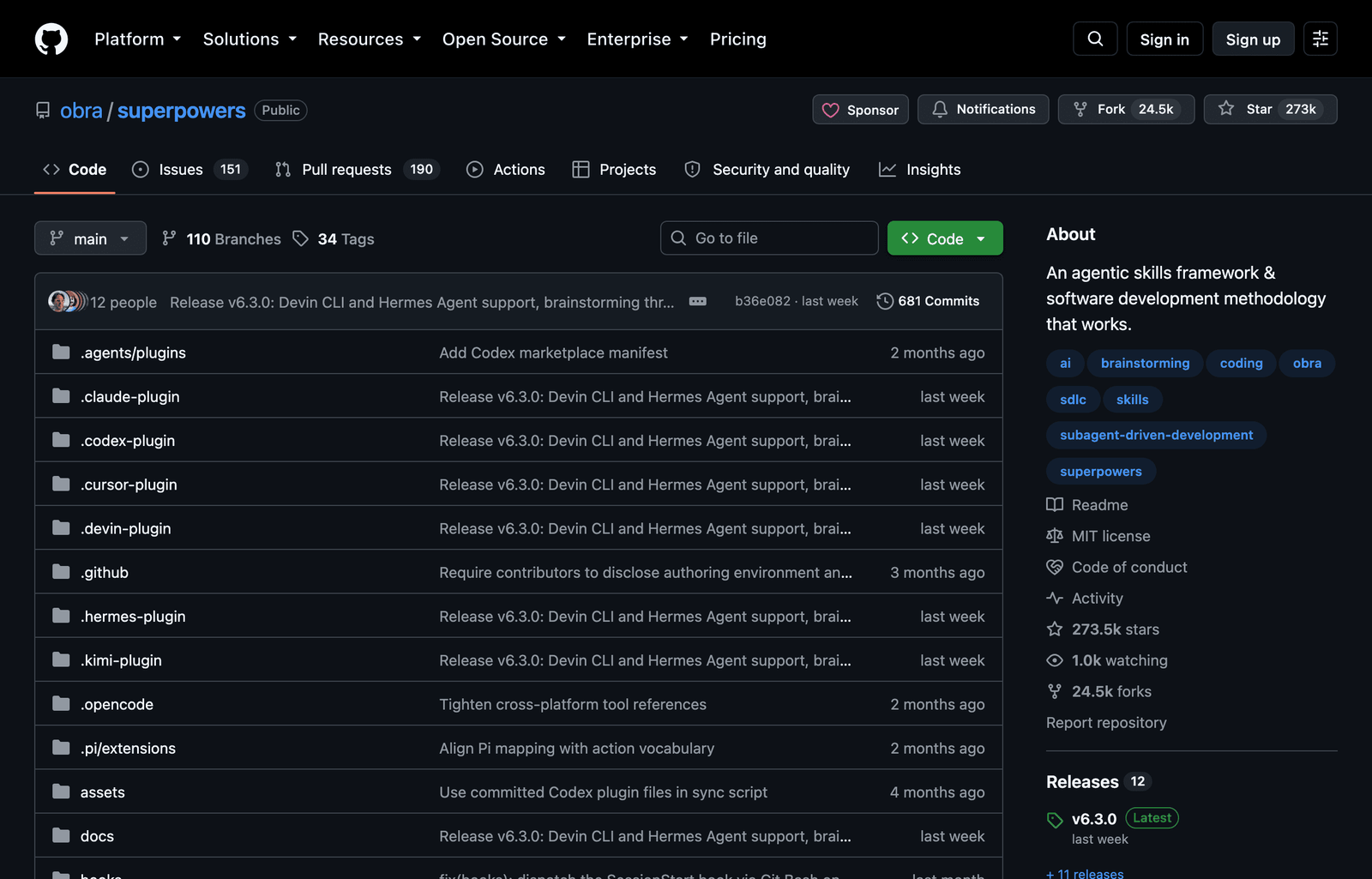
Superpowers is not a skill, it is a development methodology packaged as skills that call each other. A single request walks a real pipeline: structured brainstorming to pin down the problem, test-driven development on a strict RED-GREEN-REFACTOR loop, git worktree isolation so experiments never touch your main branch, subagent execution to parallelize the work, and a review pass at the end.
The TDD gate is the part that changes your output. Superpowers will not write implementation until a failing test exists, so you stop getting confident code that was never actually run. The worktree isolation means it can try three approaches in parallel and throw two away without leaving a mess. As of the v6.3 release it also ships plugin manifests for Codex, Cursor, Devin, and Hermes, so the same methodology follows you across tools.
/plugin marketplace add obra/superpowers-marketplace
/plugin install superpowers
When not to use it: a throwaway script. It is opinionated by design, and forcing a one-line utility through a TDD ceremony is friction with no payoff. For anything you intend to keep, that ceremony is exactly what you want.
claude-mem — fixes the thing everyone complains about
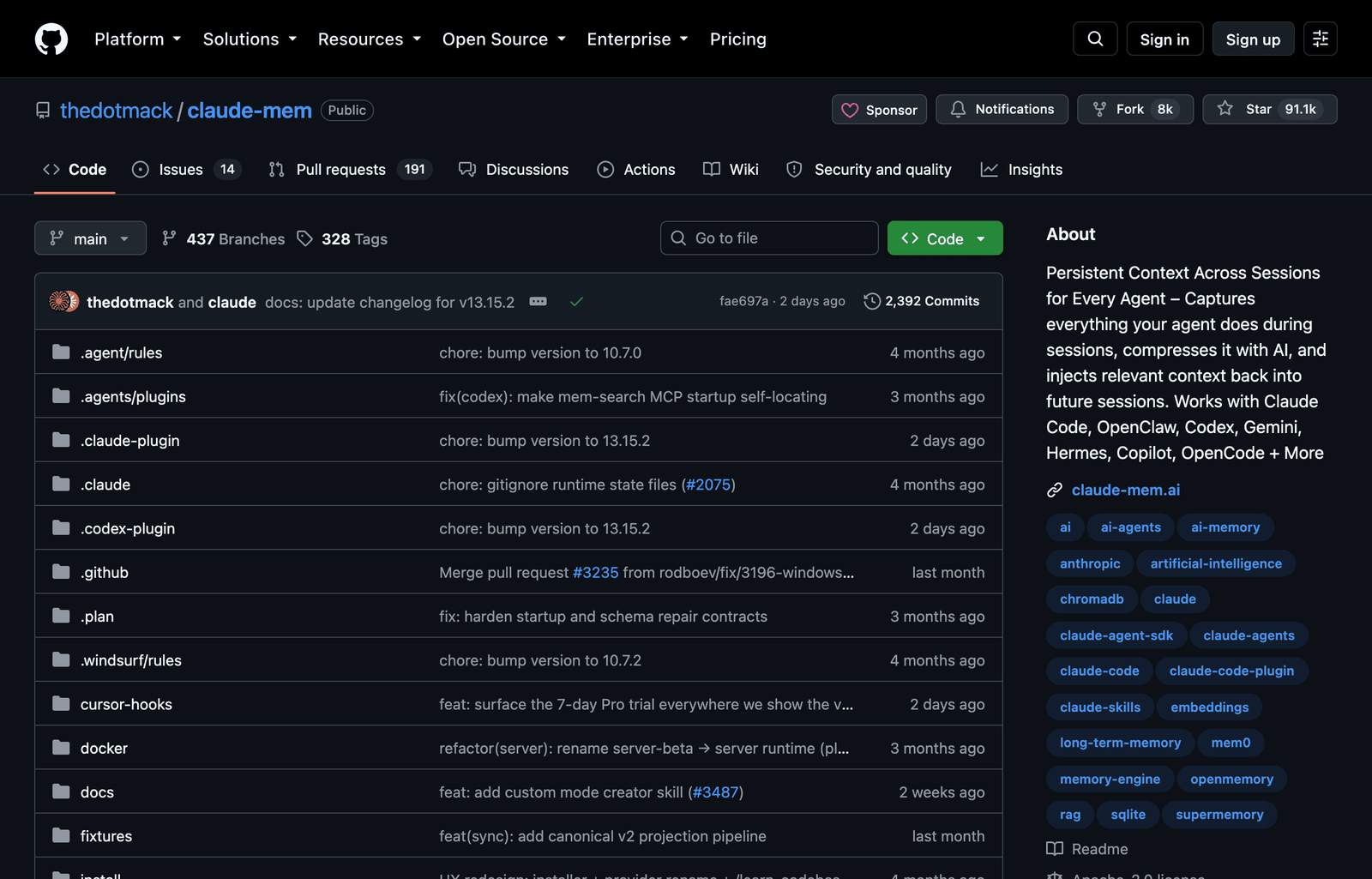
Claude Code forgets everything when the session ends, so you re-explain your architecture every morning. claude-mem attaches persistent memory backed by SQLite plus a ChromaDB vector store. It hooks the session start and stop events: on stop it distills what happened, on start it retrieves only the slices relevant to your current task instead of replaying the whole history.
That retrieval design is why it helps instead of hurts. A naive “remember everything” approach floods your context window and slows every turn; semantic recall pulls the three decisions that matter and leaves the rest on disk. At 91K stars in under a year, it is the single most-requested missing feature finally solved.
Install
npx claude-mem installTradeoff to know: it writes project context to local disk. That is fine on your own machine and worth a second thought on a shared or client repo, where you may not want session history persisted.
Document Skills — when the deliverable is a file, not a chat
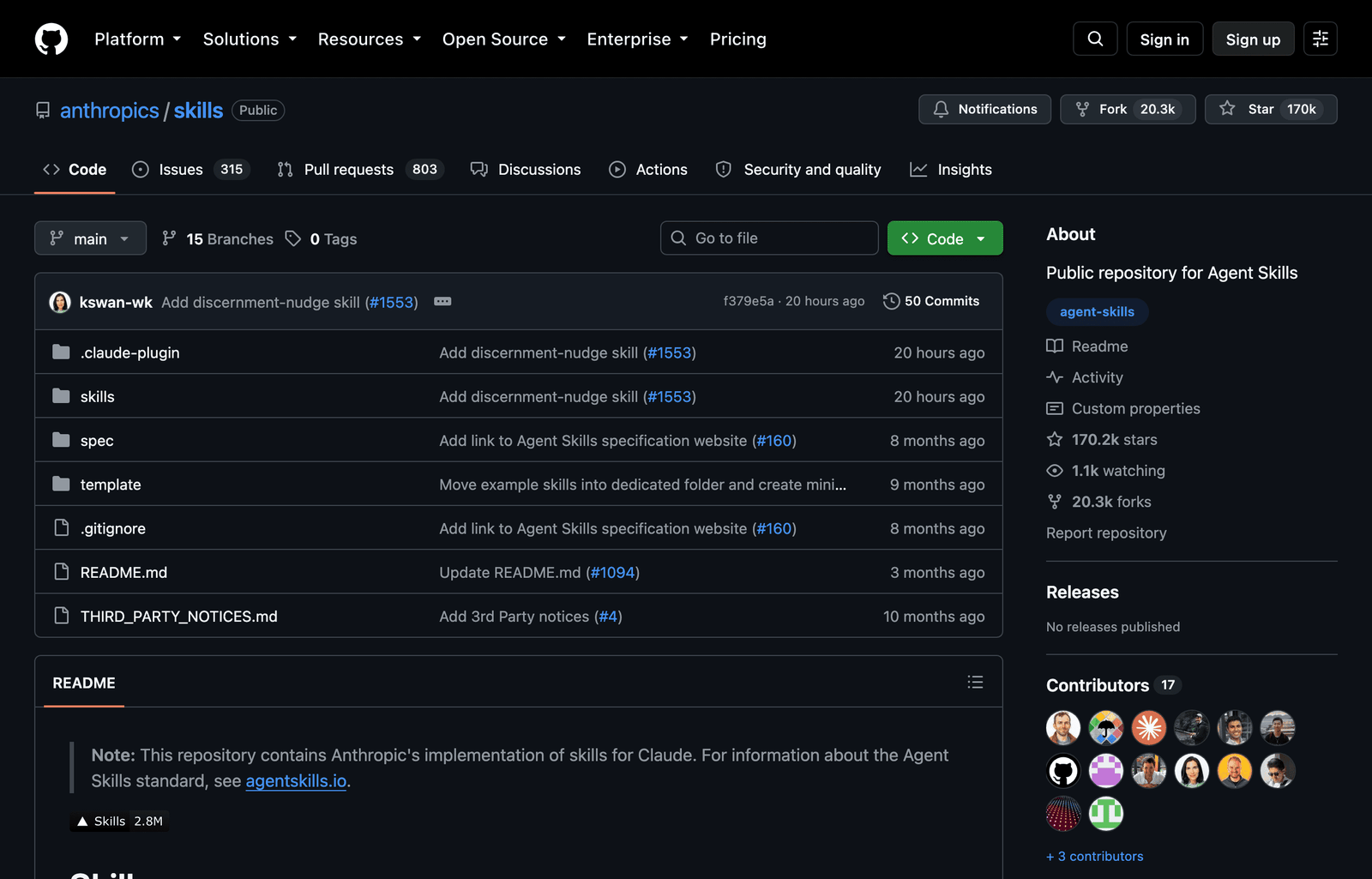
The official document-skills set (docx, pdf, pptx, xlsx, part of `anthropics/skills`) is the least glamorous pick and the one I use most. Each skill is Python-backed, so it produces genuine Office files with real styles, tables, and charts, not markdown you paste and reformat. It also reads in the other direction: hand it a 40-page PDF and ask for the tables as an `.xlsx`, and it extracts and rebuilds them.
/plugin marketplace add anthropics/skills
/plugin install document-skills@anthropic-agent-skills
Ask for “a quarterly report as a .docx with a summary table and a chart” and you get exactly that, opened in Word with the styles intact. Decks and spreadsheets work the same way, so the whole last mile of turning analysis into something a stakeholder can open stops being manual busywork.
Code Review — a second set of eyes that scales
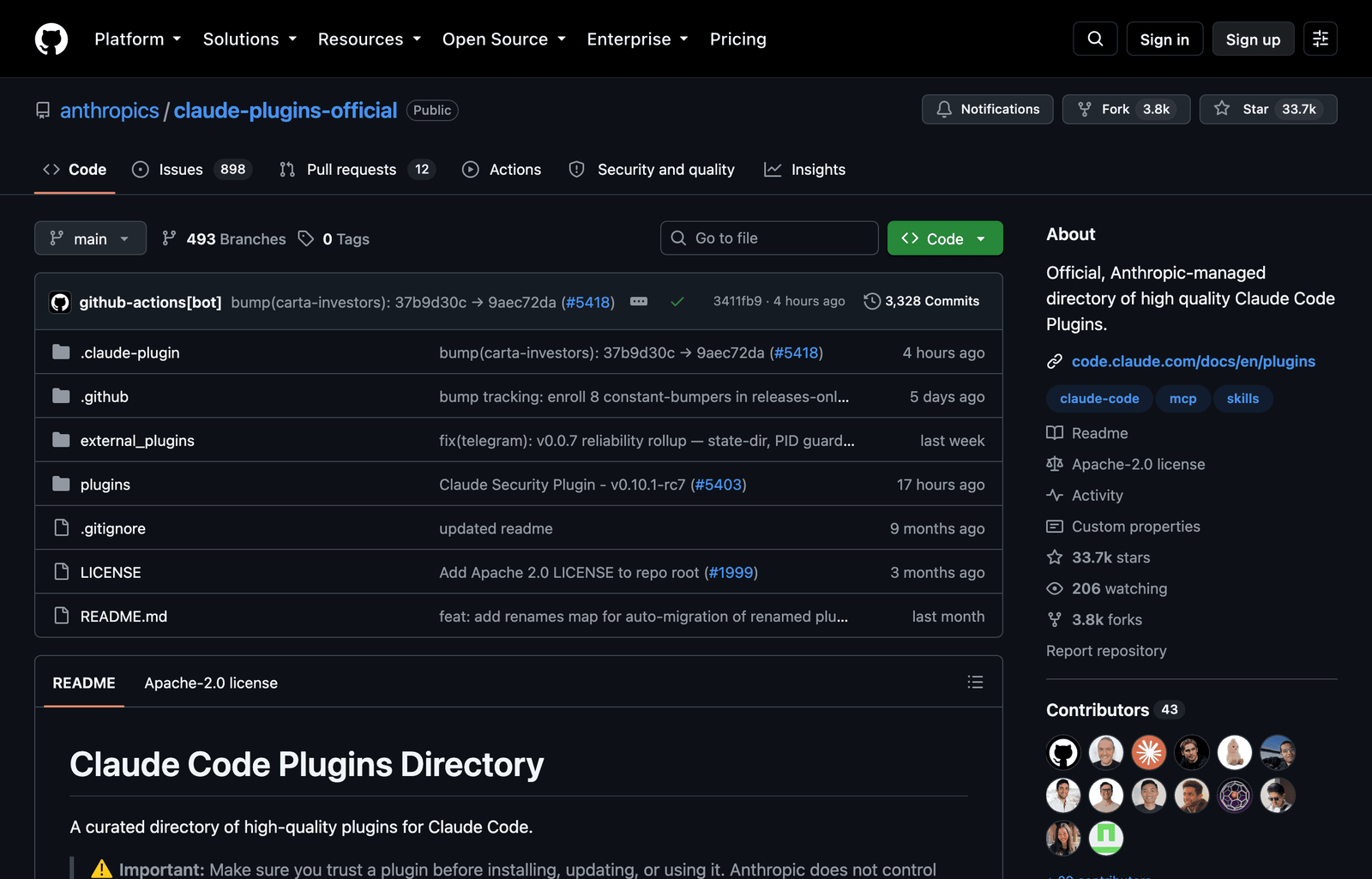
Anthropic’s official code-review plugin does not run one prompt over your diff. It dispatches specialized subagents across correctness, security, performance, and maintainability, then filters findings by confidence so you see the two that matter instead of a hundred style nits. You point it at a branch, a diff, or a pull request and it returns grouped, ranked findings with suggested fixes.
/plugin install code-review@claude-plugins-officialIt lives in the official `claude-plugins-official` marketplace, which is auto-added on first launch, so there is nothing to configure. In practice it is the difference between a review you actually read and one you skim and ignore, and it scales to PRs that are too large for a human to review carefully at 5pm.
Deep-Research-skills — grounded answers, with sources
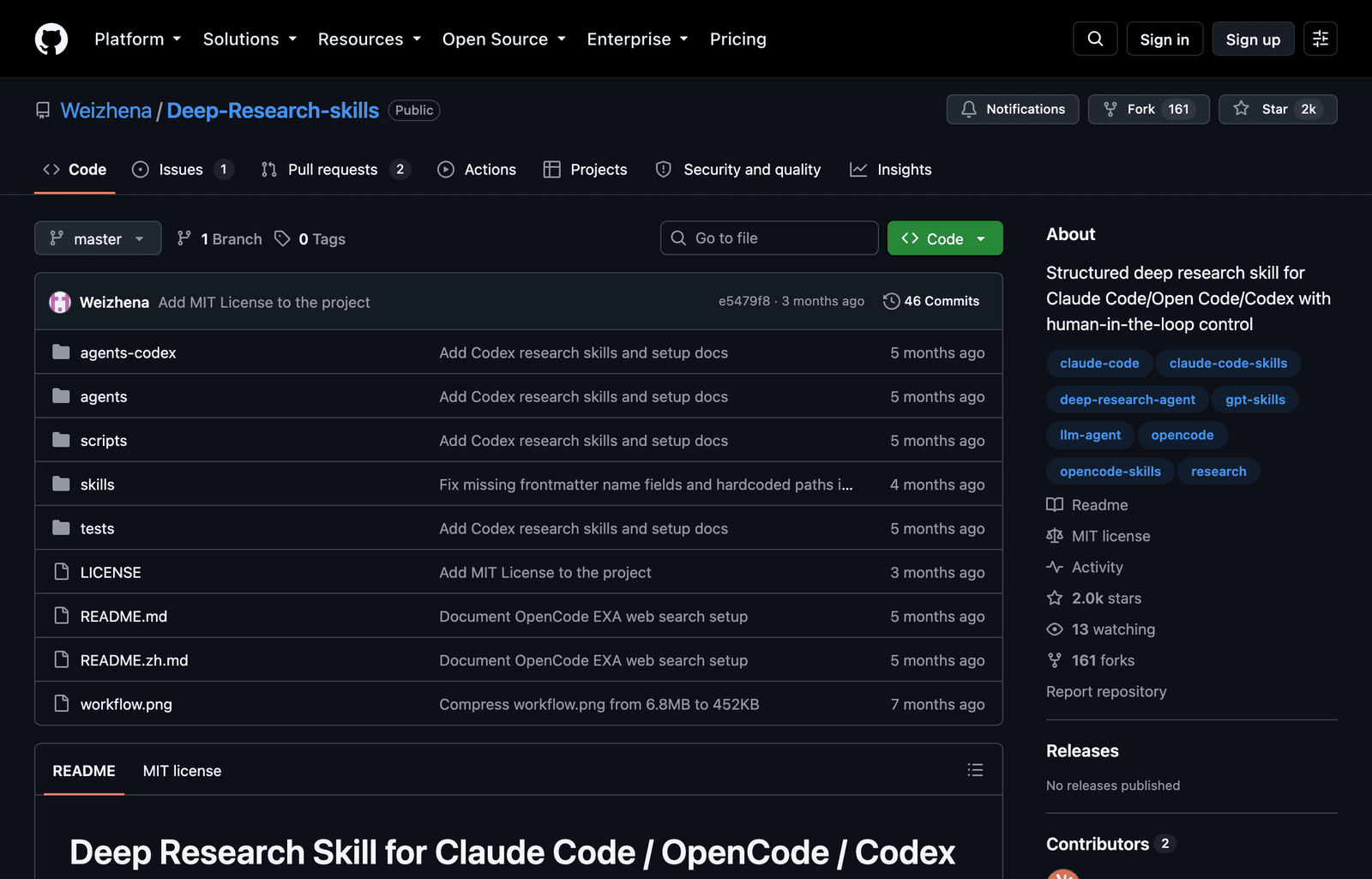
This one runs research as a real two-phase workflow. `/research` builds an outline and a field framework you approve first, so the agent investigates the right things. `/research-deep` then fans out one web-search subagent per item, each returning structured JSON validated against your fields, with citations. `/research-report` compiles the lot into a report.
It runs entirely on Claude Code’s native web search with no external API keys, and its search agent loads modular strategies (GitHub issues, Stack Overflow, academic papers) so it hunts each source type correctly instead of firing one generic query. We run it at aiartimind.com to ground every article, including this one. It sits at 1.9K stars because it is newer and quieter than the mega-packs, not because it is weaker.
Install
git clone https://github.com/Weizhena/Deep-Research-skills.git
cp -r Deep-Research-skills/skills/research-en/* ~/.claude/skills/
cp -r Deep-Research-skills/agents/* ~/.claude/agents/
Academic Research Skills — the long-form research engine
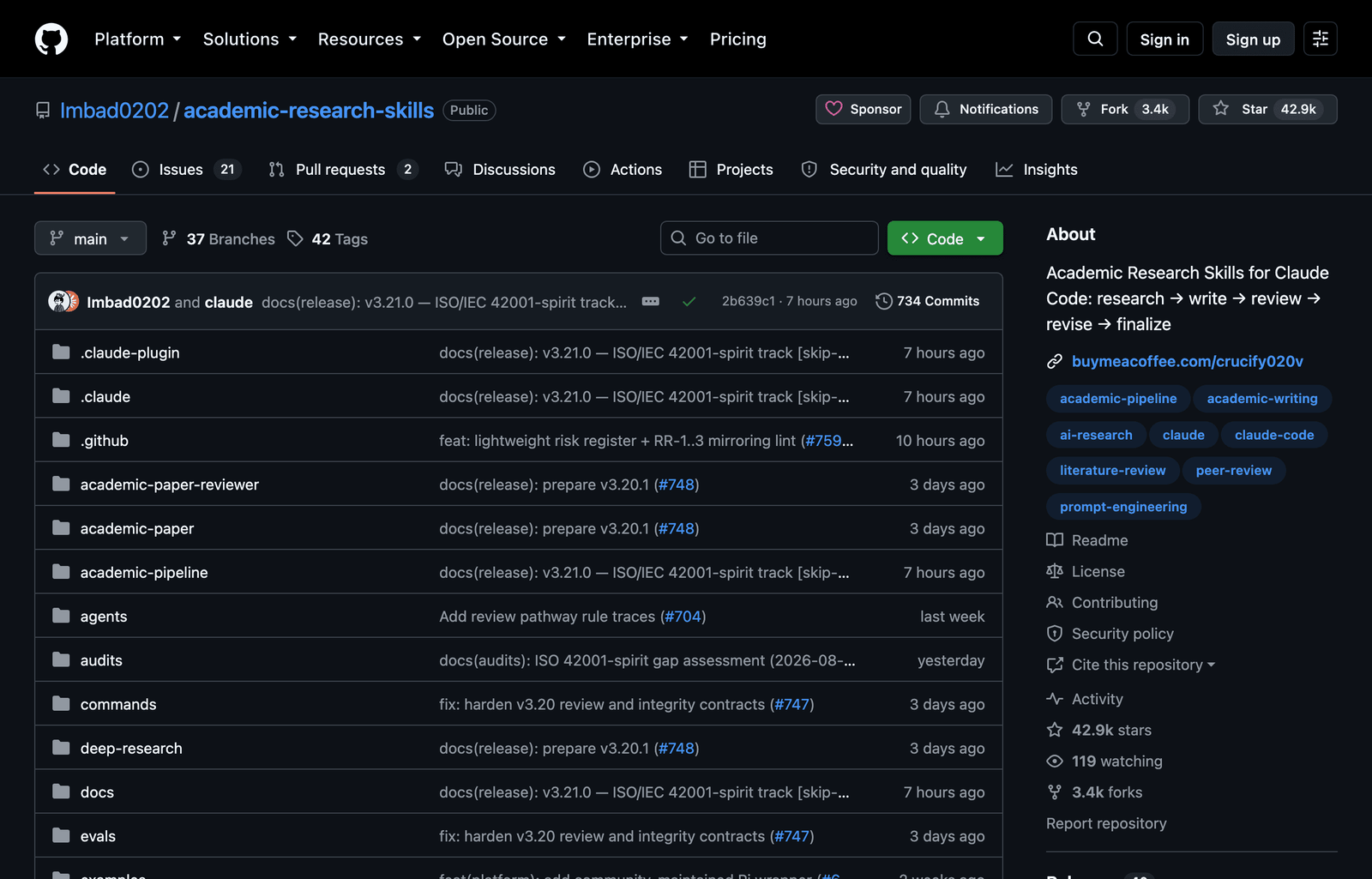
For anything that needs real rigor, Academic Research Skills runs a full research to write to review to revise to finalize pipeline, with a Socratic `/ars-plan` step that interrogates your intent before drafting. Its defining feature is anti-hallucination: it verifies every citation against Semantic Scholar, OpenAlex, and Crossref, triangulating across all three to flag references that do not actually exist, and it can follow PRISMA standards for systematic reviews.
/plugin marketplace add Imbad0202/academic-research-skills
/plugin install academic-research-skills
It went from launch to 43K stars in about six months. Output routes through Pandoc for `.docx` and Tectonic for LaTeX PDFs. Overkill for a tweet, exactly right for a whitepaper or a literature review where a single fabricated citation sinks the whole document.
Superdesign — taste, not just markup
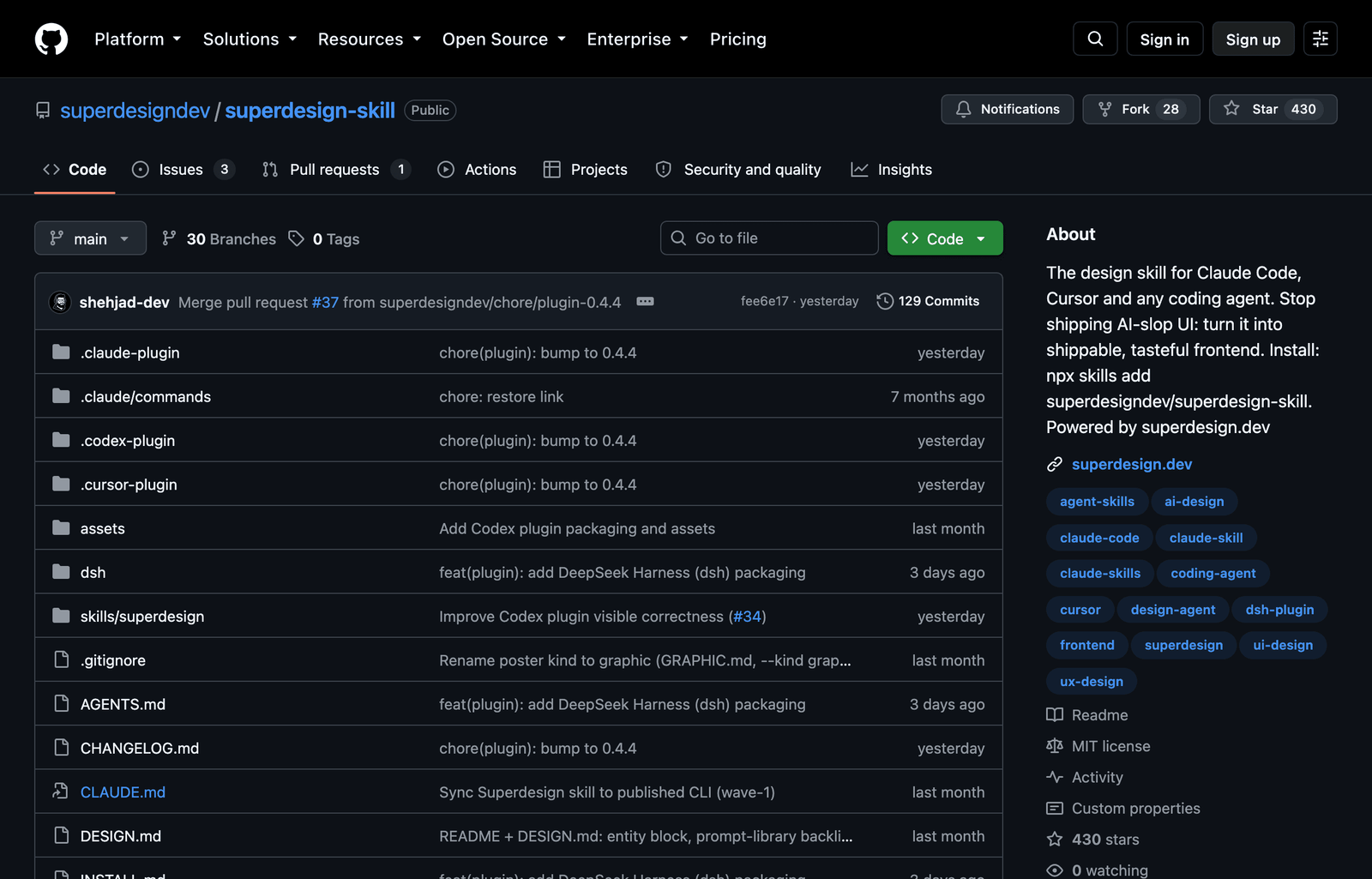
Most UI skills generate a component in a vacuum. Superdesign reads your existing design system first, then produces branchable UI drafts that match your tokens, spacing, and components, so the output looks like it belongs in your product rather than a fresh template.
Install
npx skills add superdesigndev/superdesign-skillAsk for a new settings screen and instead of inventing a look, it pulls your existing styles and drafts something you could ship, as a branch you can diff and reject cleanly. It pairs well with the official `frontend-design` skill: one supplies raw craft, the other supplies restraint. At 0.4K stars it is the hidden gem here, small but the difference between “an AI made this” and “this fits.”
How Claude Code Skills Actually Work
A skill is a folder with a `SKILL.md` file. Only two frontmatter fields are required: `name` and `description`. The description is not documentation, it is a routing rule, because Claude decides whether to invoke a skill by matching that line against your task. Write it like a trigger, not a summary.
The economics matter. At startup only the name and description of each skill load, roughly 100 tokens apiece, so ten skills cost you a paragraph of context. The full body loads only when the skill activates, which is why Anthropic recommends keeping it under about 5,000 tokens, and reference files load lazily on top of that. Because skills follow the open Agent Skills standard, the same folder works in Claude Code, Codex, Cursor, and Gemini CLI. Read the current Claude Code skills docs before writing your own.
There are three ways to install, and knowing which is which saves confusion:
Install
# 1. Plugin marketplace (bundles commands, subagents, hooks, MCP servers)
/plugin marketplace add <owner/repo>
/plugin install <plugin-name>@<marketplace-name>

# 2. The skills CLI (package-manager style, by Vercel Labs)
npx skills add <owner/repo> --skill <name> -a claude-code -g -y

# 3. Manual (oldest, simplest): drop a folder into ~/.claude/skills/
cp -r ./my-skill ~/.claude/skills/
The Bottom Line
The lesson from trying 100 is not that skills are hype. A handful genuinely change how the tool behaves, and the rest are noise dressed as a leaderboard. Start with these seven, install only what earns a permanent slot, and keep your skill set lean so the agent stays fast and predictable. For more Claude Code automation build-outs like this, aiartimind.com ships a new one most weeks.




2 Comments