
Higgsfield, Krea, and Freepik all sell the same thing: one account, one credit balance, and a menu of image and video models behind a single interface. A Claude skill can now do the same job from inside a conversation, and in some cases for less money.
The request looks like this:
A well-built generation skill turns that sentence into a plan. Claude picks the models, writes a prompt per model, quotes the cost, generates the files, and saves each one next to the prompt that produced it. Because the whole thing is a folder of Markdown and scripts, you can change the model list, the spending limits, and the house style without waiting for a vendor to ship a feature.
Three setups do this today, with different tradeoffs in cost, control, and model access.
| Option | How it connects | Models | Cost control | Best for |
|---|---|---|---|---|
| Blotato generate skill | Local Claude Code skill + KIE.ai API key | Nano Banana 2, GPT Image 2, Seedance 1.0 Pro/Lite, Seedance 2.5 | Price quote before each run, session and monthly caps in a local ledger | Cheapest per-asset cost, full local control |
| Vercel ai-cli skill | Claude Code skill + Vercel AI Gateway | GPT Image 2, Seedance 2.0, FLUX.2 Pro, Veo 3.1 Fast | Gateway budget cap, $5 monthly free credit | Teams already on Vercel, one bill for text and media |
| Higgsfield MCP | Remote connector in Claude settings | 30+ video models including Veo, Kling, Seedance, Minimax Hailuo | Higgsfield credit balance | Widest video model menu, no local setup |
1.What a Generation Skill Actually Does
A Claude skill is a folder with a SKILL.md file that tells Claude when and how to use it, plus any scripts it needs. For media generation, the skill supplies four things Claude does not have by default.
A routing table. The skill lists which model handles which job. Product still with no text: a cheap image model. A frame with readable UI or a price tag: a model that renders text correctly. A short vertical clip: a budget video model. Claude reads the request, matches it to the table, and picks the cheapest model that can do the job.
A cost gate. Before calling any API, the skill has Claude calculate the price of the batch and ask for approval. Ten images at 5 cents is 50 cents. Ten 10-second videos is a different conversation. The approval step is what makes “don’t spend more than $3” enforceable instead of a hope.
A ledger. Every generation gets written to a local file with model, cost, and timestamp. The skill checks it before each run, so a session cap or monthly cap holds across conversations.
A local archive. Outputs download into a project folder with the prompt saved alongside. Six weeks later, when a client wants “that amber serum shot again but in green,” you have the exact prompt, model, and settings that made the original.
The fourth point is where a skill beats most hosted platforms. On a web app, your generation history lives in someone else’s account. In a skill, it lives in your repository.
2.Blotato Generate Skill
The most complete open implementation is the generate skill in Blotato’s free skills collection, written up by Sabrina Ramonov as an extension of a RoboNuggets guide. It ships alongside seven content skills (brand brief, post writer, hook library, scheduler) in the Blotato skills repository.
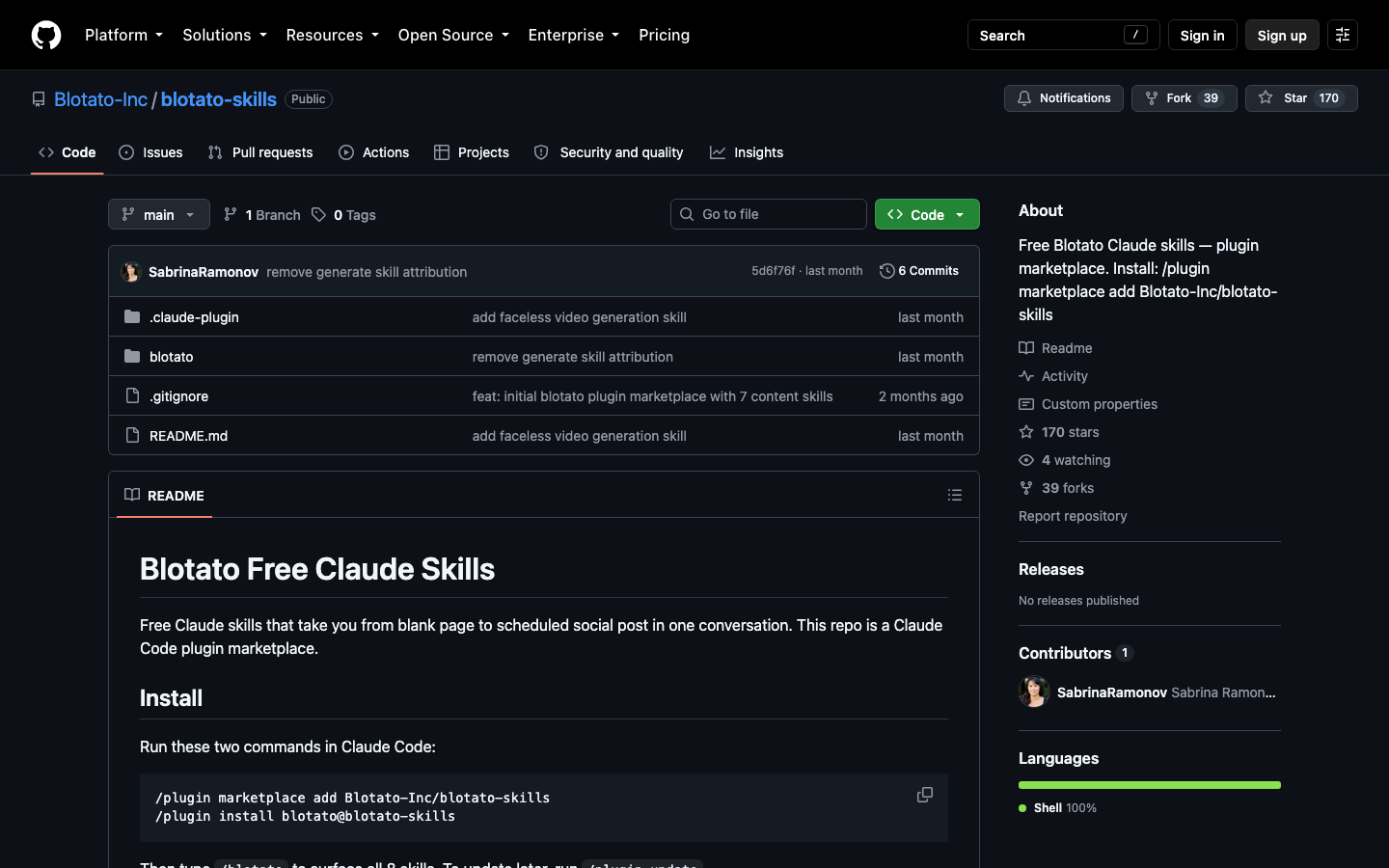
Install it as a Claude Code plugin:
Install
/plugin marketplace add Blotato-Inc/blotato-skills
/plugin install blotato@blotato-skills
Or copy the skill folder into ~/.claude/skills/ if you only want the generator.
2.1The Routing Table
All requests go through KIE.ai, an aggregator that resells access to image and video models at per-call prices. The skill routes like this:
| Job | Model |
|---|---|
| Default image | Nano Banana 2 |
| Image with readable text or UI | GPT Image 2 |
| Standard video | Seedance 1.0 Pro |
| Budget video | Seedance 1.0 Lite |
| Newest video model | Seedance 2.5 |
The text rule matters more than it looks. Most image models still garble lettering, so a product shot with a visible label or a fake app screen gets sent to GPT Image 2. Everything else defaults to the cheaper model.
2.2Budget and Quality Gates
The skill keeps a running ledger at generations/ledger.json with a $10 per-session cap and a $50 monthly cap. It quotes the exact price and waits for a yes before spending. Change either number in the skill file to match your own budget.
It also checks output against the request: 9:16 aspect ratio, 1080×1920 dimensions, and a post-download check that the video matches what was asked for. A generation that comes back in the wrong shape fails the gate instead of landing in your folder.
2.3What It Costs
The author reports images at 4 to 10 cents each and a 10-second video at roughly 75 cents. Twenty 10-second clips a month comes to about $15. Those are aggregator prices and they move, so treat them as a range, not a quote.
2.4Limits
Seedance 1.0 only produces 5 or 10-second clips. When you animate a still, the video inherits the still’s aspect ratio, so generate the image at the final shape. KIE.ai is a third-party reseller: pricing, uptime, and terms of service are theirs, not Google’s or ByteDance’s. For client work that needs a clear licensing chain, check the terms before you ship.
3.Vercel ai-cli Skill
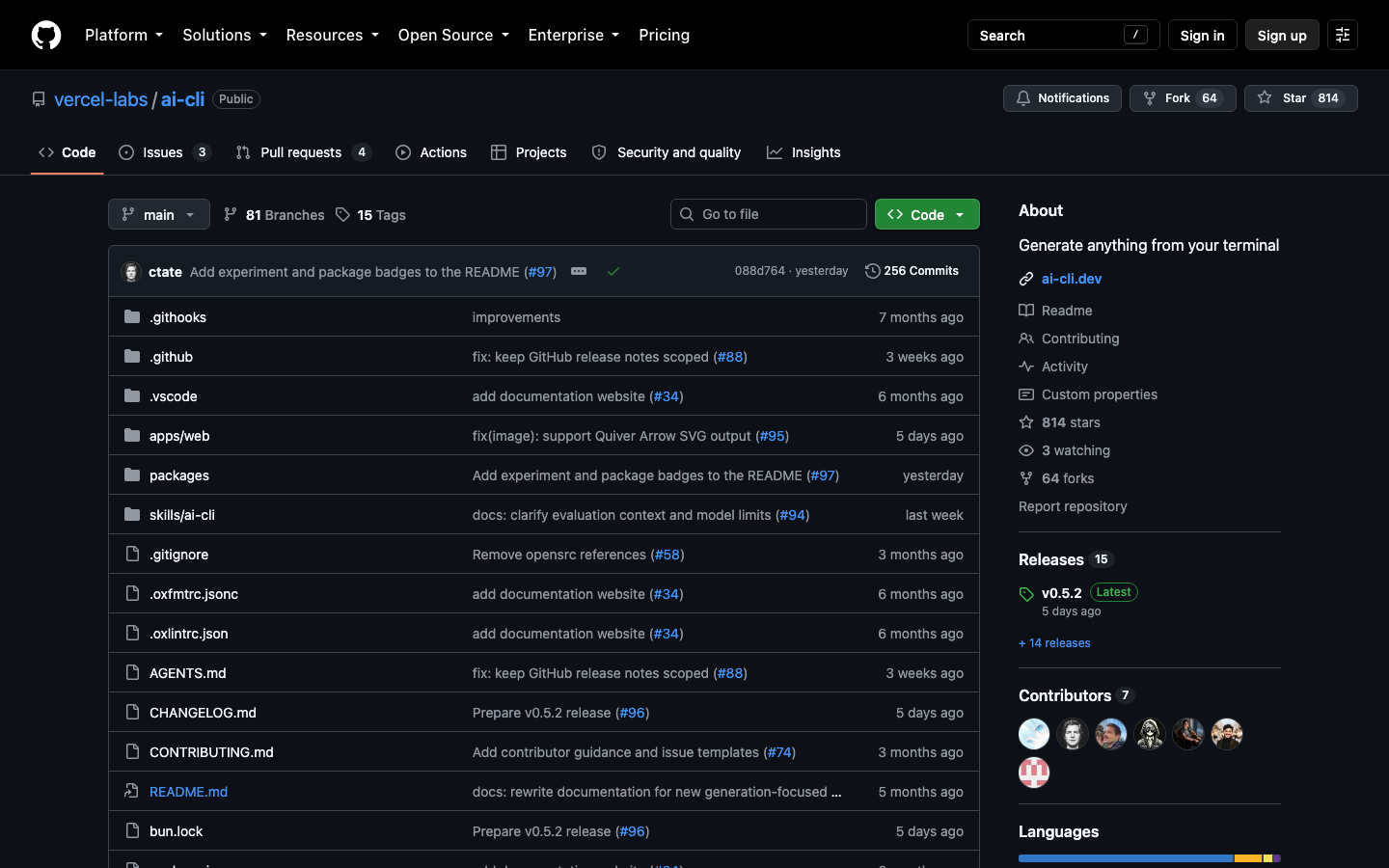
Vercel Labs publishes an ai-cli tool with a matching Claude Code skill. It runs through Vercel’s AI Gateway, so text, image, and video models sit behind one API key and one bill.
Install
npx skills add https://github.com/vercel-labs/ai-cli --skill ai-cliAfter install, ask Claude for an image or video in plain English, or call the CLI directly with ai image "..." and ai video "...". Defaults are openai/gpt-image-2 for images and bytedance/seedance-2.0 for video. For sharper stills, switch to bfl/flux-2-pro. For higher-fidelity motion, google/veo-3.1-fast-generate-001.
Cost control lives in the Vercel dashboard rather than a local ledger. You set a budget cap once and it applies to every tool that uses the gateway. Each Vercel team gets $5 of AI Gateway credit a month. One catch: buying any extra credit (the minimum for video is $10) moves the account to the paid tier and the free monthly $5 goes away.
This is the right choice if you already route LLM calls through Vercel. One dashboard shows text, image, and video spend together. The tradeoff is less custom logic: no per-job routing table or prompt archive unless you add them to the skill yourself.
4.Higgsfield MCP
Higgsfield takes the opposite approach. Instead of a local skill, it offers a remote MCP connector that plugs its platform straight into Claude. In Claude’s settings, add a custom connector pointing at https://mcp.higgsfield.ai/mcp and sign in with a Higgsfield account.
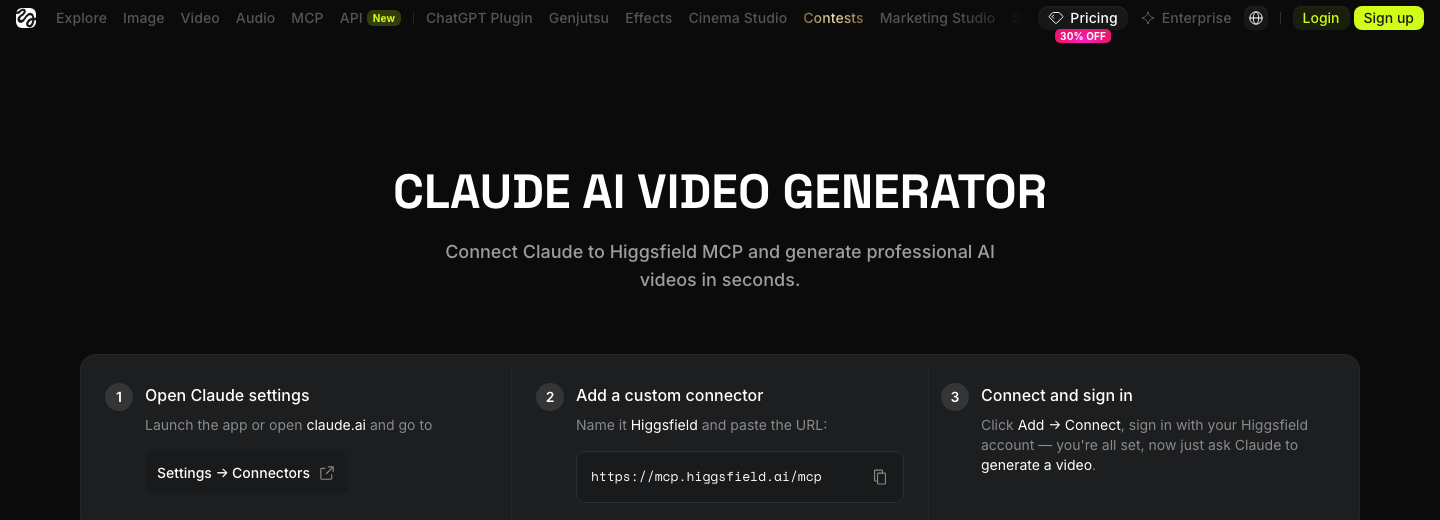
The draw is model breadth. The connector exposes more than 30 video models, including Veo, Kling, Seedance, Minimax Hailuo, and Higgsfield’s own Soul and Cinema Studio. Claude can pick one automatically or run the same prompt across several for a side-by-side comparison. Clips go up to 4K and 15 seconds.
Billing runs on Higgsfield credits, priced by model, duration, and resolution. You get less control than a local skill: no custom routing rules, no local ledger, and generations live in your Higgsfield account rather than your project folder. You also skip all the setup, and it works in Claude on the web, where local skills with scripts do not run.
5.Customizing the Skill Around How You Work
The real advantage of the skill approach is that the whole thing is editable text. Three changes pay off fastest.
Add a model. Add a row to the routing table and a short note on when to use it. If a new video model beats Seedance on product shots, it takes one line to make it the default for that job.
Set limits per project. A client project with a fixed budget gets its own cap. A personal experiment gets a lower one. Because the ledger is a file, you can keep one per project directory.
Save visual styles. Write your house style as a reusable block: lighting, palette, lens, background, what to avoid. Store it in the skill as a named style and reference it in requests:
Every output then starts from the same visual baseline, which is the difference between a consistent ad set and ten unrelated images.
6.Which One to Pick
Choose the Blotato-style local skill if cost per asset and ownership of your prompt history matter most, and you are comfortable with a third-party aggregator. Choose Vercel ai-cli if your team already lives on Vercel and wants one bill for all model spend. Choose Higgsfield MCP if you need the widest range of video models, or you work in Claude on the web and cannot run local scripts.
None of these replace judgment about what to generate. They remove the tab-switching, the manual prompt copying, and the surprise invoice. That is enough to make Claude the place where the visual work starts, not just where the copy gets written.