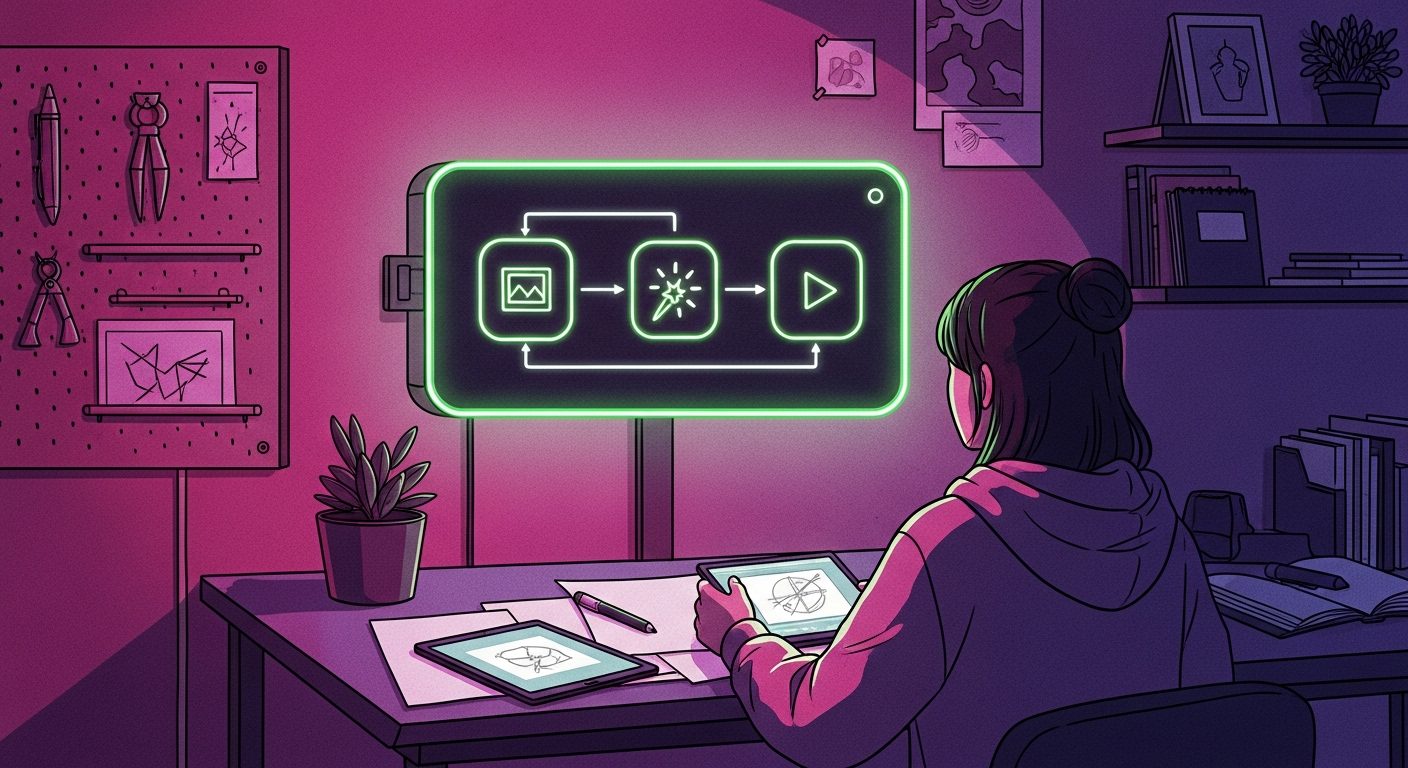
The barrier to professional-quality visual content has collapsed. What once required expensive software subscriptions and technical expertise is now accessible to anyone with an internet connection. Meta and Google have released powerful AI tools that let creators, marketers, and solo founders generate images, edit photos with surgical precision, and animate videos—completely free.
This isn’t about hobbyist tools with watermarks and usage limits. These are enterprise-grade AI platforms strategically deployed to democratize content creation while keeping users within their ecosystems. Whether you’re building social media campaigns, designing marketing materials, or creating YouTube thumbnails, these three tools deliver professional results without touching your budget.
Let’s explore each tool, how to use them effectively, and which one fits your specific creative workflow.
Why Free AI Tools Matter for Content Creators
For small businesses and solo creators, every dollar counts. Traditional design tools like Adobe Creative Suite or premium AI platforms can cost hundreds per month. These free alternatives from Meta and Google represent a strategic shift: platforms are embedding creative capabilities directly into their infrastructure, reducing reliance on third-party tools while making professional-grade creation accessible to everyone.
The timing is significant. Meta recently partnered with Midjourney to license their “aesthetic technology,” bringing museum-quality image generation to the masses. Meanwhile, Google’s Gemini 2.5 Flash Image model (nicknamed “Nano Banana”) solves one of AI’s hardest problems: maintaining character consistency across multiple edits. These aren’t experimental features—they’re production-ready tools reshaping how we create visual content.
1. Meta AI: Professional Image Generation Without Watermarks
Meta AI’s free AI image generator transforms text descriptions into high-quality visuals in seconds. Unlike many free tools that slap watermarks across your creations, Meta AI delivers clean, commercially usable images through a simple chat interface at meta.ai.
Key Features & Capabilities
The tool excels at artistic versatility, producing everything from photorealistic product shots to abstract concept art. Its Midjourney partnership shows immediately in the aesthetic quality—images feel polished and intentional rather than algorithmically generic. You can iterate endlessly, refining prompts until the output matches your vision, with no apparent generation limits on the free tier.
No watermarks means you can use these images directly in marketing materials, social media posts, blog headers, or client presentations without additional licensing concerns. For creators building personal brands or small businesses operating on tight margins, this alone justifies the tool’s value.
Step-by-Step Tutorial: Generating Your First Image
- Access the Tool: Navigate to meta.ai in your browser and log in with your Facebook account (required for image generation).
- Write Your Prompt: In the chat interface, describe your desired image. Be specific about style, lighting, composition, and subject matter.
- Generate & Select: Meta AI produces four variations per prompt. Review the options and select your favorite.
- Refine If Needed: Not quite right? Add details to your prompt and generate again. The AI learns from your refinements.
Tips for Better Prompts
Strong prompts move from generic to specific. Instead of “a cat,” try “a photorealistic portrait of a gray tabby cat with green eyes, soft natural window lighting, shallow depth of field, professional pet photography style.” Include:
- Subject details: Specific characteristics, expressions, poses
- Style references: “Cinematic,” “minimalist,” “vintage film photography”
- Lighting & atmosphere: “Golden hour,” “dramatic shadows,” “bright studio lighting”
- Composition notes: “Close-up,” “wide angle,” “centered subject”
Important Limitations: Currently available only to users in the United States. Access requires a Facebook account, and the interface encourages sharing across Meta’s properties (Instagram, WhatsApp, Threads, Messenger). If you’re building content for these platforms anyway, the integration is seamless. For more advanced prompt techniques, check out our comprehensive guide to AI image prompts.
2. Google’s Nano Banana: AI Photo Editing with Character Consistency
Google’s Gemini 2.5 Flash Image model—affectionately called “Nano Banana”—isn’t primarily an image generator from scratch. It’s a photo editing and composition assistant that excels at one critical task most AI tools fail: maintaining the identity of people and subjects across multiple complex edits.
What Makes Nano Banana Different
The tool’s standout capability is character consistency. Upload a photo of yourself, a client, or a product, then place that exact subject into entirely different scenes, outfits, or poses without facial distortion or identity drift. This solves a massive pain point for marketers creating multi-image campaigns or YouTubers building consistent thumbnail series.
Beyond consistency, Nano Banana handles sophisticated edits through natural language:
- Image blending: Seamlessly fuse elements from multiple photos with matched lighting and perspective
- Targeted modifications: Change specific elements (“replace this person’s jacket with a leather coat”) while leaving everything else untouched
- Scene transformation: Place subjects in entirely new environments with realistic integration
How to Edit Images with Nano Banana
- Upload Your Base Image: Open the Gemini app and upload the photo you want to modify.
- Describe Your Edit: Use conversational, detailed prompts. Instead of “change background,” try “Place this person on a rainy neon-lit city street at night, cyberpunk aesthetic, keep facial features identical.”
- Iterate: The model’s strength is multi-turn conversation. If the first result isn’t perfect, provide follow-up instructions to refine specific elements.
Best Use Cases for Creators
Marketing campaigns: Create a consistent character across multiple scenarios (product launch announcements, testimonial graphics, seasonal variations) without photoshoots for each scene.
YouTube thumbnail variations: Test different backgrounds, lighting, and compositions while keeping your face perfectly consistent—critical for A/B testing clickthrough rates.
Product mockups: Place the same product in various lifestyle settings (home office, outdoor cafe, minimalist studio) for e-commerce listings or social proof.
Storyboarding: Build visual narratives with consistent characters frame-by-frame without illustration skills.
Critical Limitation: The free tier is notably restricted. Users report running out of edits quickly, necessitating an upgrade to paid plans for sustained use. Plan your edits strategically, and consider batching similar modifications in single sessions. The tool can also lag occasionally, requiring patience.
3. Meta AI Animation: Turn Images into Video Clips
Static images are powerful, but motion commands attention. Meta AI’s image-to-video animation tool transforms any picture—whether AI-generated or your own upload—into short, shareable video clips perfect for social media feeds.
Animation Features & Capabilities
The process is remarkably simple: select an image, click “Animate,” and the AI generates motion automatically. No timeline editing, no keyframes, no technical video knowledge required.
Key features include:
- Dual input support: Animate images generated within Meta AI or upload your own photos
- Extendable length: Start with 5-second clips, then extend to 9 seconds, then 13 seconds while maintaining character consistency
- Style filters: Apply visual treatments like anime, cyberpunk, or vintage film aesthetics
- Audio integration: Add music tracks to enhance the emotional impact
- MP4 export: Download high-quality video files ready for Instagram Reels, YouTube Shorts, TikTok, or LinkedIn posts
Creating Your First Animated Video
- Choose Your Image: Either generate a new image with Meta AI’s text-to-image tool or upload an existing photo from your device.
- Animate: Click the “Animate” button to create your initial 5-second video clip. The AI analyzes the image and generates appropriate motion.
- Extend (Optional): Need longer clips? Use the “extend animation” feature to add additional seconds. You can repeat this process to reach 13 seconds total.
- Style & Download: Apply visual filters if desired, add background music, then click the download icon to save your MP4 file.
Extension & Styling Options
The extension feature maintains impressive consistency—characters don’t morph or break as you add length. However, note that once you apply a style filter, you cannot reanimate or make further edits to that specific video. Plan your styling as a final step.
For social media creators, these animations work exceptionally well for:
- Attention-grabbing openers: Turn static product photos into dynamic intros
- Story content: Add motion to behind-the-scenes photos
- Concept visualization: Bring illustrations and mockups to life for pitches
- Testimonial graphics: Animate client quotes or review screenshots
Like the image generator, the animation tool integrates seamlessly with Meta’s platforms, making distribution across Facebook, Instagram, Threads, WhatsApp, and Messenger frictionless. For deeper dives into video content strategy, explore our guide to AI video tools for creators.
2026 Free Creator Tools Comparison Matrix
Here is how the leading free and open creative tools compare for visual content, image consistency, and video generation in 2026:
| Tool | Best For | Free Tier & Limits | Watermarks | Commercial Use |
|---|---|---|---|---|
| Meta AI (Imagine & Animate) | Fast text-to-image and quick social animations | 100% Free (web and mobile apps) | Invisible SynthID / C2PA only (no visible watermark) | Yes (per Meta terms) |
| Google Gemini / Nano Banana | Character consistency & multi-turn photo editing | Free tier on gemini.google.com and AI Studio | None visible (embedded SynthID) | Yes |
| Wan 2.2 / 3.0 | Open-source image-to-video and character replacement | Free on Hugging Face Spaces & local ComfyUI | Zero watermarks | Apache 2.0 open weights |
| Kling 4.0 & MiniMax H3 | High-motion cinematic video clips | Daily free credits / free trial tiers | Minimal on free web exports | Paid/API tiers grant full rights |
| Claude Code & Remotion | Programmatic motion graphics and batch video ads | Free open-source CLI tooling | Zero watermarks | Full commercial code ownership |
Combined Workflow Strategy
These tools aren’t mutually exclusive—they’re complementary. Consider this workflow for maximum impact:
- Generate base images with Meta AI (concept art, product shots, character portraits)
- Refine those images in Nano Banana (change backgrounds, add elements, create variations)
- Animate the final edited images in Meta AI (create social media video content)
For example: A product marketer could generate a base product photo in Meta AI, use Nano Banana to place that product in five different lifestyle settings, then animate each variation into a 13-second video clip for Instagram Reels. Total cost: $0. Time investment: under an hour. For more on optimizing your creative workflow, see our complete AI content workflow guide.
Frequently Asked Questions: Free AI Creator Tools in 2026
Which free AI image tools do not add visible watermarks?
Meta AI (Imagine), Google Gemini (Nano Banana / Flash Image), and open-source models like Stable Diffusion / Wan in ComfyUI generate images without visible branded watermarks. They use cryptographic provenance metadata (such as SynthID or C2PA) embedded in the file headers instead of destructive visual logos.
What is the best free AI tool for animating still photos into videos?
For quick one-click animations, Meta AI Animation provides instant short motion loops. For higher control and longer video generation without subscriptions, the open-source Wan model on Hugging Face or in ComfyUI allows creators to animate characters and scene elements with zero licensing fees. Read our Wan 3.0 guide for step-by-step setup instructions.
Can I use free AI-generated images and videos for commercial monetization?
Yes, but always check provider terms. Meta AI and Google allow commercial use of outputs generated through standard consumer accounts. Open-weight models like Wan and FLUX carry open licenses (Apache 2.0) that permit commercial monetization for YouTube, ads, and client assets.
How do content creators maintain character consistency across multiple AI edits?
Google’s Gemini Flash Image model (Nano Banana) excels at maintaining character features, clothing, and facial structures across sequential prompts. In 2026, creators also combine character reference tags (sref / cref) in tools like Midjourney or use local LoRA adapters in ComfyUI.
How do I combine writing, image generation, and video into one workflow?
The modern 2026 creator stack connects language models for research and scripts (Claude / ChatGPT) with image generation (Meta AI / Gemini) and programmatic video rendering (Remotion / ffmpeg). For an end-to-end breakdown, read our guide on how to turn Claude Code into a full video studio.
The Bottom Line
The democratization of AI-powered visual creation is here. Meta AI and Google’s Nano Banana represent a fundamental shift: professional-grade tools are now accessible to anyone willing to learn conversational prompting. For creators, marketers, and solo founders, these free platforms eliminate financial barriers while delivering results that were impossible without teams and budgets just months ago.
Start with Meta AI for image generation, experiment with Nano Banana for precise editing, and add motion with Meta AI’s animation tool. Test all three, discover which fits your workflow, and start creating. The tools are free—the only investment is your time and creativity.


3 Comments